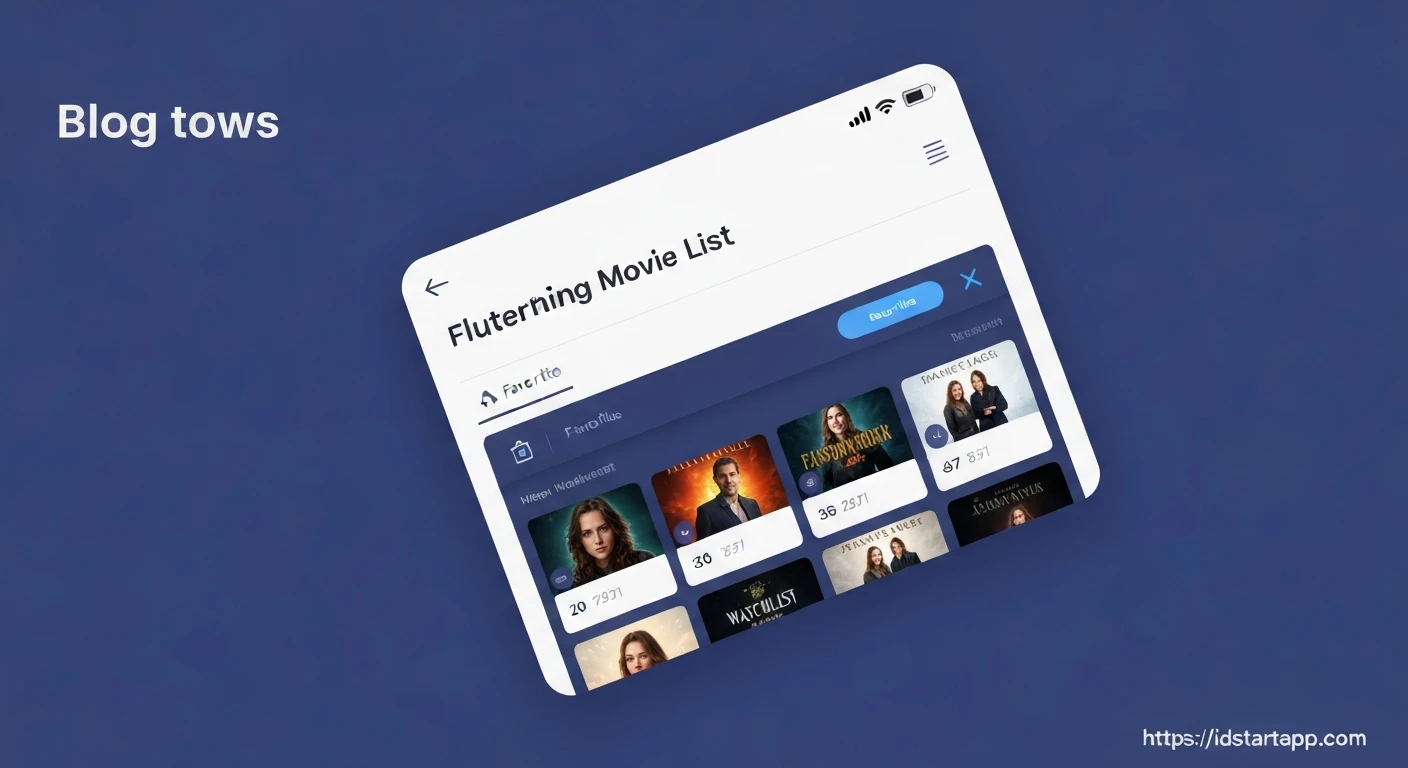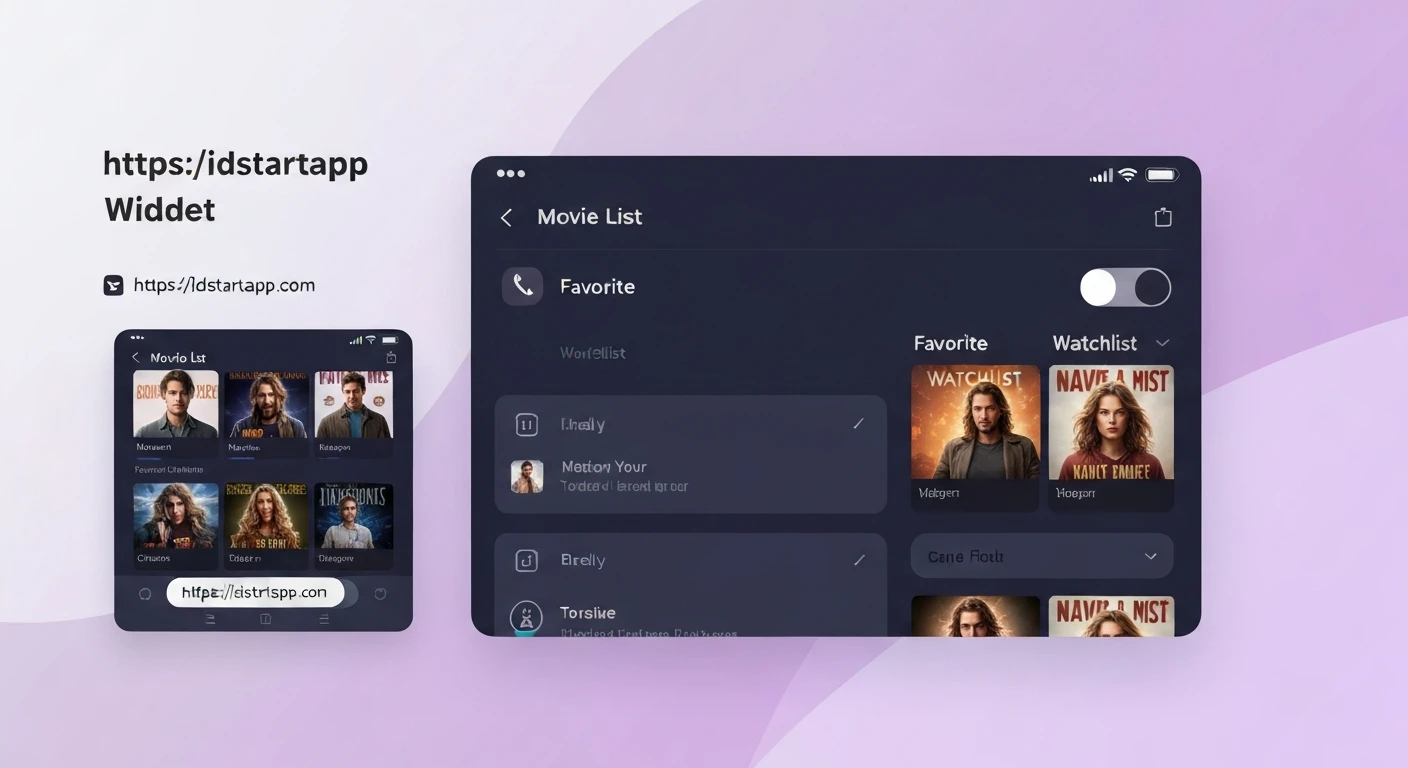

Building a Movie List Widget with Favorite & Watchlist Toggle in Flutter
Creating dynamic lists with interactive elements is a common requirement in mobile applications.
This article guides you through building a movie list widget in Flutter, complete with a state management solution
to handle "Favorite" and "Watchlist" toggles for each movie. We will utilize Flutter's declarative UI and
the provider package for efficient state management.
Project Setup
First, create a new Flutter project if you haven't already.
Then, add the provider package to your pubspec.yaml file.
dependencies:
  flutter:
    sdk: flutter
  cupertino_icons: ^1.0.2
  provider: ^6.0.5 # Use the latest version
After adding the dependency, run flutter pub get to fetch the package.
1. The Movie Model
We need a data structure to represent a movie, including its title, description, and status for favorite and watchlist.
Create a new file named lib/models/movie.dart.
import 'package:flutter/foundation.dart';

class Movie with ChangeNotifier {
  final String id;
  final String title;
  final String description;
  bool isFavorite;
  bool isInWatchlist;

  Movie({
    required this.id,
    required this.title,
    required this.description,
    this.isFavorite = false,
    this.isInWatchlist = false,
  });

  void toggleFavorite() {
    isFavorite = !isFavorite;
    notifyListeners();
  }

  void toggleWatchlist() {
    isInWatchlist = !isInWatchlist;
    notifyListeners();
  }
}
Notice that our Movie model extends ChangeNotifier. This allows each individual movie instance
to notify listeners (e.g., its corresponding widget) when its state changes, which is useful if you want to manage
the state of individual items within a larger list using providers.
2. Movie Provider (State Management)
We'll create a ChangeNotifier that manages a list of Movie objects.
This provider will hold our initial movie data and offer methods to update the state of movies.
Create lib/providers/movie_provider.dart.
import 'package:flutter/material.dart';
import '../models/movie.dart';

class MovieProvider with ChangeNotifier {
  final List<Movie> _movies = [
    Movie(
      id: 'm1',
      title: 'The Shawshank Redemption',
      description: 'Two imprisoned men bond over a number of years, finding solace and eventual redemption through acts of common decency.',
    ),
    Movie(
      id: 'm2',
      title: 'The Godfather',
      description: 'The aging patriarch of an organized crime dynasty transfers control of his clandestine empire to his reluctant son.',
    ),
    Movie(
      id: 'm3',
      title: 'The Dark Knight',
      description: 'When the menace known as The Joker emerges from his mysterious past, he wreaks havoc and chaos on the people of Gotham.',
    ),
    Movie(
      id: 'm4',
      title: 'Pulp Fiction',
      description: 'The lives of two mob hitmen, a boxer, a gangster and his wife, and a pair of diner bandits intertwine in four tales of violence and redemption.',
    ),
    Movie(
      id: 'm5',
      title: 'Forrest Gump',
      description: 'The presidencies of Kennedy and Johnson, the Vietnam War, the Watergate scandal and other historical events unfold from the perspective of an Alabama man with an IQ of 75.',
    ),
  ];

  List<Movie> get movies {
    return [..._movies]; // Return a copy to prevent external modification
  }

  // If we were only toggling through MovieProvider, we might do this:
  // void toggleMovieFavorite(String movieId) {
  //   final movieIndex = _movies.indexWhere((movie) => movie.id == movieId);
  //   if (movieIndex >= 0) {
  //     _movies[movieIndex].isFavorite = !_movies[movieIndex].isFavorite;
  //     notifyListeners();
  //   }
  // }
  // However, since Movie itself is a ChangeNotifier, we'll let Movie handle its own toggle logic.
  // The MovieProvider primarily provides the list of movies.
}
3. The Movie Card Widget
This widget will display the details of a single movie and include the toggle buttons.
It will listen to changes in the individual Movie object provided by the list.
Create lib/widgets/movie_card.dart.
import 'package:flutter/material.dart';
import 'package:provider/provider.dart';
import '../models/movie.dart';

class MovieCard extends StatelessWidget {
  @override
  Widget build(BuildContext context) {
    // We use Selector to listen only to changes in specific properties
    // of the Movie object, optimizing rebuilds.
    // If Movie itself is a ChangeNotifier, then Consumer<Movie> is better
    // to rebuild on any change within that Movie instance.
    return Consumer<Movie>(
      builder: (ctx, movie, child) => Card(
        margin: const EdgeInsets.symmetric(vertical: 8, horizontal: 16),
        elevation: 4,
        child: Padding(
          padding: const EdgeInsets.all(12.0),
          child: Column(
            crossAxisAlignment: CrossAxisAlignment.start,
            children: [
              Text(
                movie.title,
                style: Theme.of(context).textTheme.headline6,
              ),
              const SizedBox(height: 8),
              Text(
                movie.description,
                style: Theme.of(context).textTheme.bodyText2,
              ),
              const SizedBox(height: 12),
              Row(
                mainAxisAlignment: MainAxisAlignment.end,
                children: [
                  IconButton(
                    icon: Icon(
                      movie.isFavorite ? Icons.favorite : Icons.favorite_border,
                      color: movie.isFavorite ? Colors.red : Colors.grey,
                    ),
                    onPressed: () {
                      movie.toggleFavorite();
                      ScaffoldMessenger.of(context).showSnackBar(
                        SnackBar(
                          content: Text(
                            movie.isFavorite ? 'Added to Favorites!' : 'Removed from Favorites!',
                          ),
                          duration: const Duration(milliseconds: 700),
                        ),
                      );
                    },
                  ),
                  IconButton(
                    icon: Icon(
                      movie.isInWatchlist ? Icons.bookmark : Icons.bookmark_border,
                      color: movie.isInWatchlist ? Colors.blue : Colors.grey,
                    ),
                    onPressed: () {
                      movie.toggleWatchlist();
                      ScaffoldMessenger.of(context).showSnackBar(
                        SnackBar(
                          content: Text(
                            movie.isInWatchlist ? 'Added to Watchlist!' : 'Removed from Watchlist!',
                          ),
                          duration: const Duration(milliseconds: 700),
                        ),
                      );
                    },
                  ),
                ],
              ),
            ],
          ),
        ),
      ),
    );
  }
}
4. The Movie List Screen
This screen will fetch the list of movies from our MovieProvider and display them using ListView.builder.
Crucially, for each movie, we wrap MovieCard in a ChangeNotifierProvider.value to ensure
the MovieCard listens to the specific Movie instance.
Create lib/screens/movie_list_screen.dart.
import 'package:flutter/material.dart';
import 'package:provider/provider.dart';
import '../providers/movie_provider.dart';
import '../widgets/movie_card.dart';
import '../models/movie.dart'; // Import the Movie model

class MovieListScreen extends StatelessWidget {
  @override
  Widget build(BuildContext context) {
    final movieProvider = Provider.of<MovieProvider>(context);
    final movies = movieProvider.movies;

    return Scaffold(
      appBar: AppBar(
        title: const Text('Movie List'),
      ),
      body: ListView.builder(
        itemCount: movies.length,
        itemBuilder: (ctx, i) {
          // Provide each Movie object as a ChangeNotifier
          return ChangeNotifierProvider<Movie>.value(
            value: movies[i],
            child: MovieCard(),
          );
        },
      ),
    );
  }
}
5. Main Application File
Finally, set up your main application file (lib/main.dart) to include the ChangeNotifierProvider
for our MovieProvider at the root of the widget tree. This makes the MovieProvider
accessible to all descendant widgets.
import 'package:flutter/material.dart';
import 'package:provider/provider.dart';
import './providers/movie_provider.dart';
import './screens/movie_list_screen.dart';

void main() {
  runApp(MyApp());
}

class MyApp extends StatelessWidget {
  @override
  Widget build(BuildContext context) {
    return ChangeNotifierProvider(
      create: (ctx) => MovieProvider(),
      child: MaterialApp(
        title: 'Movie App',
        theme: ThemeData(
          primarySwatch: Colors.indigo,
          visualDensity: VisualDensity.adaptivePlatformDensity,
        ),
        home: MovieListScreen(),
      ),
    );
  }
}
Conclusion
You have successfully built a Flutter application that displays a list of movies,
each with interactive "Favorite" and "Watchlist" toggles. By leveraging the provider package,
you've implemented an efficient state management solution where individual movie items
can manage their own toggled states and rebuild only their specific UI parts when necessary.
This pattern is highly scalable and can be extended to include more complex features like
persisting data using local storage (e.g., shared_preferences or sqflite)
or fetching movie data from a remote API.