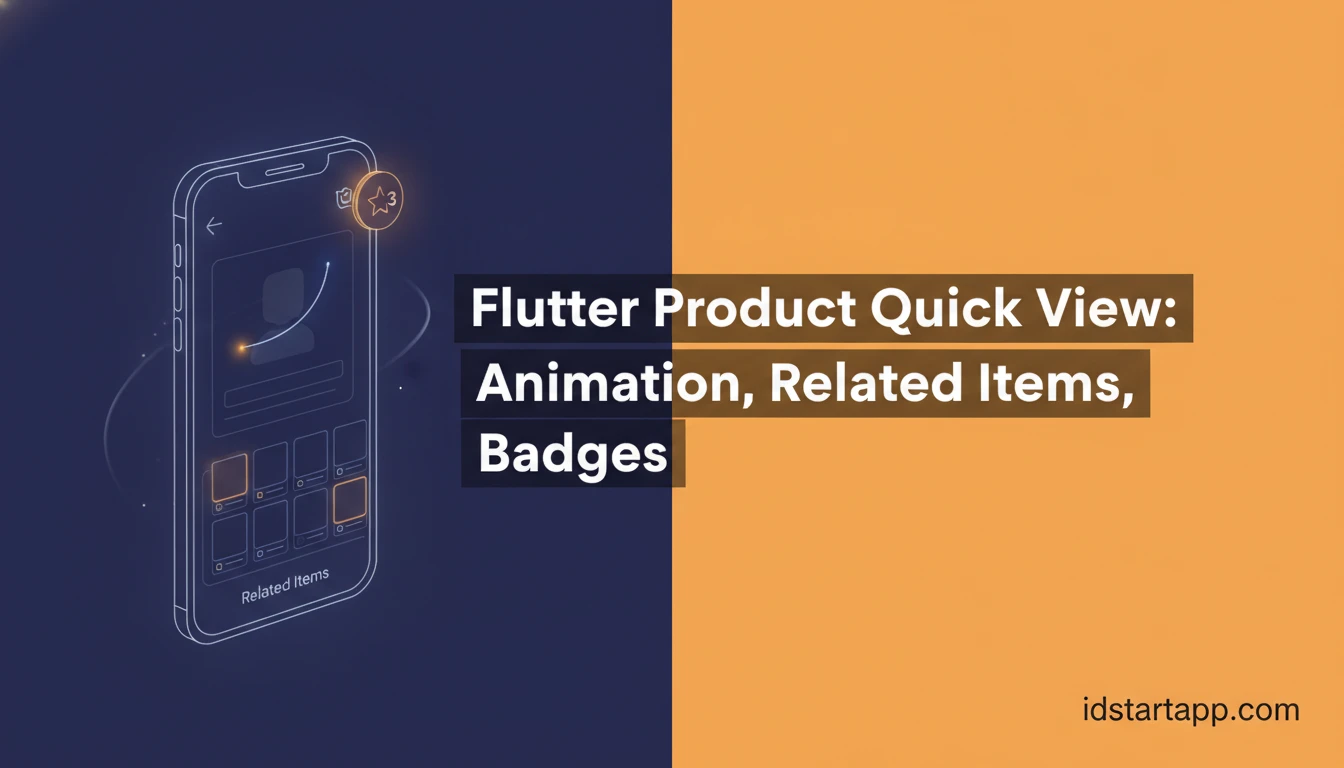

Flutter Product Quick View: Animation, Related Items, Badges
Building an engaging e-commerce or product catalog application in Flutter often requires more than just static product listings. A "Product Quick View" widget significantly enhances the user experience by allowing customers to get a snapshot of product details, view related items, and spot promotions without navigating to a separate product detail page. This article will guide you through creating a sophisticated Product Quick View widget in Flutter, complete with smooth animations, a section for related products, and attention-grabbing promo badges.
You'll learn how to structure the quick view as an overlay, implement various animation types for a polished feel, dynamically display product information, and integrate both promotional badges and a carousel of related items. By the end, you'll have a robust, reusable component that elevates your Flutter application's interactivity and usability.
Understanding the Product Quick View Concept
A Product Quick View is a modal or overlay that appears over the current screen, presenting essential information about a product. Its primary goal is to provide immediate access to key details, reducing friction in the browsing experience. Users can quickly decide if they want to explore further or add to a cart without leaving their current context. A well-implemented quick view often includes:
- Product Image(s): High-quality visuals.
- Basic Details: Name, price, short description.
- Call to Action: "Add to Cart," "View Details."
- Animations: Smooth transitions for opening and closing.
- Promo Badges: "Sale," "New," "Limited Stock" indicators.
- Related Items: Suggestions to encourage further browsing.
Prerequisites for Building Your Widget
Before diving into the code, ensure you have the following set up:
- Flutter SDK: Installed and configured.
- Basic Flutter Knowledge: Familiarity with widgets, state management, and layout.
- Product Data Model: A simple data structure to represent your products.
For our examples, let's define a basic Product class:
class Product { final String id; final String name; final String imageUrl; final double price; final String description; final String? promoBadge; // e.g.,