
Building a Chat Input Widget with Voice Recording in Flutter
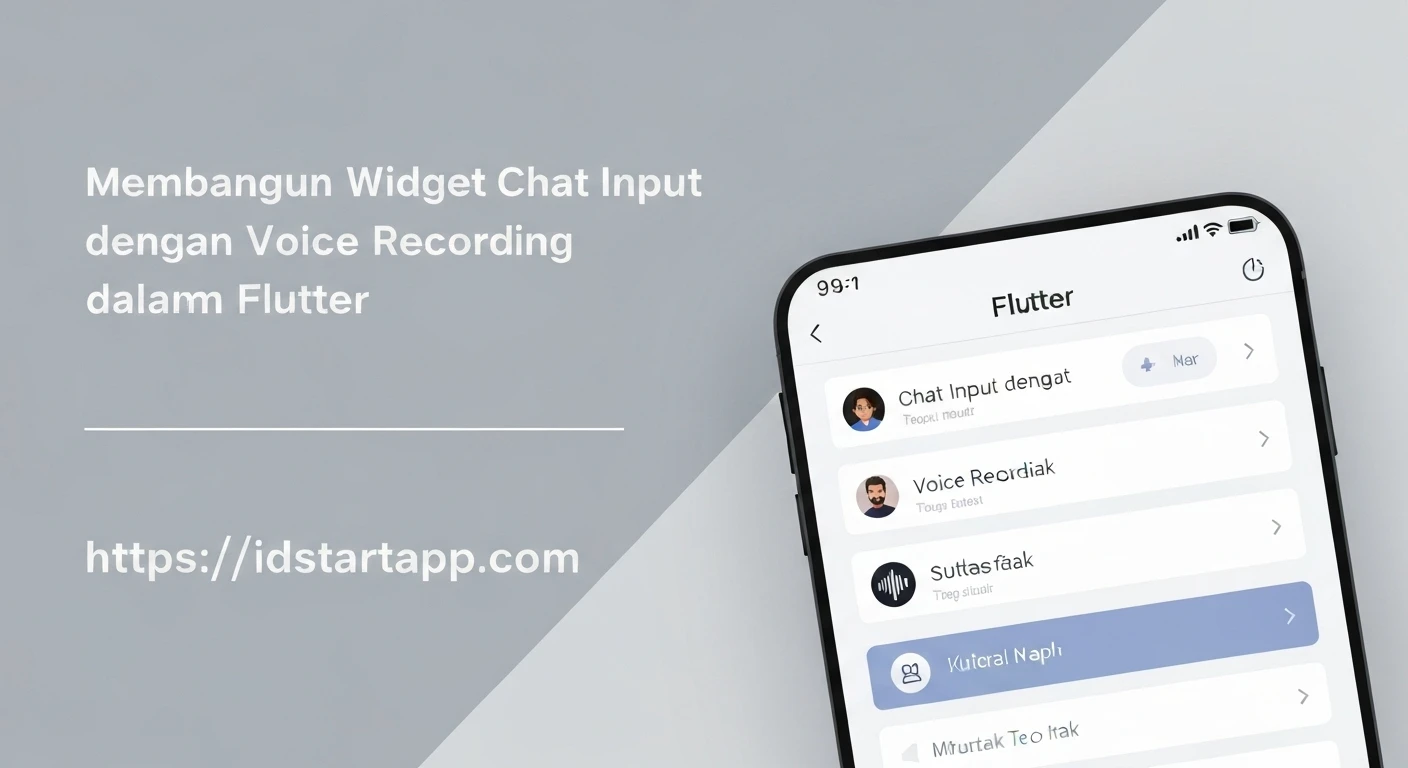
In modern chat applications, rich media communication is paramount for an engaging user experience. While text messaging remains fundamental, the ability to send voice messages adds a personal touch and convenience, especially when typing is impractical. This article will guide you through building a custom Flutter chat input widget that incorporates voice recording functionality, allowing users to effortlessly send audio messages.
Introduction
Integrating voice recording into a chat application significantly enhances its utility and user satisfaction. It provides an alternative communication method that can be quicker and more expressive than text. We will cover the essential steps, from handling platform permissions to designing the UI and implementing the core recording logic using Flutter.
Prerequisites and Dependencies
To begin, ensure you have a Flutter project set up. We'll rely on a few key packages to manage permissions, record audio, and handle file paths. Add the following dependencies to your pubspec.yaml file:
dependencies:
  flutter:
    sdk: flutter
  permission_handler: ^11.1.0 # For requesting microphone permissions
  record: ^7.0.0             # For recording audio
  path_provider: ^2.1.2      # For getting temporary directory paths
After adding, run flutter pub get to fetch the packages.
Platform-Specific Configuration
Voice recording requires microphone access. You'll need to declare this permission in your platform-specific configuration files.
AndroidAdd the following to your android/app/src/main/AndroidManifest.xml inside the <manifest> tag:
<uses-permission android:name="android.permission.RECORD_AUDIO" />
<uses-permission android:name="android.permission.WRITE_EXTERNAL_STORAGE" android:maxSdkVersion="28" />
Add the following to your ios/Runner/Info.plist file:
<key>NSMicrophoneUsageDescription</key>
<string>This app needs microphone access to record voice messages.</string>
Handling Permissions
Before recording, we must request microphone permission from the user. It's good practice to encapsulate this logic in a reusable function.
import 'package:permission_handler/permission_handler.dart';

Future<bool> requestMicrophonePermission() async {
  var status = await Permission.microphone.status;
  if (!status.isGranted) {
    status = await Permission.microphone.request();
  }
  return status.isGranted;
}
Designing the Chat Input Widget
Our chat input widget will typically consist of a TextField for text input, a send button, and a record button. When the user long-presses the record button, the recording should start. A timer or indicator can show the recording duration.
The UI will dynamically change: when not recording, a text field and a record button (or send button if text is present). When recording, the text field might disappear or become read-only, replaced by a recording indicator and a "slide to cancel" area.
Implementing Voice Recording Logic
We'll use the record package for audio recording. The core logic involves initializing the recorder, starting, and stopping the recording, and saving the output to a temporary file.
import 'dart:async';
import 'package:flutter/material.dart';
import 'package:record/record.dart';
import 'package:path_provider/path_provider.dart';
import 'package:permission_handler/permission_handler.dart';
import 'dart:io';

class VoiceChatInput extends StatefulWidget {
  final Function(String message)? onSendText;
  final Function(String audioPath, Duration duration)? onSendVoice;

  const VoiceChatInput({
    Key? key,
    this.onSendText,
    this.onSendVoice,
  }) : super(key: key);

  @override
  _VoiceChatInputState createState() => _VoiceChatInputState();
}

class _VoiceChatInputState extends State<VoiceChatInput> {
  final TextEditingController _textController = TextEditingController();
  final Record _audioRecorder = Record();
  bool _isRecording = false;
  String? _recordPath;
  Duration _recordDuration = Duration.zero;
  Timer? _timer;

  @override
  void initState() {
    super.initState();
  }

  @override
  void dispose() {
    _timer?.cancel();
    _audioRecorder.dispose();
    _textController.dispose();
    super.dispose();
  }

  Future<bool> _requestPermission() async {
    var status = await Permission.microphone.status;
    if (!status.isGranted) {
      status = await Permission.microphone.request();
    }
    return status.isGranted;
  }

  Future<void> _startRecording() async {
    final hasPermission = await _requestPermission();
    if (!hasPermission) {
      // Handle permission denied case
      ScaffoldMessenger.of(context).showSnackBar(
        SnackBar(content: Text('Microphone permission denied.')),
      );
      return;
    }

    try {
      if (await _audioRecorder.hasPermission()) {
        final dir = await getTemporaryDirectory();
        _recordPath = '${dir.path}/flutter_audio_${DateTime.now().millisecondsSinceEpoch}.m4a';

        await _audioRecorder.start(
          path: _recordPath,
          encoder: AudioEncoder.aacLc, // or other suitable encoder
          samplingRate: 44100,
        );

        setState(() {
          _isRecording = true;
          _recordDuration = Duration.zero;
        });
        _startTimer();
      }
    } catch (e) {
      print('Error starting recording: $e');
      setState(() {
        _isRecording = false;
      });
    }
  }

  Future<void> _stopRecording() async {
    _timer?.cancel();
    final path = await _audioRecorder.stop();
    setState(() {
      _isRecording = false;
      _recordDuration = Duration.zero;
    });

    if (path != null && widget.onSendVoice != null) {
      final file = File(path);
      if (await file.exists()) {
        widget.onSendVoice!(_recordPath!, _recordDuration);
      }
    }
    _recordPath = null;
  }

  void _startTimer() {
    _timer = Timer.periodic(const Duration(seconds: 1), (Timer t) {
      setState(() {
        _recordDuration += const Duration(seconds: 1);
      });
    });
  }

  String _formatDuration(Duration duration) {
    String twoDigits(int n) => n.toString().padLeft(2, '0');
    final minutes = twoDigits(duration.inMinutes.remainder(60));
    final seconds = twoDigits(duration.inSeconds.remainder(60));
    return "$minutes:$seconds";
  }

  void _sendTextMessage() {
    if (_textController.text.trim().isNotEmpty) {
      widget.onSendText?.call(_textController.text.trim());
      _textController.clear();
    }
  }

  @override
  Widget build(BuildContext context) {
    return Container(
      padding: const EdgeInsets.symmetric(horizontal: 8.0, vertical: 4.0),
      decoration: BoxDecoration(
        color: Colors.white,
        border: Border(top: BorderSide(color: Colors.grey.shade300, width: 0.5)),
      ),
      child: Row(
        children: <Widget>[
          if (_isRecording)
            Expanded(
              child: Row(
                children: [
                  const Icon(Icons.mic, color: Colors.red),
                  const SizedBox(width: 8.0),
                  Text(
                    'Recording ${_formatDuration(_recordDuration)}',
                    style: const TextStyle(color: Colors.black),
                  ),
                  const Spacer(),
                  // Optionally add a "slide to cancel" text
                  Text(
                    'Swipe to cancel',
                    style: TextStyle(color: Colors.grey.shade600),
                  ),
                ],
              ),
            )
          else
            Expanded(
              child: TextField(
                controller: _textController,
                decoration: InputDecoration(
                  hintText: "Type a message...",
                  border: OutlineInputBorder(
                    borderRadius: BorderRadius.circular(25.0),
                    borderSide: BorderSide.none,
                  ),
                  filled: true,
                  fillColor: Colors.grey.shade200,
                  contentPadding: const EdgeInsets.symmetric(horizontal: 16.0),
                ),
                onChanged: (text) {
                  setState(() {}); // To update button state
                },
              ),
            ),
          const SizedBox(width: 8.0),
          if (_textController.text.trim().isNotEmpty && !_isRecording)
            IconButton(
              icon: const Icon(Icons.send, color: Colors.blueAccent),
              onPressed: _sendTextMessage,
            )
          else if (!_isRecording)
            GestureDetector(
              onLongPressStart: (_) {
                _startRecording();
              },
              onLongPressEnd: (_) {
                _stopRecording();
              },
              // Optional: Add onLongPressMoveUpdate for swipe-to-cancel
              // onLongPressMoveUpdate: (details) {
              //   // Implement swipe to cancel logic here
              // },
              child: Container(
                padding: const EdgeInsets.all(12.0),
                decoration: BoxDecoration(
                  color: Colors.blueAccent,
                  shape: BoxShape.circle,
                ),
                child: const Icon(Icons.mic, color: Colors.white),
              ),
            )
          else if (_isRecording)
            IconButton(
              icon: const Icon(Icons.stop_circle, color: Colors.red),
              onPressed: _stopRecording,
            ),
        ],
      ),
    );
  }
}
Putting It All Together: The `VoiceChatInput` Widget
The code above provides a complete VoiceChatInput widget. You can integrate this into any part of your chat screen. Here's a quick example of how you might use it:
// In your chat screen widget's build method:
class ChatScreen extends StatefulWidget {
  const ChatScreen({Key? key}) : super(key: key);

  @override
  State<ChatScreen> createState() => _ChatScreenState();
}

class _ChatScreenState extends State<ChatScreen> {
  List<String> messages = [];

  void _handleSendText(String text) {
    setState(() {
      messages.add('Text: $text');
    });
    print('Sent text: $text');
    // Implement sending text message to backend
  }

  void _handleSendVoice(String audioPath, Duration duration) {
    setState(() {
      messages.add('Voice: $audioPath (${duration.inSeconds}s)');
    });
    print('Sent voice message from: $audioPath, duration: ${duration.inSeconds}s');
    // Implement uploading audio file to backend
    // You might want to delete the local file after uploading or moving it
    // File(audioPath).delete();
  }

  @override
  Widget build(BuildContext context) {
    return Scaffold(
      appBar: AppBar(title: const Text('Voice Chat Demo')),
      body: Column(
        children: [
          Expanded(
            child: ListView.builder(
              itemCount: messages.length,
              itemBuilder: (context, index) {
                return ListTile(
                  title: Text(messages[index]),
                );
              },
            ),
          ),
          VoiceChatInput(
            onSendText: _handleSendText,
            onSendVoice: _handleSendVoice,
          ),
        ],
      ),
    );
  }
}
Handling Recorded Audio
Once a voice message is recorded and _stopRecording() is called, the onSendVoice callback provides the path to the temporary audio file and its duration. At this point, you would typically:
- Upload the audio file to your backend server.
- Store a reference to the uploaded audio (e.g., a URL) in your chat message data.
- Optionally, delete the local temporary file once it has been successfully uploaded to save device storage.
Conclusion
Building a chat input widget with voice recording in Flutter is a straightforward process, thanks to powerful packages like record, path_provider, and permission_handler. By carefully managing permissions, designing an intuitive UI, and implementing robust recording logic, you can significantly enhance your application's communication capabilities. This foundation can be extended with features like audio waveform visualization, playback preview before sending, or advanced swipe-to-cancel gestures for a truly polished user experience.