
Flutter & Dio: Robust Retry & Timeout Handling for Network Requests
In the world of mobile application development, network requests are a fundamental part of almost any app. However, network conditions are often unpredictable, leading to issues like slow responses, temporary disconnections, or server overloads. Building resilient applications requires robust strategies to handle these imperfections gracefully. This article explores how to implement effective timeout and retry mechanisms in Flutter applications using the popular Dio HTTP client.
Understanding Network Imperfections
Before diving into the implementation, let's understand common network issues:
- Connection Timeout: The app fails to establish a connection to the server within a specified time.
- Receive Timeout: The server takes too long to send a response after the connection has been established.
- Send Timeout: The app fails to send a request to the server within a specified time.
- Transient Errors: Temporary server issues (e.g., 500 Internal Server Error, 503 Service Unavailable), temporary network glitches (e.g., brief loss of internet), or network congestion.
Timeouts prevent applications from hanging indefinitely, while retries can overcome transient errors by automatically re-attempting a failed request.
Setting Up Dio in Flutter
First, ensure you have Dio added to your pubspec.yaml:
dependencies:
  flutter:
    sdk: flutter
  dio: ^5.0.0 # Use the latest version
Then, set up a basic Dio instance:
import 'package:dio/dio.dart';

final Dio dio = Dio();

void main() {
  // You might want to initialize Dio with a base URL, headers, etc.
  dio.options.baseUrl = 'https://api.example.com';
  dio.options.headers['Content-Type'] = 'application/json';

  runApp(const MyApp());
}
Implementing Timeouts with Dio
Dio provides comprehensive timeout settings that can be configured globally or per request.
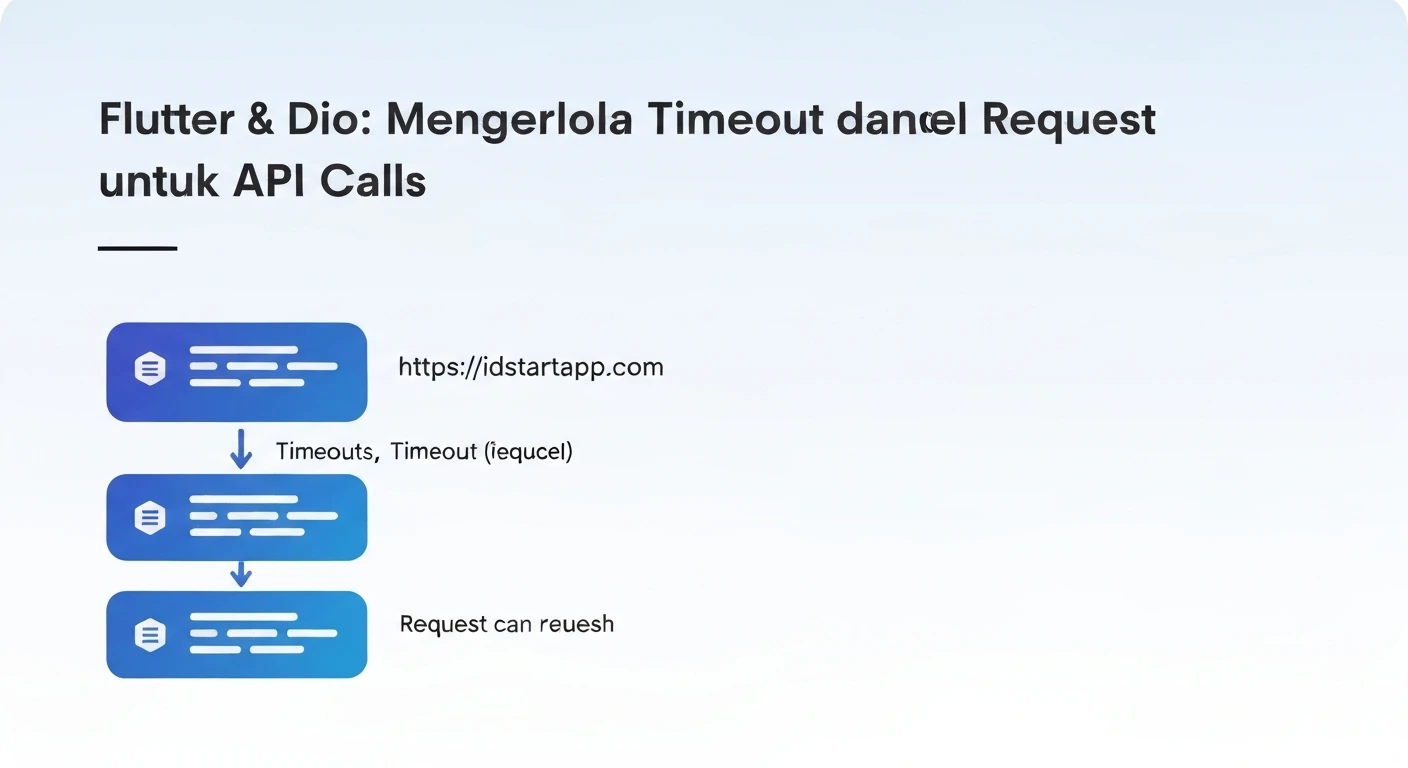
Types of Timeouts
connectTimeout: The maximum duration to establish a connection with the server.receiveTimeout: The maximum duration for receiving data after the connection is established.sendTimeout: The maximum duration for sending data to the server.
Configuring Timeouts
You can set these timeouts globally on the Dio instance's options:
dio.options.connectTimeout = const Duration(seconds: 5); // 5 seconds
dio.options.receiveTimeout = const Duration(seconds: 3); // 3 seconds
dio.options.sendTimeout = const Duration(seconds: 3);   // 3 seconds
Or, override them for specific requests:
try {
  Response response = await dio.get(
    '/data',
    options: Options(
      connectTimeout: const Duration(seconds: 10), // Override for this request
      receiveTimeout: const Duration(seconds: 5),
    ),
  );
  print(response.data);
} catch (e) {
  // Handle error
}
Handling Timeout Errors
Timeout errors manifest as DioError. You can catch these specific types to provide appropriate user feedback.
import 'package:dio/dio.dart';

Future<void> fetchDataWithTimeout() async {
  try {
    Response response = await dio.get('/some-endpoint');
    print('Data received: ${response.data}');
  } on DioError catch (e) {
    if (e.type == DioErrorType.connectionTimeout) {
      print('Connection Timeout: The server took too long to respond.');
    } else if (e.type == DioErrorType.receiveTimeout) {
      print('Receive Timeout: The server did not send data in time.');
    } else if (e.type == DioErrorType.sendTimeout) {
      print('Send Timeout: The request could not be sent in time.');
    } else {
      print('Other DioError: ${e.message}');
    }
  } catch (e) {
    print('An unexpected error occurred: $e');
  }
}
Building a Resilient Retry Mechanism
Retrying a failed request can often resolve transient issues without user intervention. Dio's interceptors are perfect for implementing a custom retry logic.
The Power of Dio Interceptors
Interceptors allow you to intercept and modify requests, responses, and errors. A retry mechanism fits naturally within an error interceptor, where you can inspect a failed request and decide whether to re-execute it.
Creating a Custom Retry Interceptor
We'll create an interceptor that checks for specific error types (like timeouts or server errors) and re-sends the request a limited number of times, possibly with a delay.
import 'dart:io';
import 'package:dio/dio.dart';

class RetryInterceptor extends Interceptor {
  final Dio dio;
  final int retries;
  final Duration delay;

  RetryInterceptor({
    required this.dio,
    this.retries = 3,
    this.delay = const Duration(seconds: 1),
  });

  @override
  void onError(DioError err, ErrorInterceptorHandler handler) async {
    // Check if the error is retryable
    bool shouldRetry = err.type == DioErrorType.connectionTimeout ||
        err.type == DioErrorType.receiveTimeout ||
        err.type == DioErrorType.sendTimeout ||
        err.error is SocketException || // No internet connection
        (err.response?.statusCode != null &&
            (err.response!.statusCode! >= 500 || err.response!.statusCode == 408)); // Server errors or Request Timeout

    if (shouldRetry) {
      // Get the current retry count from the request options' extra map
      final int currentRetry = err.requestOptions.extra['retry_count'] ?? 0;

      if (currentRetry < retries) {
        // Increment retry count and store it
        err.requestOptions.extra['retry_count'] = currentRetry + 1;
        print('Retrying request (attempt ${currentRetry + 1}/$retries) for: ${err.requestOptions.path}');

        await Future.delayed(delay); // Wait before retrying

        try {
          // Re-send the original request using dio.fetch
          // This ensures all other interceptors are also run again.
          final response = await dio.fetch(err.requestOptions);
          handler.resolve(response); // Resolve with the successful retry response
          return;
        } catch (e) {
          // If the retry also fails, pass the new error down the chain
          handler.next(e is DioError ? e : DioError(requestOptions: err.requestOptions, error: e));
          return;
        }
      }
    }
    // If not retryable or retries exhausted, pass the original error
    handler.next(err);
  }
}
Integrating the Retry Interceptor
Add the custom interceptor to your Dio instance:
final Dio dio = Dio();

void setupDio() {
  dio.options.baseUrl = 'https://api.example.com';
  dio.options.connectTimeout = const Duration(seconds: 5);
  dio.options.receiveTimeout = const Duration(seconds: 3);

  dio.interceptors.add(
    RetryInterceptor(
      dio: dio,
      retries: 3,                 // Maximum 3 retries
      delay: const Duration(seconds: 2), // 2-second delay between retries
    ),
  );
  // You might have other interceptors too (e.g., logging, auth)
  // dio.interceptors.add(LogInterceptor(responseBody: true));
}
Putting It All Together: Timeout and Retry Combined
With both timeout and retry mechanisms in place, your application's network layer becomes significantly more robust. A request that encounters a connection timeout will first trigger the retry interceptor. If the interceptor decides to retry, it will attempt the request again, subject to the same timeout rules. This creates a powerful self-healing mechanism.
import 'package:dio/dio.dart';
import 'dart:io'; // For SocketException

// Assume dio is initialized with RetryInterceptor and timeout options
// as shown in the previous sections.

Future<void> makeRobustRequest() async {
  try {
    Response response = await dio.get('/data-that-might-fail');
    print('Successfully fetched data: ${response.data}');
  } on DioError catch (e) {
    if (e.type == DioErrorType.connectionTimeout) {
      print('Final attempt failed due to Connection Timeout.');
    } else if (e.type == DioErrorType.receiveTimeout) {
      print('Final attempt failed due to Receive Timeout.');
    } else if (e.type == DioErrorType.sendTimeout) {
      print('Final attempt failed due to Send Timeout.');
    } else if (e.error is SocketException) {
      print('Final attempt failed due to No Internet Connection.');
    } else if (e.response?.statusCode != null && e.response!.statusCode! >= 500) {
      print('Final attempt failed with Server Error: ${e.response?.statusCode}');
    } else {
      print('Final attempt failed with unexpected error: ${e.message}');
    }
    // Present an error message to the user after all retries are exhausted
    // or if the error was not retryable.
  } catch (e) {
    print('An unhandled exception occurred: $e');
  }
}
Best Practices for Network Resilience
- Limit Retries: Don't retry indefinitely. A reasonable limit (e.g., 2-5 times) prevents your app from getting stuck in a loop.
- Exponential Backoff: Instead of a fixed delay, consider increasing the delay between retries (e.g., 1s, 2s, 4s, 8s). This is known as exponential backoff and reduces load on an overwhelmed server.
- User Feedback: Always provide visual feedback (e.g., loading indicators) to the user during network operations. If retries are happening in the background, ensure the UI remains responsive and informs the user if a request ultimately fails.
- Identify Retryable Errors: Only retry for transient errors. Do not retry for client-side errors (4xx status codes like 400 Bad Request, 401 Unauthorized, 404 Not Found), as these indicate a problem with the request itself, not a temporary network or server issue.
- Idempotency: Be cautious when retrying non-idempotent requests (like POST or PUT requests that might create or modify resources). Retrying such requests might lead to duplicate operations. If a request is not idempotent, ensure your API can handle duplicate requests gracefully or apply retry logic only for idempotent methods (GET, HEAD, OPTIONS, DELETE, PUT if idempotent by design).
- Cancellation: Implement request cancellation to allow users to abort long-running or retrying requests. Dio provides
CancelTokenfor this.
Conclusion
Implementing robust timeout and retry mechanisms using Dio interceptors is crucial for building resilient Flutter applications. By proactively handling network imperfections, you can significantly improve the user experience, reduce frustration, and ensure your app remains functional even under challenging network conditions. Remember to balance aggressive retry strategies with good user feedback and thoughtful consideration of API idempotency.