
Flutter & Dio: Robust API Error Handling and Retry Strategies
Building mobile applications that rely on external APIs means dealing with the unpredictable nature of networks and backend services. Network outages, server errors, and invalid data are common challenges that can degrade user experience if not handled gracefully. In Flutter, the Dio package is a popular and powerful HTTP client that simplifies making API requests. This article will guide you through implementing robust error handling and effective retry mechanisms with Flutter and Dio, ensuring your applications are more resilient and user-friendly.
You'll learn how to leverage Dio's interceptors to centralize error management, differentiate between various error types, and implement intelligent retry logic, including exponential backoff, to improve your app's reliability.
Why Robust Error Handling and Retries Matter
A mobile application that crashes or displays cryptic error messages every time an API call fails provides a poor user experience. Robust error handling and retry mechanisms are crucial for several reasons:
- Improved User Experience: Users expect applications to be stable and informative. Graceful error handling prevents crashes and provides clear, actionable feedback.
- Enhanced Reliability: Temporary network glitches or server overloads can cause transient failures. A well-implemented retry mechanism can automatically overcome these, making your app more reliable without user intervention.
- Better Debugging: Centralized error handling and logging make it easier to identify, diagnose, and fix issues during development and in production.
- Reduced User Frustration: Instead of showing a blank screen or an endless spinner, providing options to retry or informing the user about the issue helps manage expectations.
Prerequisites
Before diving into the implementation, ensure you have the following:
- Flutter SDK installed and configured.
- Basic understanding of Dart programming.
- A Flutter project set up.
- The Dio package added to your
pubspec.yamlfile:
dependencies: flutter: sdk: flutter dio: ^5.0.0 # Use the latest stable versionRun flutter pub get to fetch the package.
Understanding Dio's Error Handling
When an HTTP request made with Dio fails, it typically throws a DioError. This object provides detailed information about what went wrong. Understanding its properties is key to effective error handling:
error: The original error object, often aSocketExceptionfor network issues.requestOptions: The options used for the request that failed.response: If a response was received (even an error one like 404 or 500), it will be here.type: ADioErrorTypeenum indicating the category of the error. Common types include:DioErrorType.connectionTimeout: The connection timed out.DioErrorType.sendTimeout: Sending data timed out.DioErrorType.receiveTimeout: Receiving data timed out.DioErrorType.badResponse: The server returned an error status code (e.g., 4xx, 5xx). Theresponseproperty will contain the server's response.DioErrorType.cancel: The request was cancelled.DioErrorType.unknown: Any other error.
A basic try-catch block can handle DioError:
try { final response = await Dio().get('https://api.example.com/data'); print(response.data);} on DioError catch (e) { if (e.response != null) { print('Server Error: ${e.response?.statusCode}'); print('Response data: ${e.response?.data}'); } else { print('Network Error: ${e.message}'); }} catch (e) { print('An unexpected error occurred: $e');}Implementing a Centralized Error Handler with Dio Interceptors
While try-catch works for individual calls, it quickly becomes repetitive. Dio's interceptors provide a powerful way to centralize logic for requests, responses, and errors across all API calls. An error interceptor can inspect DioError objects and perform actions like logging, showing alerts, or even modifying the error before it's propagated.
import 'package:dio/dio.dart';class ErrorInterceptor extends Interceptor { @override void onError(DioError err, ErrorInterceptorHandler handler) { String errorMessage = 'An unknown error occurred.'; if (err.type == DioErrorType.badResponse) { final statusCode = err.response?.statusCode; switch (statusCode) { case 400: errorMessage = 'Bad Request: ${err.response?.data['message'] ?? 'Invalid data provided.'}'; break; case 401: errorMessage = 'Unauthorized: Please log in again.'; // Optionally, navigate to login page or refresh token break; case 403: errorMessage = 'Forbidden: You do not have permission.'; break; case 404: errorMessage = 'Not Found: The requested resource was not found.'; break; case 500: errorMessage = 'Internal Server Error: Please try again later.'; break; default: errorMessage = 'Received status code: $statusCode'; break; } } else if (err.type == DioErrorType.connectionTimeout || err.type == DioErrorType.receiveTimeout || err.type == DioErrorType.sendTimeout) { errorMessage = 'Connection timed out. Please check your internet.'; } else if (err.type == DioErrorType.unknown) { if (err.error is SocketException) { // No internet connection errorMessage = 'No internet connection. Please try again.'; } else { errorMessage = 'An unexpected network error occurred.'; } } else if (err.type == DioErrorType.cancel) { errorMessage = 'Request cancelled.'; } print('Error Interceptor: $errorMessage'); // You can also show a SnackBar or Dialog here // ScaffoldMessenger.of(navigatorKey.currentContext!).showSnackBar(...); handler.next(err); // Continue with the error}To use this interceptor, add it to your Dio instance:
final dio = Dio();dio.interceptors.add(ErrorInterceptor());// Now, any error from dio.get(), dio.post(), etc., will pass through ErrorInterceptorStrategies for Handling Multiple API Errors
With a centralized interceptor, you can implement various strategies:
- Specific Error Codes: Handle HTTP status codes (401, 404, 500) differently. For example, a 401 (Unauthorized) might trigger a logout or token refresh flow.
- Global Error Messages: Provide user-friendly messages for common error types (e.g., “No internet connection” instead of a raw socket error).
- Logging: Log detailed error information to a crash reporting service (e.g., Firebase Crashlytics) for debugging.
- User Feedback: Display non-intrusive messages like snack bars for minor issues or full-screen error widgets for critical failures.
Building a Retry Mechanism
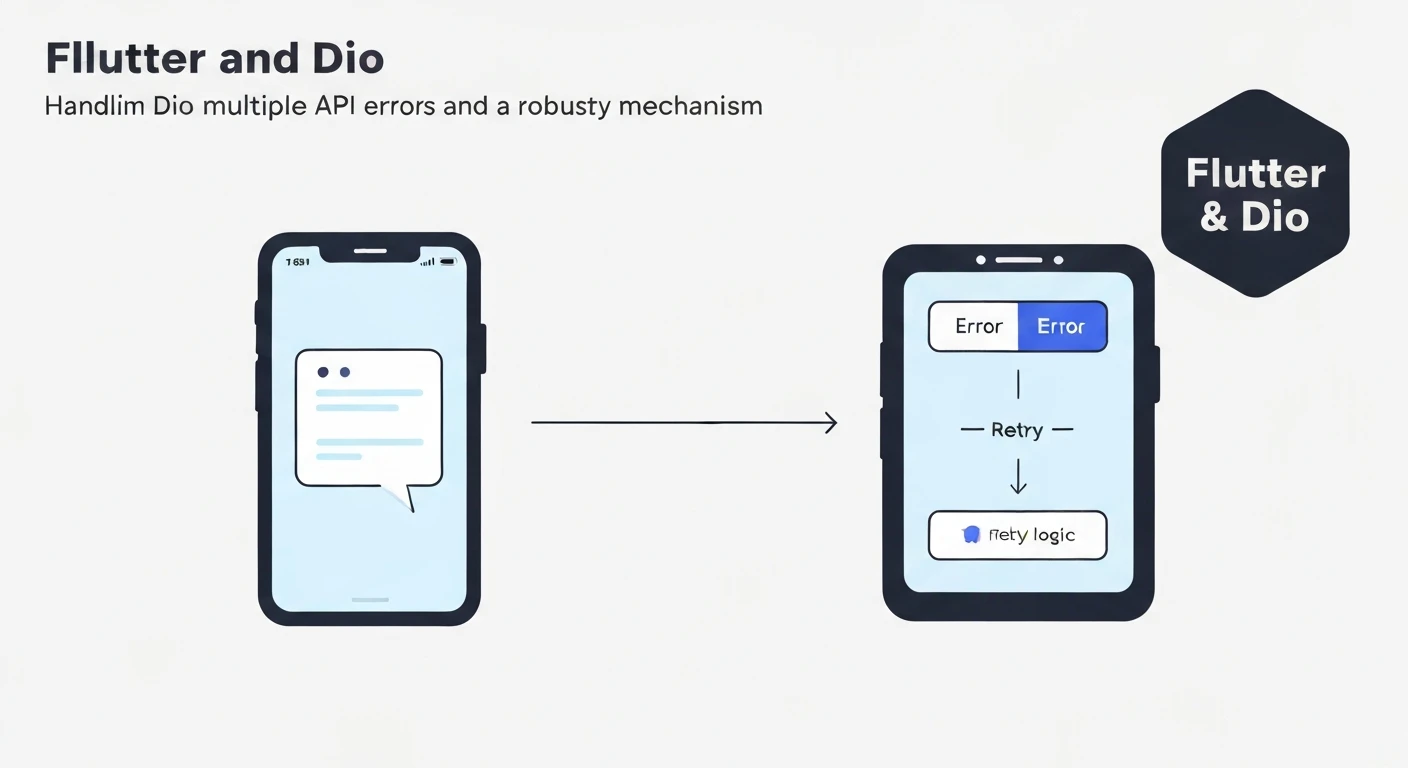
A retry mechanism automatically re-attempts failed requests, particularly useful for transient network issues or temporary server unavailability. Implementing this as an interceptor keeps your API call logic clean.
import 'package:dio/dio.dart';class RetryInterceptor extends Interceptor { final Dio dio; final int retries; final Duration retryInterval; // Duration between retries RetryInterceptor({ required this.dio, this.retries = 3, this.retryInterval = const Duration(seconds: 1), }); @override void onError(DioError err, ErrorInterceptorHandler handler) async { if (_shouldRetry(err) && err.requestOptions.extra['retry_count'] < retries) { err.requestOptions.extra['retry_count'] = (err.requestOptions.extra['retry_count'] ?? 0) + 1; print('Retrying request: ${err.requestOptions.path} (Attempt ${err.requestOptions.extra['retry_count']})'); await Future.delayed(retryInterval * err.requestOptions.extra['retry_count']); // Exponential backoff try { // Re-send the request final response = await dio.fetch(err.requestOptions); handler.resolve(response); // Resolve with the successful response } on DioError catch (e) { handler.next(e); // If retry fails, pass the error along } } else { handler.next(err); // Not a retryable error or max retries reached } } bool _shouldRetry(DioError err) { // Only retry for certain error types or status codes if (err.type == DioErrorType.connectionTimeout || err.type == DioErrorType.receiveTimeout || err.type == DioErrorType.sendTimeout || err.type == DioErrorType.unknown && err.error is SocketException) { return true; } // Optionally retry for specific server errors (e.g., 500, 502, 503, 504) if (err.type == DioErrorType.badResponse) { final statusCode = err.response?.statusCode; if (statusCode != null && [500, 502, 503, 504].contains(statusCode)) { return true; } } return false; }}In the _shouldRetry method, we define which errors are considered transient and thus retryable. The retry_count in requestOptions.extra helps track the number of retries. We also implement a simple exponential backoff by multiplying the retryInterval by the current retry count, which is a good practice to avoid overwhelming the server.
Combining Error Handling and Retry Interceptors
You can add multiple interceptors to Dio. The order matters: interceptors are executed in the order they are added. Typically, you'd want the retry logic to attempt a fix before the general error handler processes the final failure.
final dio = Dio();dio.interceptors.add(InterceptorsWrapper( onRequest: (options, handler) { options.extra['retry_count'] = 0; // Initialize retry count handler.next(options); },));dio.interceptors.add(RetryInterceptor(dio: dio, retries: 3, retryInterval: const Duration(seconds: 2)));dio.interceptors.add(ErrorInterceptor());Here, we first initialize the retry_count in a generic interceptor, then the RetryInterceptor attempts to resolve transient errors, and finally, the ErrorInterceptor handles any errors that persist after retries or are non-retryable.
Best Practices for Error Handling and Retries
- Don't Retry Non-Idempotent Requests: Be cautious when retrying
POST,PUT, orDELETErequests unless you are certain they are idempotent (i.e., performing them multiple times has the same effect as performing them once). Retrying a non-idempotent request could lead to duplicate data or unintended side effects. - Provide User Feedback: Inform the user when retries are happening, especially if they are noticeable. A subtle loading indicator or a message like “Reconnecting...” can be helpful.
- Clear Error Messages: Translate technical errors into human-readable messages.