
Flutter & Dio: Robust API Rate Limit Handling with Retry Queue and Exponential Backoff
In modern application development, interacting with APIs is a fundamental requirement. However, these APIs often come with limitations, one of the most common being rate limiting. API rate limits are crucial for maintaining service stability, preventing abuse, and ensuring fair usage across all consumers. As Flutter developers, building robust applications means anticipating and gracefully handling such restrictions.
Understanding API Rate Limits
API rate limiting restricts the number of requests a user or client can make to an API within a given timeframe. Exceeding this limit typically results in a HTTP 429 Too Many Requests status code. While necessary, hitting these limits without a proper handling mechanism can lead to a degraded user experience, failed operations, and even temporary bans from the API service.
The Challenge with Dio in Flutter
Dio is a powerful HTTP client for Dart, commonly used in Flutter applications for making network requests. It offers a rich feature set, including interceptors, which are perfect for implementing cross-cutting concerns like logging, authentication, and, crucially, rate limit handling. The challenge arises when an application makes a burst of requests, quickly hitting the API's threshold. Simply retrying immediately is often counterproductive, as it exacerbates the problem and likely leads to more 429 errors.
Solution Overview: Retry Queue and Exponential Backoff
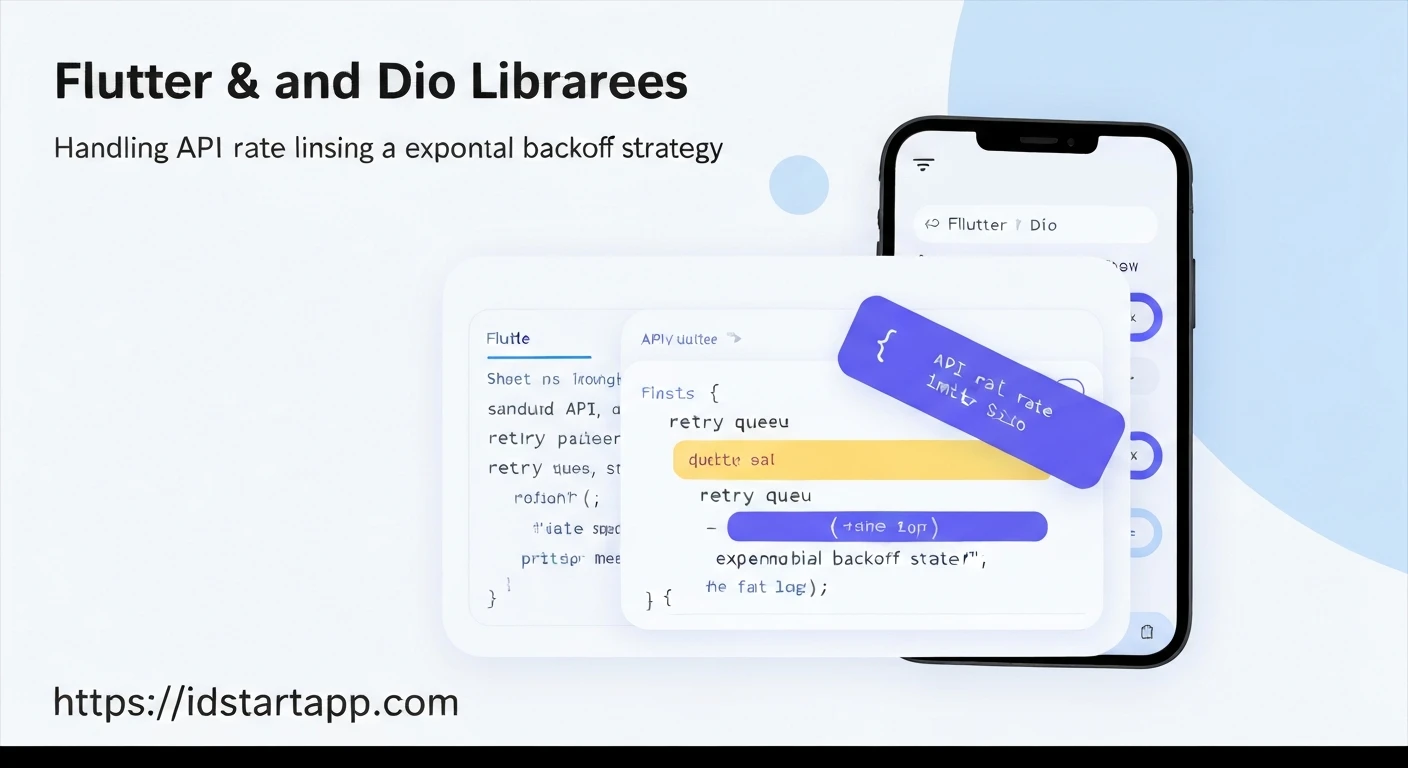
To effectively manage API rate limits, we can combine two powerful strategies:
-
Retry Queue
Instead of immediately failing a request that hits a 429 error, we place it into a queue. This queue holds the requests that need to be retried later. This ensures no request is lost and allows us to control the re-submission process.
-
Exponential Backoff
When retrying requests, it's essential not to overwhelm the API again. Exponential backoff is a strategy where the time delay between retries increases exponentially with each consecutive failure. For example, if the first retry is after 1 second, the next might be after 2 seconds, then 4, 8, and so on. This approach dramatically reduces the load on the API, gives it time to recover, and increases the likelihood of success on subsequent attempts.
By integrating these two concepts with Dio's interceptors, we can build a resilient network layer that automatically handles rate limits gracefully.
Implementing the Solution with Dio Interceptors
The core of our solution will involve a custom Dio Interceptor that detects 429 errors and a separate service to manage the retry queue and exponential backoff logic.
1. Dio Initialization
First, let's set up our Dio instance:
import 'package:dio/dio.dart';

final Dio dio = Dio(BaseOptions(
  baseUrl: 'https://api.example.com', // Replace with your API base URL
  connectTimeout: const Duration(seconds: 5),
  receiveTimeout: const Duration(seconds: 3),
));
2. Retry Queue Service
This service will hold the logic for queuing requests, scheduling retries, and applying exponential backoff.
import 'dart:async';
import 'dart:collection';
import 'package:dio/dio.dart';

/// A service to manage a queue of requests that need to be retried
/// due to rate limiting, applying exponential backoff between retries.
class RetryQueueService {
  final Dio dio;

  /// Queue to hold requests that need to be retried.
  /// Each entry stores the original request options and the handler to resolve/reject it.
  final Queue<({RequestOptions options, ErrorInterceptorHandler handler})> _retryQueue = Queue();

  Timer? _retryTimer; // Timer for scheduling the next retry attempt
  int _retryCount = 0; // Current retry attempt count for the active backoff sequence

  static const int _maxRetries = 5; // Maximum retries before giving up on a request
  static const Duration _baseBackoff = Duration(seconds: 1); // Initial backoff delay

  RetryQueueService(this.dio);

  /// Adds a request to the retry queue and schedules a retry if not already scheduled.
  void addRequestForRetry(RequestOptions options, ErrorInterceptorHandler handler) {
    _retryQueue.add((options: options, handler: handler));
    _scheduleRetry();
  }

  /// Schedules the next retry attempt based on exponential backoff.
  void _scheduleRetry() {
    if (_retryQueue.isEmpty) {
      _retryTimer?.cancel();
      _retryTimer = null;
      _retryCount = 0; // Reset retry count when the queue is empty
      return;
    }

    if (_retryTimer != null && _retryTimer!.isActive) {
      return; // A retry is already scheduled
    }

    if (_retryCount >= _maxRetries) {
      _clearQueueAndFailAll(); // Max retries reached, fail all pending requests
      return;
    }

    final Duration delay = _getExponentialBackoffDelay(_retryCount);
    print('[RetryQueueService] Scheduling retry in ${delay.inSeconds} seconds. Retry count: $_retryCount');
    _retryTimer = Timer(delay, _processQueue);
    _retryCount++;
  }

  /// Calculates the exponential backoff delay.
  /// Doubles the delay for each consecutive retry.
  Duration _getExponentialBackoffDelay(int currentRetry) {
    // 1st retry: 1s, 2nd: 2s, 3rd: 4s, 4th: 8s, 5th: 16s
    return _baseBackoff * (1 << currentRetry);
  }

  /// Processes the next request in the queue.
  Future<void> _processQueue() async {
    _retryTimer = null; // Mark timer as inactive
    if (_retryQueue.isEmpty) {
      _retryCount = 0;
      return;
    }

    final requestData = _retryQueue.removeFirst();
    final RequestOptions options = requestData.options;
    final ErrorInterceptorHandler handler = requestData.handler;

    try {
      // Re-send the request with the original options
      final Response response = await dio.request(
        options.path,
        cancelToken: options.cancelToken,
        data: options.data,
        onReceiveProgress: options.onReceiveProgress,
        onSendProgress: options.onSendProgress,
        queryParameters: options.queryParameters,
        options: Options(
          method: options.method,
          headers: options.headers,
          responseType: options.responseType,
          contentType: options.contentType,
          extra: options.extra,
          followRedirects: options.followRedirects,
          maxRedirects: options.maxRedirects,
          requestEncoder: options.requestEncoder,
          responseDecoder: options.responseDecoder,
          validateStatus: options.validateStatus,
          sendTimeout: options.sendTimeout,
          receiveTimeout: options.receiveTimeout,
        ),
      );
      handler.resolve(response); // Resolve the original request with the successful response
      print('[RetryQueueService] Request successfully retried: ${options.path}');
    } on DioException catch (e) {
      if (e.response?.statusCode == 429) {
        print('[RetryQueueService] Retry for ${options.path} failed with 429 again. Re-queueing.');
        // If the retry also fails with 429, re-add to the front of the queue
        // to be processed with the next backoff delay.
        _retryQueue.addFirst(requestData);
      } else {
        print('[RetryQueueService] Retry for ${options.path} failed with error: ${e.message}');
        handler.reject(e); // Reject the original request with the new error
      }
    } finally {
      // Schedule the next retry if the queue is not empty, allowing for subsequent backoff.
      _scheduleRetry();
    }
  }

  /// Clears the queue and rejects all pending requests when max retries are reached.
  void _clearQueueAndFailAll() {
    print('[RetryQueueService] Max retries reached. Failing all requests in queue.');
    while(_retryQueue.isNotEmpty) {
      final requestData = _retryQueue.removeFirst();
      requestData.handler.reject(DioException(
        requestOptions: requestData.options,
        message: 'Failed after multiple retries due to rate limiting.',
        type: DioExceptionType.unknown,
      ));
    }
    _retryCount = 0;
    _retryTimer?.cancel();
    _retryTimer = null;
  }
}
3. Rate Limit Interceptor
This interceptor will catch 429 errors and delegate their handling to our RetryQueueService.
import 'dart:async';
import 'package:dio/dio.dart';
import 'package:your_app/services/retry_queue_service.dart'; // Adjust import path

/// Dio Interceptor to handle API rate limiting (HTTP 429) errors.
/// It delegates rate-limited requests to a RetryQueueService.
class RateLimitInterceptor extends Interceptor {
  final RetryQueueService retryQueueService;

  RateLimitInterceptor(this.retryQueueService);

  @override
  void onError(DioException err, ErrorInterceptorHandler handler) async {
    // Check if the error is a 429 Too Many Requests status code
    if (err.response?.statusCode == 429) {
      print('[RateLimitInterceptor] Rate limit hit for ${err.requestOptions.path}');

      // Optionally, you can read the 'Retry-After' header if the API provides it.
      // String? retryAfter = err.response?.headers.value('Retry-After');
      // int? recommendedDelaySeconds = int.tryParse(retryAfter ?? '');

      // Add the original request to the retry queue.
      // The handler is passed so the original request can be resolved or rejected
      // by the RetryQueueService once the retry mechanism concludes.
      retryQueueService.addRequestForRetry(err.requestOptions, handler);

      // Do NOT call handler.next(err) or handler.reject(err) here.
      // The request is now being handled by the retry queue service,
      // and its eventual resolution/rejection will be managed there.
      return;
    }
    // For all other errors, pass them down the interceptor chain.
    handler.next(err);
  }
}
4. Wiring It All Together
Finally, we instantiate our service and interceptor, then add the interceptor to Dio.
import 'package:dio/dio.dart';
import 'package:your_app/interceptors/rate_limit_interceptor.dart'; // Adjust import path
import 'package:your_app/services/retry_queue_service.dart'; // Adjust import path

void main() {
  // Initialize Dio
  final Dio dio = Dio(BaseOptions(
    baseUrl: 'https://api.example.com', // Your API base URL
    connectTimeout: const Duration(seconds: 5),
    receiveTimeout: const Duration(seconds: 3),
  ));

  // Initialize the RetryQueueService with the Dio instance
  final RetryQueueService retryQueueService = RetryQueueService(dio);

  // Add the RateLimitInterceptor to Dio's interceptors
  dio.interceptors.add(RateLimitInterceptor(retryQueueService));

  // Now, 'dio' is ready to make requests with automatic rate limit handling.
  // Example usage:
  // _makeExampleRequests();
}

// Future<void> _makeExampleRequests() async {
//   // Simulate making multiple requests rapidly to test rate limiting
//   for (int i = 0; i < 20; i++) {
//     try {
//       print('--- Making request ${i + 1} ---');
//       // Replace '/data' with an actual endpoint that might be rate-limited
//       final response = await dio.get('/data');
//       print('Request ${i + 1} successful: ${response.statusCode}');
//     } on DioException catch (e) {
//       // This catch block will only be hit if a request ultimately fails
//       // after all retries are exhausted by the RetryQueueService.
//       print('Request ${i + 1} ultimately failed: ${e.message}');
//     }
//     await Future.delayed(const Duration(milliseconds: 200)); // Simulate rapid requests
//   }
// }
Conclusion
Implementing a retry queue with exponential backoff for API rate limit handling is a crucial step towards building resilient and user-friendly Flutter applications. By leveraging Dio's powerful interceptor system, we can abstract away this complex logic, ensuring that our network requests are automatically managed even under heavy load or strict API constraints. This approach not only prevents unnecessary errors but also significantly improves the application's reliability and user experience by gracefully navigating temporary service limitations.