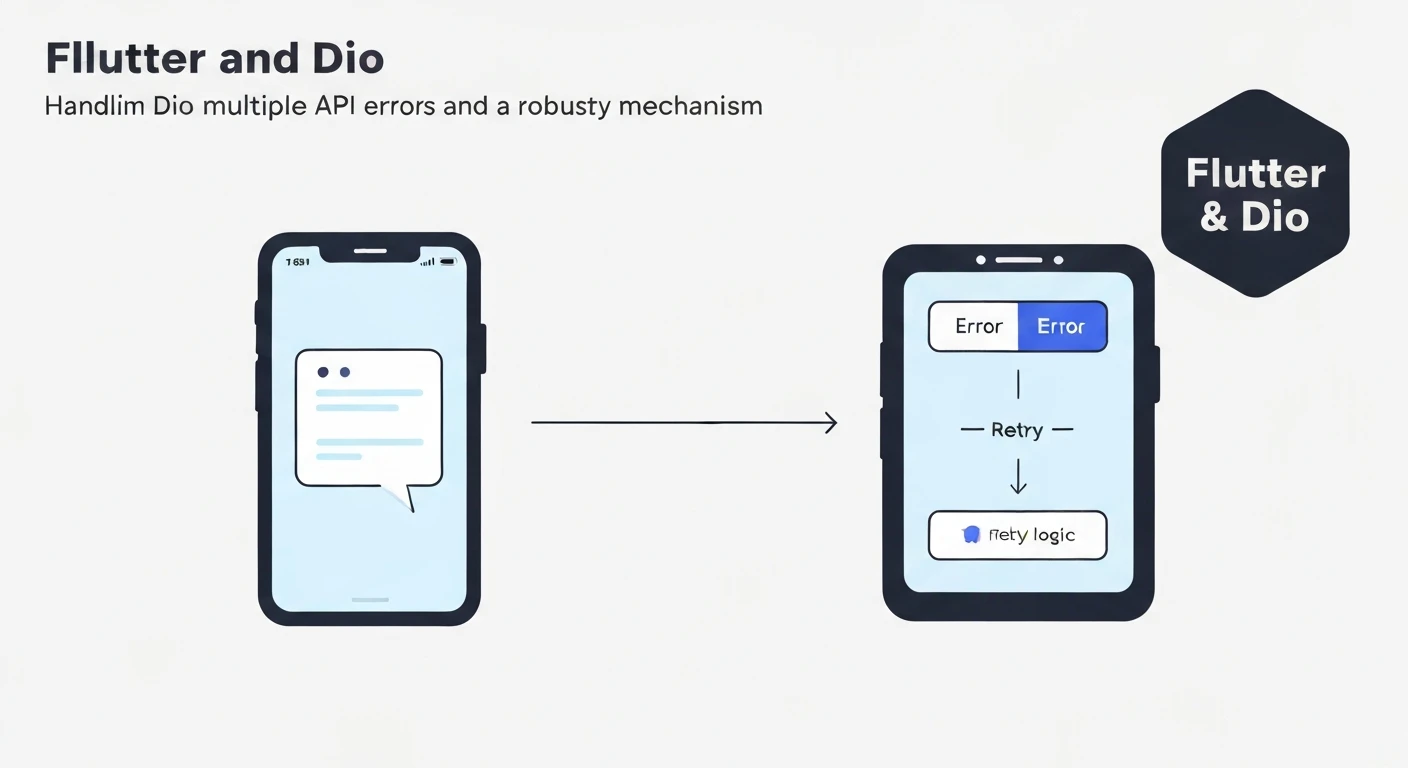

Flutter & Dio: Handling Multiple API Errors and Retry Mechanisms
Developing robust Flutter applications often involves interacting with various backend APIs. While successful API calls are the desired outcome, a professional application must gracefully handle the inevitable: API errors. From network outages to server-side issues and authentication failures, a comprehensive error handling and retry strategy is paramount for a smooth user experience. This article explores how to leverage Dio, a powerful HTTP client for Dart, to implement sophisticated error handling and retry mechanisms in your Flutter applications.
The Challenge of API Errors
API errors come in many forms, each requiring a potentially different response:
- Network Errors: (e.g., no internet connection, DNS lookup failed). These often manifest as
DioErrorType.connectionTimeout,DioErrorType.receiveTimeout, orDioErrorType.sendTimeout. - Client-Side Errors: (e.g., 400 Bad Request, 404 Not Found, 422 Unprocessable Entity). These indicate issues with the request sent by the client.
- Authentication Errors: (e.g., 401 Unauthorized, 403 Forbidden). Token expiry or invalid credentials.
- Server-Side Errors: (e.g., 500 Internal Server Error, 503 Service Unavailable). Issues on the backend.
- Rate Limiting: (e.g., 429 Too Many Requests). When a client sends too many requests in a given time frame.
Without a structured approach, developers might end up with scattered try-catch blocks, leading to inconsistent error messages and a poor user experience. Dio's interceptor system provides an elegant solution for centralizing error handling and implementing retry logic.
Dio's Interceptors for Centralized Error Handling
Dio's interceptors allow you to intercept and modify requests, responses, and errors before they are handled by the calling code. This makes them ideal for implementing global error handling and retry logic.
1. Defining Custom Exceptions
To standardize error reporting across your application, it's best to define custom exception classes. This allows your UI and business logic layers to react consistently to different types of API failures.
// lib/core/error/exceptions.dart

abstract class AppException implements Exception {
  final String message;
  final int? statusCode;

  AppException(this.message, {this.statusCode});

  @override
  String toString() {
    return "AppException: $message ${statusCode != null ? '(Status: $statusCode)' : ''}";
  }
}

class NetworkException extends AppException {
  NetworkException(String message) : super(message);
}

class ServerException extends AppException {
  ServerException(String message, {int? statusCode}) : super(message, statusCode: statusCode);
}

class UnauthorizedException extends AppException {
  UnauthorizedException(String message) : super(message, statusCode: 401);
}

class BadRequestException extends AppException {
  BadRequestException(String message, {int? statusCode}) : super(message, statusCode: statusCode);
}

class NotFoundException extends AppException {
  NotFoundException(String message) : super(message, statusCode: 404);
}

class ForbiddenException extends AppException {
  ForbiddenException(String message) : super(message, statusCode: 403);
}

class ConflictException extends AppException {
  ConflictException(String message) : super(message, statusCode: 409);
}

class NoInternetConnectionException extends AppException {
  NoInternetConnectionException(String message) : super(message);
}

class UnknownException extends AppException {
  UnknownException(String message) : super(message);
}

class TooManyRequestsException extends AppException {
  TooManyRequestsException(String message) : super(message, statusCode: 429);
}
2. The Error Interceptor
An error interceptor maps Dio's internal DioException (formerly DioError) to your custom AppException types. This ensures that your application always deals with a consistent exception hierarchy.
// lib/core/network/error_interceptor.dart

import 'package:dio/dio.dart';
import '../error/exceptions.dart';

class ErrorInterceptor extends Interceptor {
  @override
  void onError(DioException err, ErrorInterceptorHandler handler) {
    AppException exception;
    switch (err.type) {
      case DioExceptionType.connectionTimeout:
      case DioExceptionType.sendTimeout:
      case DioExceptionType.receiveTimeout:
        exception = NetworkException("Connection timed out. Please try again.");
        break;
      case DioExceptionType.badResponse:
        final statusCode = err.response?.statusCode;
        final errorData = err.response?.data;
        String errorMessage = errorData?['message'] ?? "Something went wrong.";

        switch (statusCode) {
          case 400:
            exception = BadRequestException(errorMessage, statusCode: statusCode);
            break;
          case 401:
            exception = UnauthorizedException("Authentication required.");
            break;
          case 403:
            exception = ForbiddenException("Access denied.");
            break;
          case 404:
            exception = NotFoundException("Resource not found.");
            break;
          case 409:
            exception = ConflictException(errorMessage, statusCode: statusCode);
            break;
          case 429:
            exception = TooManyRequestsException("Too many requests. Please wait.");
            break;
          case 500:
          case 502:
          case 503:
            exception = ServerException("Server error. Please try again later.", statusCode: statusCode);
            break;
          default:
            exception = ServerException("Received invalid status code: $statusCode", statusCode: statusCode);
            break;
        }
        break;
      case DioExceptionType.cancel:
        exception = UnknownException("Request cancelled.");
        break;
      case DioExceptionType.unknown:
        if (err.error is SocketException) { // Handle no internet connectivity
          exception = NoInternetConnectionException("No internet connection.");
        } else {
          exception = UnknownException("An unexpected error occurred.");
        }
        break;
      default:
        exception = UnknownException("An unexpected error occurred.");
        break;
    }
    // Pass our custom exception down the chain
    handler.next(err.copyWith(error: exception));
  }
}
Implementing a Retry Mechanism
A retry mechanism automatically re-sends failed requests under certain conditions (e.g., temporary network glitches, rate limiting). This can significantly improve the user experience by transparently handling transient issues.
3. The Retry Interceptor
A custom retry interceptor can analyze failed requests and decide whether to retry them. We'll use a simple approach with a maximum number of retries and a fixed or exponential delay.
// lib/core/network/retry_interceptor.dart

import 'package:dio/dio.dart';
import 'package:connectivity_plus/connectivity_plus.dart'; // For checking network status
import 'dart:async'; // For Future.delayed

class RetryInterceptor extends Interceptor {
  final Dio dio;
  final Connectivity connectivity;
  final int retries;
  final Duration retryDelay;

  RetryInterceptor({
    required this.dio,
    required this.connectivity,
    this.retries = 3,
    this.retryDelay = const Duration(seconds: 1),
  });

  @override
  Future onError(DioException err, ErrorInterceptorHandler handler) async {
    final RequestOptions requestOptions = err.requestOptions;
    final int attempt = requestOptions.extra['retry_attempt'] ?? 0;

    bool shouldRetry = false;

    // Condition 1: Check if max retries reached
    if (attempt < retries) {
      // Condition 2: Check error type
      if (err.type == DioExceptionType.connectionTimeout ||
          err.type == DioExceptionType.receiveTimeout ||
          err.type == DioExceptionType.sendTimeout ||
          err.error is SocketException) { // Network related errors
        shouldRetry = true;
      } else if (err.response?.statusCode == 429) { // Rate limit
        shouldRetry = true;
        // Optionally parse 'Retry-After' header and use that delay
      } else if (err.response?.statusCode == 500 || err.response?.statusCode == 502 || err.response?.statusCode == 503 || err.response?.statusCode == 504) {
        // Server errors that might be transient
        shouldRetry = true;
      }
    }

    if (shouldRetry) {
      // Check for internet connectivity before retrying network-related errors
      if (err.error is SocketException) {
        final connectivityResult = await connectivity.checkConnectivity();
        if (connectivityResult == ConnectivityResult.none) {
          handler.next(err); // No internet, don't retry, pass original error
          return;
        }
      }

      await Future.delayed(retryDelay * (attempt + 1)); // Exponential backoff is better
      print("Retrying request ${requestOptions.path} (attempt ${attempt + 1})");

      try {
        // Increment retry attempt in extra map
        requestOptions.extra['retry_attempt'] = attempt + 1;
        // Clone the request and re-send it
        final response = await dio.fetch(requestOptions);
        handler.resolve(response); // If successful, resolve the response
      } on DioException catch (e) {
        handler.next(e); // If retry fails, pass the new error
      }
    } else {
      // Not retrying, continue with the original error
      handler.next(err);
    }
  }
}
Note: For production, consider using a package like dio_smart_retry which offers more advanced features like exponential backoff and custom retry conditions.
Handling Authentication Refresh
For APIs requiring authentication, expired tokens are a common issue (401 Unauthorized). An interceptor can detect this, refresh the token, and retry the original request.
// lib/core/network/auth_interceptor.dart

import 'package:dio/dio.dart';
import 'package:shared_preferences/shared_preferences.dart';

class AuthInterceptor extends Interceptor {
  final Dio _dio; // Use a separate Dio instance for token refresh to avoid circular dependency
  final SharedPreferences _prefs;

  AuthInterceptor(this._dio, this._prefs);

  @override
  void onRequest(RequestOptions options, RequestInterceptorHandler handler) async {
    final String? accessToken = _prefs.getString('accessToken');
    if (accessToken != null && options.headers['Authorization'] == null) {
      options.headers['Authorization'] = 'Bearer $accessToken';
    }
    handler.next(options);
  }

  @override
  void onError(DioException err, ErrorInterceptorHandler handler) async {
    if (err.response?.statusCode == 401) {
      // Check if it's already a refresh token request to avoid infinite loops
      if (err.requestOptions.path == '/auth/refresh') {
        _prefs.remove('accessToken'); // Clear invalid token
        _prefs.remove('refreshToken');
        // Redirect to login or show re-authentication prompt
        // You might want to use a global event bus or navigator key here
        handler.next(err);
        return;
      }

      final String? refreshToken = _prefs.getString('refreshToken');
      if (refreshToken != null) {
        try {
          // Attempt to refresh token
          final Response refreshResponse = await _dio.post(
            '/auth/refresh', // Your refresh token endpoint
            data: {'refreshToken': refreshToken},
          );

          if (refreshResponse.statusCode == 200) {
            final newAccessToken = refreshResponse.data['accessToken'];
            final newRefreshToken = refreshResponse.data['refreshToken'];

            await _prefs.setString('accessToken', newAccessToken);
            await _prefs.setString('refreshToken', newRefreshToken);

            // Retry the original request with the new access token
            final originalRequest = err.requestOptions;
            originalRequest.headers['Authorization'] = 'Bearer $newAccessToken';

            final response = await _dio.fetch(originalRequest);
            handler.resolve(response);
            return;
          }
        } on DioException catch (_) {
          // Refresh token failed
          _prefs.remove('accessToken');
          _prefs.remove('refreshToken');
          // Redirect to login
        }
      }
      // If refresh token is null or refresh failed, pass the 401 error
      // to let the calling code handle re-authentication
    }
    handler.next(err);
  }
}
Putting It All Together: A Comprehensive Dio Client
Now, let's configure our Dio instance with all the interceptors.
// lib/core/network/dio_client.dart

import 'package:dio/dio.dart';
import 'package:connectivity_plus/connectivity_plus.dart';
import 'package:shared_preferences/shared_preferences.dart';
import 'error_interceptor.dart';
import 'retry_interceptor.dart';
import 'auth_interceptor.dart';

class DioClient {
  final Dio _dio;
  final SharedPreferences _prefs;
  final Connectivity _connectivity;

  DioClient(this._prefs, this._connectivity)
      : _dio = Dio(BaseOptions(
          baseUrl: 'https://your-api-base-url.com', // Replace with your API base URL
          connectTimeout: const Duration(seconds: 10),
          receiveTimeout: const Duration(seconds: 10),
          contentType: 'application/json',
        )) {
    // Add interceptors in order
    // Logging should usually be first to log the initial request
    _dio.interceptors.add(LogInterceptor(
      requestBody: true,
      responseBody: true,
      logPrint: (obj) => print(obj), // Custom logger, e.g., using a logger package
    ));
    // Authentication interceptor before error/retry
    _dio.interceptors.add(AuthInterceptor(_dio, _prefs));
    // Error interceptor to map DioErrors to custom AppExceptions
    _dio.interceptors.add(ErrorInterceptor());
    // Retry interceptor to handle transient errors
    _dio.interceptors.add(
      RetryInterceptor(
        dio: _dio,
        connectivity: _connectivity,
        retries: 3,
        retryDelay: const Duration(seconds: 2), // Example: exponential backoff could be implemented here
      ),
    );
  }

  Dio get instance => _dio;
}
Example Usage in main.dart or Dependency Injection
// main.dart (or equivalent setup)
import 'package:flutter/material.dart';
import 'package:get_it/get_it.dart';
import 'package:shared_preferences/shared_preferences.dart';
import 'package:connectivity_plus/connectivity_plus.dart';
import 'package:your_app_name/core/network/dio_client.dart';

final GetIt getIt = GetIt.instance;

Future setupLocator() async {
  final SharedPreferences prefs = await SharedPreferences.getInstance();
  getIt.registerSingleton(prefs);
  getIt.registerSingleton(Connectivity());
  getIt.registerSingleton(DioClient(getIt(), getIt()));
}

void main() async {
  WidgetsFlutterBinding.ensureInitialized();
  await setupLocator();
  runApp(MyApp());
}

class MyApp extends StatelessWidget {
  @override
  Widget build(BuildContext context) {
    return MaterialApp(
      title: 'Flutter Dio Error Handling',
      home: HomePage(),
    );
  }
}
Consuming the API Service
Now, when you make API calls, you can catch your custom AppException instances directly.
// lib/data/repositories/user_repository.dart

import 'package:dio/dio.dart';
import 'package:your_app_name/core/network/dio_client.dart';
import 'package:your_app_name/core/error/exceptions.dart'; // Import custom exceptions
import 'package:get_it/get_it.dart';

class UserRepository {
  final Dio _dio = GetIt.instance().instance;

  Future<Map<String, dynamic>> fetchUserProfile(String userId) async {
    try {
      final response = await _dio.get('/users/$userId');
      return response.data;
    } on DioException catch (e) {
      // The ErrorInterceptor would have transformed DioError into AppException
      if (e.error is AppException) {
        throw e.error as AppException;
      }
      // If for some reason it's still a DioException (e.g., interceptor didn't handle it)
      throw UnknownException("Failed to fetch user profile: ${e.message}");
    } catch (e) {
      throw UnknownException("An unexpected error occurred: $e");
    }
  }

  Future<void> createUser(Map<String, dynamic> userData) async {
    try {
      await _dio.post('/users', data: userData);
    } on DioException catch (e) {
      if (e.error is AppException) {
        throw e.error as AppException;
      }
      throw UnknownException("Failed to create user: ${e.message}");
    } catch (e) {
      throw UnknownException("An unexpected error occurred: $e");
    }
  }
}
In Your UI/Business Logic
// lib/presentation/pages/home_page.dart

import 'package:flutter/material.dart';
import 'package:get_it/get_it.dart';
import 'package:your_app_name/data/repositories/user_repository.dart';
import 'package:your_app_name/core/error/exceptions.dart';

class HomePage extends StatefulWidget {
  @override
  _HomePageState createState() => _HomePageState();
}

class _HomePageState extends State {
  final UserRepository _userRepository = GetIt.instance();
  String _message = "Ready to fetch user data.";

  Future _fetchUser() async {
    setState(() {
      _message = "Fetching user data...";
    });
    try {
      final userData = await _userRepository.fetchUserProfile('123'); // Example user ID
      setState(() {
        _message = "User Data: ${userData['name']}";
      });
    } on NetworkException {
      setState(() {
        _message = "Network Error: Please check your internet connection.";
      });
    } on UnauthorizedException {
      setState(() {
        _message = "Authentication Error: Please log in again.";
      });
      // Navigate to login screen
    } on NotFoundException {
      setState(() {
        _message = "Error: User not found.";
      });
    } on ServerException catch (e) {
      setState(() {
        _message = "Server Error (${e.statusCode}): ${e.message}";
      });
    } on TooManyRequestsException {
       setState(() {
        _message = "Rate Limit Exceeded: Please wait a moment.";
      });
    } on AppException catch (e) {
      setState(() {
        _message = "An application error occurred: ${e.message}";
      });
    } catch (e) {
      setState(() {
        _message = "An unknown error occurred: $e";
      });
    }
  }

  @override
  Widget build(BuildContext context) {
    return Scaffold(
      appBar: AppBar(title: Text('API Error Handling')),
      body: Center(
        child: Column(
          mainAxisAlignment: MainAxisAlignment.center,
          children: [
            Text(_message, textAlign: TextAlign.center),
            SizedBox(height: 20),
            ElevatedButton(
              onPressed: _fetchUser,
              child: Text('Fetch User Profile'),
            ),
          ],
        ),
      ),
    );
  }
}
Conclusion
Implementing a robust error handling and retry mechanism is essential for any professional Flutter application interacting with APIs. By leveraging Dio's powerful interceptor system, you can centralize complex logic for handling various error types, automatically retrying transient failures, and refreshing authentication tokens. This approach leads to cleaner code, a more consistent user experience, and a more resilient application. Remember to define clear custom exceptions, strategically place your interceptors, and gracefully handle these exceptions in your presentation layer to provide meaningful feedback to your users.