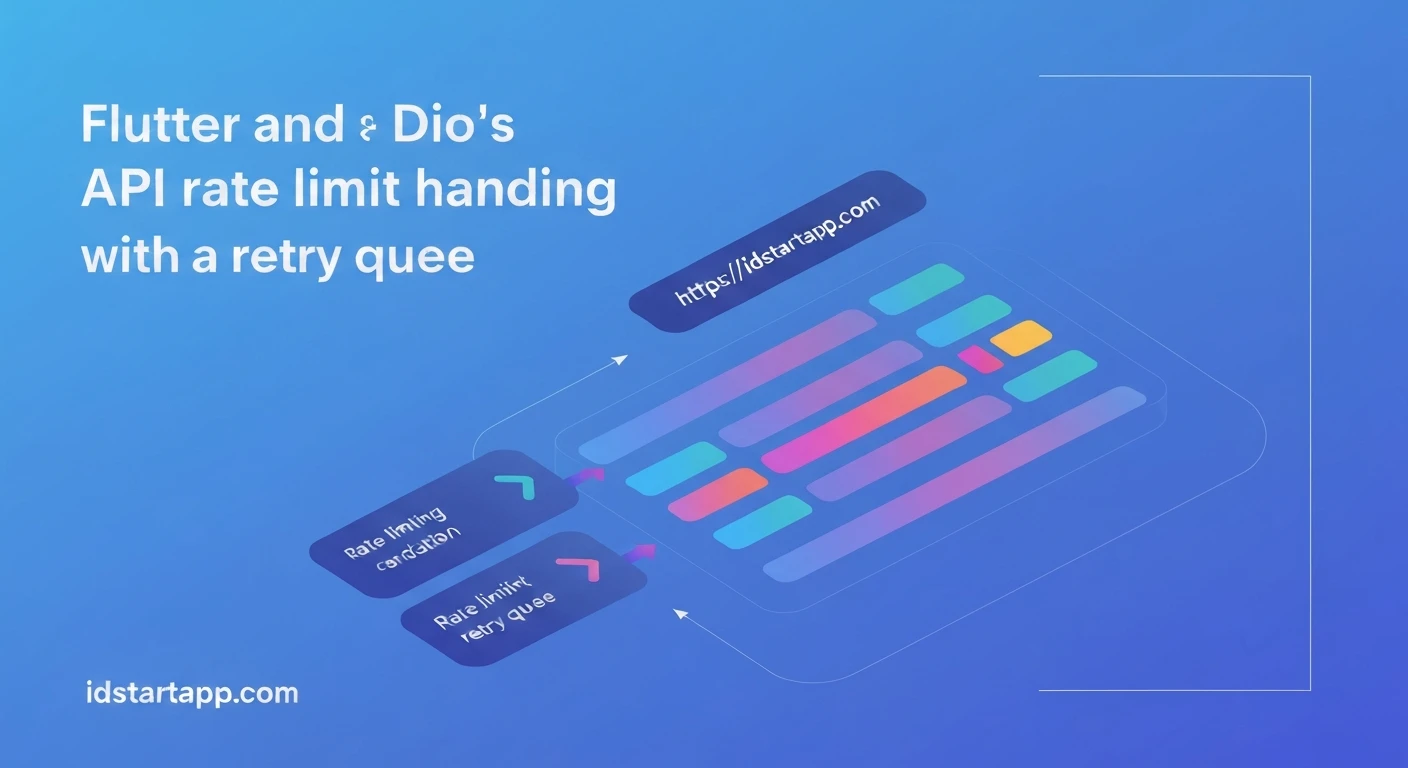

Flutter & Dio: Robust API Rate Limit Handling with a Retry Queue
In modern application development, interacting with REST APIs is a fundamental task. However, a common challenge developers face is API rate limiting. To prevent abuse and ensure fair usage, many APIs restrict the number of requests a client can make within a certain timeframe. Failing to handle these limits gracefully can lead to poor user experience, broken features, and even temporary bans from API services.
This article explores how to implement a robust solution for API rate limit handling in Flutter applications using the Dio HTTP client, specifically by leveraging a retry queue mechanism. This approach ensures that your application intelligently pauses and retries requests when rate limits are hit, rather than failing outright.
Understanding API Rate Limits
API rate limits are restrictions on the number of requests you can send to an API within a specified period (e.g., 100 requests per minute). When your application exceeds this limit, the API server typically responds with an HTTP 429 Too Many Requests status code. Often, this response includes a Retry-After header, indicating how long the client should wait before making another request.
Without proper handling, hitting a rate limit means your API calls will fail, potentially causing critical parts of your app to malfunction. A naive approach might be to simply retry the request immediately, but this often exacerbates the problem, leading to more 429 errors. A more sophisticated solution is needed.
Dio and Interceptors: The Foundation
Dio is a powerful HTTP client for Dart and Flutter, offering features like request cancellation, cookie management, and a robust interceptor mechanism. Interceptors allow you to intercept and modify requests and responses before they are sent or handled. This is an ideal place to implement rate limit handling logic.
The Retry Queue Concept
The core idea of a retry queue for rate limiting is simple:
- When an API request fails due to a rate limit (HTTP 429), instead of immediately throwing an error, we "queue" the failed request.
- We then wait for the duration specified by the
Retry-Afterheader (or a default delay). - After the waiting period, we dequeue the request and retry it.
- This process continues until the queue is empty or the request succeeds.
This approach ensures that requests are retried systematically and only after the rate limit period has likely passed, minimizing further 429 errors.
Implementing the Retry Queue with Dio Interceptors
Let's walk through the implementation details.
1. Setup Dio
First, ensure you have Dio added to your pubspec.yaml:
dependencies:
  flutter:
    sdk: flutter
  dio: ^5.0.0 # Use the latest version
  collection: ^1.18.0 # For Queue data structure
Initialize Dio, possibly as a singleton or within a service locator:
import 'package:dio/dio.dart';

final Dio dio = Dio(BaseOptions(
  baseUrl: 'https://api.example.com',
  connectTimeout: const Duration(seconds: 5),
  receiveTimeout: const Duration(seconds: 3),
));
2. The Retry Queue Interceptor
We'll create a custom Dio interceptor that catches 429 errors, enqueues the request, and retries it. We'll need a mechanism to store the original request options and a Completer to bridge the asynchronous retry logic back to the original API call site.
import 'dart:async';
import 'dart:collection';
import 'package:dio/dio.dart';

// A simple class to hold pending requests
class _PendingRequest {
  final RequestOptions requestOptions;
  final Completer> completer;

  _PendingRequest(this.requestOptions, this.completer);
}

class RateLimitRetryInterceptor extends Interceptor {
  final Dio _dio;
  final Queue<_PendingRequest> _retryQueue = Queue();
  Timer? _retryTimer;
  bool _isProcessingQueue = false;

  RateLimitRetryInterceptor(this._dio);

  @override
  void onError(DioException err, ErrorInterceptorHandler handler) {
    if (err.response?.statusCode == 429) {
      final retryAfter = _parseRetryAfterHeader(err.response?.headers);

      // Enqueue the request
      final completer = Completer>();
      _retryQueue.addLast(_PendingRequest(err.requestOptions, completer));

      // Start processing the queue if not already running
      _startRetryQueueProcessing(retryAfter);

      // Return the completer's future to "hold" the original request's resolution
      // until the retried request completes successfully.
      return handler.resolve(completer.future);
    }
    // For other errors, pass them down the chain
    handler.next(err);
  }

  void _startRetryQueueProcessing(Duration retryAfter) {
    if (!_isProcessingQueue) {
      _isProcessingQueue = true;
      _retryTimer = Timer(retryAfter, _processRetryQueue);
    }
  }

  Future _processRetryQueue() async {
    while (_retryQueue.isNotEmpty) {
      final pendingRequest = _retryQueue.removeFirst();
      try {
        // Re-execute the request
        final response = await _dio.fetch(pendingRequest.requestOptions);
        pendingRequest.completer.complete(response);
      } on DioException catch (e) {
        if (e.response?.statusCode == 429) {
          // If still rate limited, re-add to queue with potentially longer delay
          final newRetryAfter = _parseRetryAfterHeader(e.response?.headers);
          _retryQueue.addFirst(_PendingRequest(e.requestOptions, pendingRequest.completer)); // Add back to front for immediate re-evaluation
          // Schedule next retry with the new delay
          _retryTimer?.cancel(); // Cancel current timer
          _retryTimer = Timer(newRetryAfter, _processRetryQueue);
          return; // Stop current processing to respect the new delay
        } else {
          // Complete with other errors
          pendingRequest.completer.completeError(e);
        }
      } catch (e) {
        // Complete with generic errors
        pendingRequest.completer.completeError(e);
      }
      // Small delay between retries to avoid hammering the server immediately after a success
      await Future.delayed(const Duration(milliseconds: 50));
    }
    _isProcessingQueue = false;
    _retryTimer = null;
  }

  Duration _parseRetryAfterHeader(Headers? headers) {
    final retryAfterString = headers?.value('Retry-After');
    if (retryAfterString != null) {
      try {
        final seconds = int.parse(retryAfterString);
        return Duration(seconds: seconds);
      } on FormatException {
        // Handle cases where Retry-After is a date string (less common, more complex)
        // For simplicity, we'll use a default or parse if possible.
        // Example: If it's an HTTP-date, parse it and calculate difference.
        // For now, fall back to default.
      }
    }
    // Default retry delay if header is missing or invalid
    return const Duration(seconds: 10);
  }
}
3. Add the Interceptor to Dio
Finally, add your custom interceptor to your Dio instance:
// ... (Dio initialization from above)

void main() {
  dio.interceptors.add(RateLimitRetryInterceptor(dio));
  runApp(const MyApp());
}

// Example of making a request
Future fetchData() async {
  try {
    final response = await dio.get('/some-endpoint');
    print('Data received: ${response.data}');
  } on DioException catch (e) {
    print('API request failed: ${e.message}');
    // This will only be reached if the retry queue ultimately fails
    // or if it's an error other than 429.
  }
}
Explanation of the Code
-
_PendingRequest: A simple helper class that wraps theRequestOptions(which holds all details of the original request) and aCompleter. TheCompleteris essential because it allows the originalawait dio.get()call to "wait" until the retried request successfully completes or ultimately fails. -
RateLimitRetryInterceptor.onError:- Checks if the
DioExceptionhas a status code of 429. - If it's a 429, it parses the
Retry-Afterheader to determine how long to wait. If the header is absent or malformed, a default delay is used. - A new
Completeris created, and an instance of_PendingRequestis added to the_retryQueue. _startRetryQueueProcessingis called to ensure the queue processing begins.handler.resolve(completer.future)is crucial. It tells Dio that this interceptor will handle the response asynchronously, and the original API call site should await the result of thecompleter.future.
- Checks if the
-
_startRetryQueueProcessing: Ensures that only one timer is active for processing the queue at any given time. -
_processRetryQueue:- This asynchronous method runs when the
_retryTimerfires. - It continuously dequeues requests from
_retryQueue. - For each dequeued request, it attempts to re-execute it using
_dio.fetch(pendingRequest.requestOptions). - If the retry is successful,
pendingRequest.completer.complete(response)resolves the original future. - If the retry *again* results in a 429, the request is re-added to the front of the queue, the existing timer is cancelled, and a new timer is started with the *new*
Retry-Afterdelay. This ensures adaptability to changing rate limit windows. - If the retry fails with any other error,
pendingRequest.completer.completeError(e)propagates that error to the original caller. - A small delay (50ms) is added between processing queued requests to avoid sending requests in a tight burst.
- The loop continues until the queue is empty, at which point
_isProcessingQueueis reset.
- This asynchronous method runs when the
-
_parseRetryAfterHeader: A utility to safely extract theRetry-Aftervalue, falling back to a default if parsing fails.
Key Considerations and Best Practices
-
Maximum Retries: For critical requests, you might want to limit the total number of retries for a single request to prevent infinite loops if the API is consistently unavailable or misconfigured. You could add a retry counter to
_PendingRequest. - User Feedback: When requests are being queued and retried, the user experience might involve a slight delay. Consider showing a loading indicator or a subtle message like "Waiting for network..." to inform the user.
-
Cancellation: If the user navigates away or cancels an operation, you might want to cancel pending requests in the queue. This would involve adding cancellation logic to
_PendingRequestand the interceptor. -
Different Rate Limit Headers: Some APIs use other headers like
X-RateLimit-Reset(a timestamp when the limit resets) orX-RateLimit-Remaining. WhileRetry-Afteris most direct, you can adapt the logic to use these ifRetry-Afteris not provided. -
Exponential Backoff: If an API doesn't provide a
Retry-Afterheader, or if you want a more general retry strategy for other transient errors, consider implementing exponential backoff, where the delay between retries increases with each attempt.
Conclusion
Handling API rate limits gracefully is a hallmark of a robust client application. By combining Dio's powerful interceptor mechanism with a retry queue, Flutter developers can build applications that are resilient to temporary API restrictions, providing a smoother and more reliable user experience. This approach ensures that your application intelligently adapts to server-side constraints without requiring complex logic at every API call site.