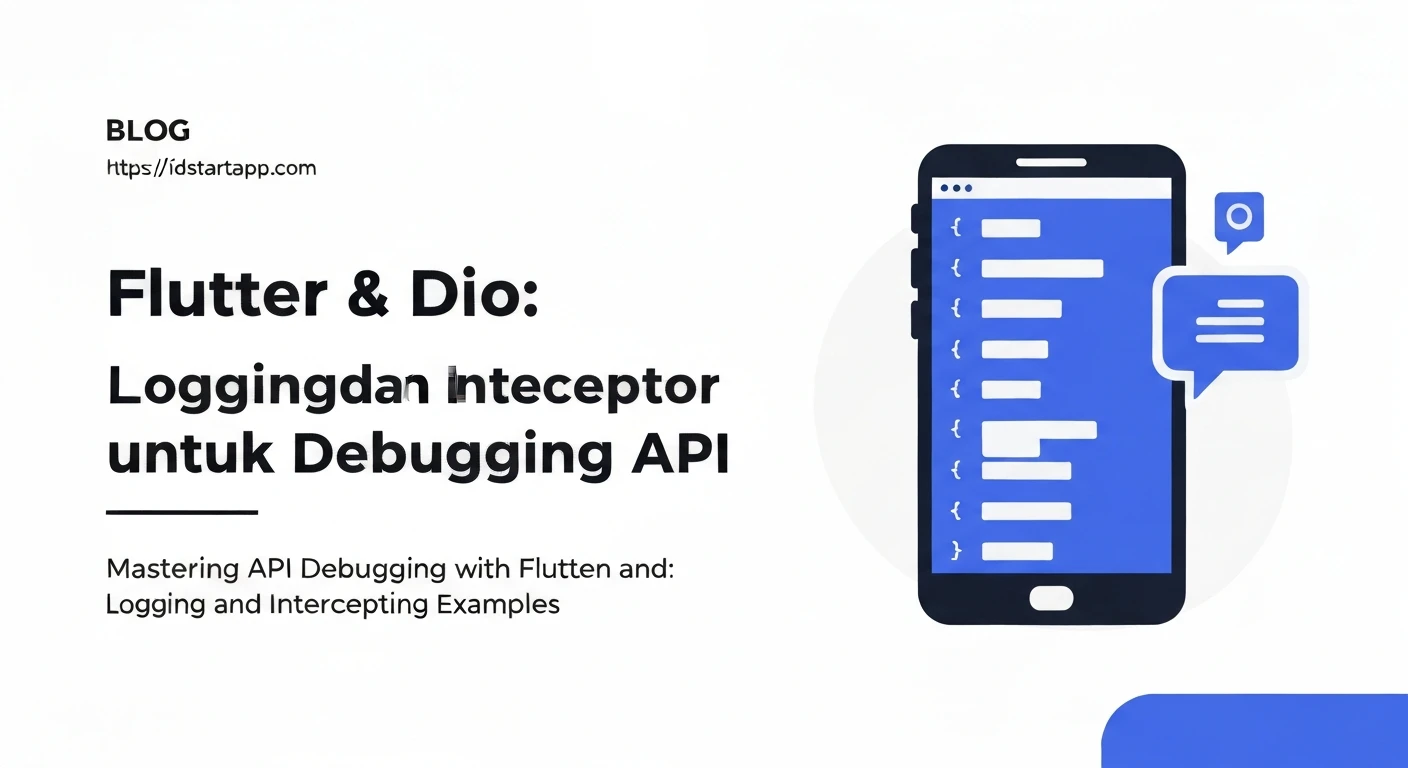

Flutter & Dio: Logging and Interceptors for API Debugging
Developing Flutter applications often involves interacting with various APIs. Debugging these API calls, especially when issues arise, can be a time-consuming task. Fortunately, the Dio HTTP client for Flutter provides powerful features like logging and interceptors that significantly streamline the debugging process, allowing developers to gain deep insights into network requests and responses.
Why Logging and Interceptors for API Debugging?
Logging API traffic provides real-time visibility into the data being sent and received. Interceptors, on the other hand, allow you to intercept and modify requests before they are sent, or responses before they are processed by your application. Together, they offer a robust mechanism for:
- Monitoring request/response payloads and headers.
- Identifying network errors and their root causes.
- Adding authentication tokens automatically.
- Implementing centralized error handling logic.
- Retrying failed requests.
- Caching responses.
Setting Up Dio
First, ensure you have Dio added to your pubspec.yaml file:
dependencies:
  flutter:
    sdk: flutter
  dio: ^5.0.0 # Use the latest stable version
Then, create an instance of Dio:
import 'package:dio/dio.dart';

final dio = Dio(BaseOptions(
  baseUrl: 'https://api.example.com',
  connectTimeout: Duration(milliseconds: 5000),
  receiveTimeout: Duration(milliseconds: 3000),
));
Logging with Dio's LogInterceptor
Dio comes with a built-in LogInterceptor that prints detailed information about requests, responses, and errors to the console. It's incredibly useful for quick debugging during development.
Adding LogInterceptor
To use it, simply add it to your Dio instance's interceptors list:
import 'package:dio/dio.dart';

final dio = Dio(BaseOptions(
  baseUrl: 'https://api.example.com',
  connectTimeout: Duration(milliseconds: 5000),
  receiveTimeout: Duration(milliseconds: 3000),
));

// Add LogInterceptor
dio.interceptors.add(LogInterceptor(
  requestBody: true, // Print request body
  responseBody: true, // Print response body
  requestHeader: true, // Print request headers
  responseHeader: true, // Print response headers
  error: true, // Print error details
  logPrint: (Object obj) {
    // You can customize how logs are printed, e.g., using a custom logger
    print(obj);
  },
));
With LogInterceptor enabled, every API call made through this Dio instance will log its details to the console, providing a clear picture of the network communication.
Custom Interceptors for Advanced Debugging and Logic
While LogInterceptor is great for basic logging, custom interceptors unlock a whole new level of control and functionality. You can create your own interceptors by extending Dio's Interceptor class and overriding its onRequest, onResponse, and onError methods.
The Interceptor Lifecycle Methods
-
onRequest(RequestOptions options, RequestInterceptorHandler handler):Called before a request is sent. You can modify
options(e.g., add headers, query parameters) or halt the request by callinghandler.reject()orhandler.next(). -
onResponse(Response response, ResponseInterceptorHandler handler):Called when a response is received successfully. You can inspect or modify the
response, or pass it along withhandler.next(). -
onError(DioException err, ErrorInterceptorHandler handler):Called when a request fails due to network issues, HTTP errors, or other problems. You can handle the error, retry the request, or pass it on with
handler.next().
Example 1: Authentication Interceptor
A common use case is to automatically attach an authentication token to every outgoing request.
import 'package:dio/dio.dart';

class AuthInterceptor extends Interceptor {
  final String? Function() getToken; // Function to retrieve the auth token

  AuthInterceptor(this.getToken);

  @override
  void onRequest(RequestOptions options, RequestInterceptorHandler handler) async {
    final token = getToken();
    if (token != null) {
      options.headers['Authorization'] = 'Bearer $token';
    }
    print('AuthInterceptor: Requesting ${options.path} with token');
    super.onRequest(options, handler);
  }

  @override
  void onResponse(Response response, ResponseInterceptorHandler handler) {
    print('AuthInterceptor: Received response for ${response.requestOptions.path}');
    super.onResponse(response, handler);
  }

  @override
  void onError(DioException err, ErrorInterceptorHandler handler) {
    print('AuthInterceptor: Error for ${err.requestOptions.path}: ${err.message}');
    if (err.response?.statusCode == 401 || err.response?.statusCode == 403) {
      // Potentially refresh token or navigate to login
      print('AuthInterceptor: Token expired or unauthorized. Handling...');
      // You could emit an event, show a dialog, or trigger a token refresh flow
    }
    super.onError(err, handler);
  }
}
To use this interceptor:
import 'package:dio/dio.dart';

String? _getCurrentAuthToken() {
  // Replace with your actual token retrieval logic (e.g., from SharedPreferences)
  return 'your_super_secret_token_from_storage';
}

final dio = Dio(BaseOptions(
  baseUrl: 'https://api.example.com',
));

dio.interceptors.add(AuthInterceptor(_getCurrentAuthToken));
dio.interceptors.add(LogInterceptor(requestBody: true, responseBody: true)); // Keep logging
Example 2: Centralized Error Handling Interceptor
This interceptor can catch specific API error codes and handle them globally, preventing repetitive error handling logic in every API call.
import 'package:dio/dio.dart';

class ErrorHandlingInterceptor extends Interceptor {
  @override
  void onError(DioException err, ErrorInterceptorHandler handler) {
    String errorMessage = 'An unexpected error occurred.';
    if (err.type == DioExceptionType.connectionTimeout ||
        err.type == DioExceptionType.receiveTimeout ||
        err.type == DioExceptionType.sendTimeout) {
      errorMessage = 'Connection timeout. Please check your internet.';
    } else if (err.type == DioExceptionType.badResponse) {
      final statusCode = err.response?.statusCode;
      final errorData = err.response?.data; // Often contains API-specific error messages

      switch (statusCode) {
        case 400:
          errorMessage = 'Bad request: ${errorData['message'] ?? 'Invalid input.'}';
          break;
        case 401:
          errorMessage = 'Unauthorized: Please log in again.';
          break;
        case 403:
          errorMessage = 'Forbidden: You do not have permission.';
          break;
        case 404:
          errorMessage = 'Not Found: The requested resource does not exist.';
          break;
        case 500:
          errorMessage = 'Server error: Please try again later.';
          break;
        default:
          errorMessage = 'API Error: Status $statusCode. ${errorData['message'] ?? ''}';
      }
    } else if (err.type == DioExceptionType.unknown && err.error != null) {
      errorMessage = 'Network error: ${err.error.toString()}';
    }

    print('ErrorHandlingInterceptor: ${errorMessage}');
    // You could show a SnackBar, Toast, or push a specific error screen here.
    // E.g., global Navigator.overlay to show a toast.

    // If you want to prevent further propagation of the error,
    // you can call handler.resolve(Response(requestOptions: err.requestOptions, data: {'handled': true}));
    // Otherwise, call super.onError to pass the error to the next interceptor or catch block.
    super.onError(err, handler);
  }
}
Combining Interceptors
You can add multiple interceptors to your Dio instance. The order in which you add them matters, as they are executed sequentially. For requests, interceptors are executed in the order they are added. For responses and errors, they are executed in reverse order.
import 'package:dio/dio.dart';

String? _getCurrentAuthToken() {
  return 'your_super_secret_token_from_storage';
}

final dio = Dio(BaseOptions(
  baseUrl: 'https://api.example.com',
));

dio.interceptors.add(AuthInterceptor(_getCurrentAuthToken));      // 1st for Request, Last for Response/Error
dio.interceptors.add(LogInterceptor(requestBody: true, responseBody: true)); // 2nd for Request, 2nd to Last for Response/Error
dio.interceptors.add(ErrorHandlingInterceptor()); // Last for Request, 1st for Response/Error
In the example above:
- Request flow:
AuthInterceptor->LogInterceptor->ErrorHandlingInterceptor-> Actual API call. - Response/Error flow: Actual API call ->
ErrorHandlingInterceptor->LogInterceptor->AuthInterceptor.
Best Practices
-
Conditional Logging: Only enable extensive logging (like
LogInterceptorwithrequestBody: true) in debug builds. Logging sensitive information or large payloads in production can pose security risks and performance overhead.if (kDebugMode) { // Import 'package:flutter/foundation.dart'; dio.interceptors.add(LogInterceptor(requestBody: true, responseBody: true)); } - Handle Sensitive Data: Be cautious when logging request/response bodies if they contain sensitive user data (passwords, PII). Consider redacting or hashing such fields.
- Interceptor Order: Plan the order of your interceptors carefully. For instance, an authentication interceptor should usually come before a logging interceptor if you want to log the request *with* the added authentication header.
- Keep Interceptors Focused: Each interceptor should ideally have a single responsibility (e.g., authentication, error handling, caching). This improves maintainability.
- Don't Block UI: Interceptors run on the same isolate as your main application. Avoid performing heavy, synchronous computations within interceptors that could block the UI.
Conclusion
Logging and interceptors in Dio are indispensable tools for any serious Flutter developer working with APIs. They provide unparalleled visibility into network operations, enable centralized handling of common concerns like authentication and error management, and ultimately accelerate the debugging process. By effectively leveraging these features, you can build more robust, maintainable, and debug-friendly Flutter applications.