
Flutter & Dio: Interceptor Logging for API Debugging
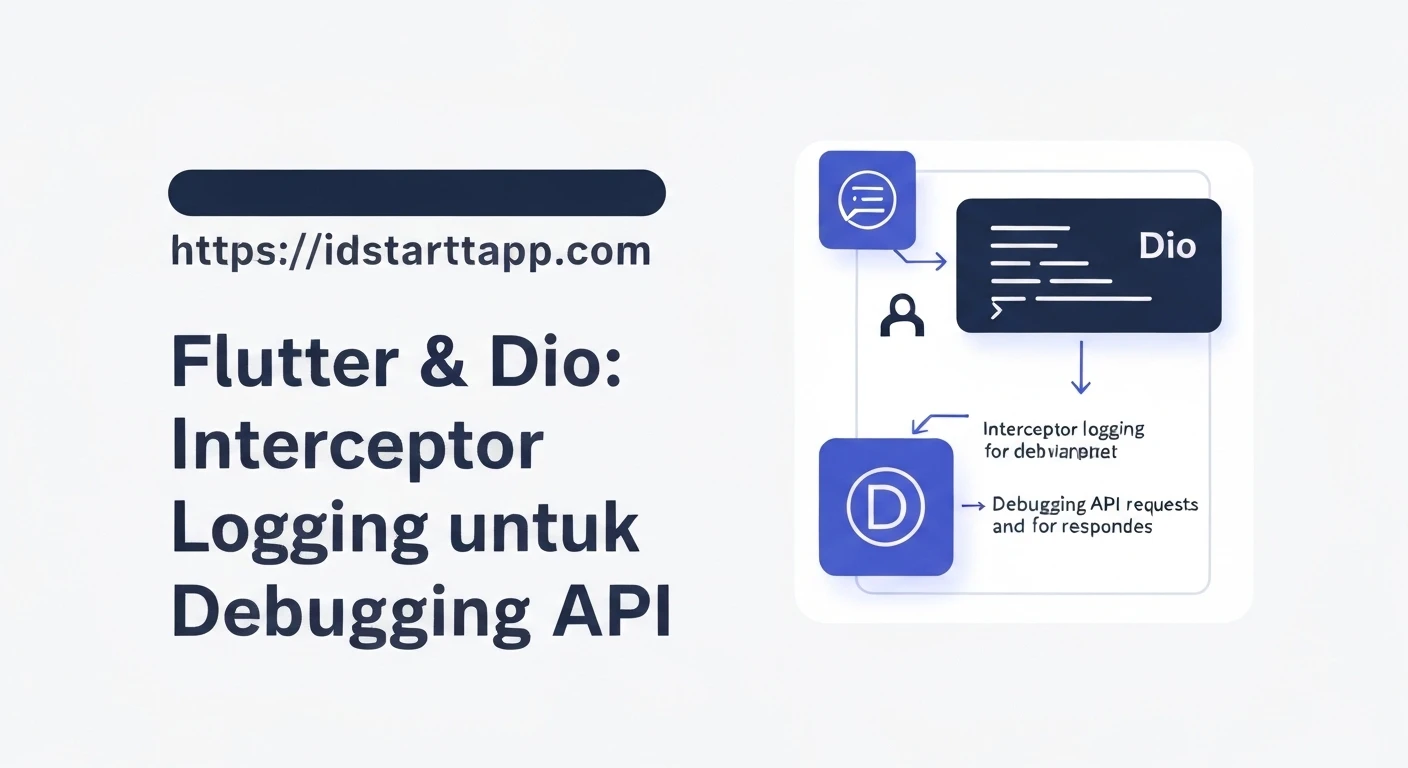
It's a common scenario for Flutter developers to interact with RESTful APIs. When things go wrong, debugging API requests and responses can be a tedious task. This article explores how to leverage Dio's powerful interceptor system to implement robust logging, significantly streamlining the API debugging process in your Flutter applications.
Why Dio Interceptors for Logging?
Dio is a popular HTTP client for Flutter, known for its strong features like interceptors, form data, request cancellation, and more. Interceptors are middleware that can intercept and modify requests before they are sent, and responses (or errors) after they are received. For logging, this means we can centralize our logging logic, ensuring that every API interaction is consistently logged without cluttering individual API calls.
Key benefits include:
- Centralized Logic: Apply logging across all API calls from a single point.
- Reduced Boilerplate: Avoid repeating logging code for each request.
- Flexibility: Easily modify or disable logging without touching core API logic.
- Insight: Gain detailed insights into request headers, body, response status, data, and errors.
Setting Up Dio
First, ensure you have Dio added to your pubspec.yaml:
dependencies:
  flutter:
    sdk: flutter
  dio: ^5.0.0 # Use the latest stable version
Then, initialize your Dio instance. It's often good practice to have a singleton or a dedicated service for this.
import 'package:dio/dio.dart';

class ApiService {
  late Dio _dio;

  ApiService() {
    _dio = Dio(
      BaseOptions(
        baseUrl: 'https://api.example.com',
        connectTimeout: const Duration(milliseconds: 5000),
        receiveTimeout: const Duration(milliseconds: 3000),
        headers: {
          'Content-Type': 'application/json',
          'Accept': 'application/json',
        },
      ),
    );
    // We will add interceptors here later
  }

  Dio get dio => _dio;
}
Implementing a Custom Logging Interceptor
Dio provides a built-in LogInterceptor, but often we need more control over the output format or want to integrate with a custom logger. Let's create our own simple CustomLogInterceptor.
import 'package:dio/dio.dart';
import 'dart:developer' as developer; // For better logging in debug console

class CustomLogInterceptor extends Interceptor {
  @override
  void onRequest(RequestOptions options, RequestInterceptorHandler handler) {
    developer.log('┌─────────────────────────────────────────────────────────────────────────────');
    developer.log('│ REQUEST: ${options.method} ${options.uri}');
    developer.log('│ Headers:');
    options.headers.forEach((key, value) => developer.log('│   $key: $value'));
    if (options.data != null) {
      developer.log('│ Body: ${options.data}');
    }
    developer.log('└─────────────────────────────────────────────────────────────────────────────');
    super.onRequest(options, handler);
  }

  @override
  void onResponse(Response response, ResponseInterceptorHandler handler) {
    developer.log('┌─────────────────────────────────────────────────────────────────────────────');
    developer.log('│ RESPONSE: ${response.requestOptions.method} ${response.requestOptions.uri}');
    developer.log('│ Status Code: ${response.statusCode}');
    developer.log('│ Data: ${response.data}');
    developer.log('└─────────────────────────────────────────────────────────────────────────────');
    super.onResponse(response, handler);
  }

  @override
  void onError(DioException err, ErrorInterceptorHandler handler) {
    developer.log('┌─────────────────────────────────────────────────────────────────────────────');
    developer.log('│ ERROR: ${err.requestOptions.method} ${err.requestOptions.uri}');
    developer.log('│ Status Code: ${err.response?.statusCode}');
    developer.log('│ Error Message: ${err.message}');
    if (err.response?.data != null) {
      developer.log('│ Error Data: ${err.response?.data}');
    }
    developer.log('└─────────────────────────────────────────────────────────────────────────────');
    super.onError(err, handler);
  }
}
In this example, we use dart:developer.log which is more suitable for Flutter debugging than print as it provides better handling for long strings and doesn't get truncated in the console.
Integrating the Logging Interceptor
Now, let's add our CustomLogInterceptor to our ApiService Dio instance:
import 'package:dio/dio.dart';
import 'package:your_app_name/custom_log_interceptor.dart'; // Adjust import path

class ApiService {
  late Dio _dio;

  ApiService() {
    _dio = Dio(
      BaseOptions(
        baseUrl: 'https://api.example.com',
        connectTimeout: const Duration(milliseconds: 5000),
        receiveTimeout: const Duration(milliseconds: 3000),
        headers: {
          'Content-Type': 'application/json',
          'Accept': 'application/json',
        },
      ),
    );
    _dio.interceptors.add(CustomLogInterceptor()); // Add our custom interceptor here
  }

  Dio get dio => _dio;

  // Example method to fetch data
  Future> fetchData() async {
    try {
      final response = await _dio.get('/data');
      return response.data;
    } on DioException catch (e) {
      // Our interceptor already logged the error, but you might handle it further here.
      throw Exception('Failed to fetch data: ${e.message}');
    }
  }

  // Example method to post data
  Future> postData(Map payload) async {
    try {
      final response = await _dio.post('/submit', data: payload);
      return response.data;
    } on DioException catch (e) {
      throw Exception('Failed to post data: ${e.message}');
    }
  }
}
Example Usage and Expected Output
When you make an API call using the ApiService (e.g., ApiService().fetchData()), you will see the formatted logs in your debug console:
I/flutter ( 6789): ┌─────────────────────────────────────────────────────────────────────────────
I/flutter ( 6789): │ REQUEST: GET https://api.example.com/data
I/flutter ( 6789): │ Headers:
I/flutter ( 6789): │   Content-Type: application/json
I/flutter ( 6789): │   Accept: application/json
I/flutter ( 6789): └─────────────────────────────────────────────────────────────────────────────
... (after network call completes)
I/flutter ( 6789): ┌─────────────────────────────────────────────────────────────────────────────
I/flutter ( 6789): │ RESPONSE: GET https://api.example.com/data
I/flutter ( 6789): │ Status Code: 200
I/flutter ( 6789): │ Data: {"id": 1, "name": "Sample Item"}
I/flutter ( 6789): └─────────────────────────────────────────────────────────────────────────────
If an error occurs, the onError method will log it accordingly:
I/flutter ( 6789): ┌─────────────────────────────────────────────────────────────────────────────
I/flutter ( 6789): │ ERROR: GET https://api.example.com/nonexistent
I/flutter ( 6789): │ Status Code: 404
I/flutter ( 6789): │ Error Message: The request returned an invalid status code of 404.
I/flutter ( 6789): │ Error Data: {"message": "Not Found"}
I/flutter ( 6789): └─────────────────────────────────────────────────────────────────────────────
Best Practices and Tips
- Conditional Logging: Only enable verbose logging in debug builds. You can achieve this by checking
kDebugModefromflutter/foundation.dart.import 'package:flutter/foundation.dart'; // ... inside ApiService constructor if (kDebugMode) { _dio.interceptors.add(CustomLogInterceptor()); } - Handle Sensitive Data: Be cautious about logging sensitive information (e.g., passwords, API keys, tokens). You might want to filter or mask certain fields in your logging logic.
// Example: Masking sensitive headers options.headers.forEach((key, value) { if (key.toLowerCase() == 'authorization') { developer.log('│ $key: *******'); // Mask it } else { developer.log('│ $key: $value'); } }); - Use a Dedicated Logger: For more advanced logging features like different log levels, file logging, or integration with analytics platforms, consider using a dedicated package like
loggerand integrate it within your interceptor.import 'package:logger/logger.dart'; // ... class CustomLogInterceptor extends Interceptor { final Logger _logger = Logger( printer: PrettyPrinter(), // Customize printer if needed ); @override void onRequest(RequestOptions options, RequestInterceptorHandler handler) { _logger.d('REQUEST: ${options.method} ${options.uri}\nHeaders: ${options.headers}\nBody: ${options.data}'); super.onRequest(options, handler); } // ... similar changes for onResponse and onError, using _logger.i (info), _logger.e (error) etc. } - Pretty Print JSON: For large JSON bodies, consider pretty-printing them for better readability in the logs (e.g., using
JsonEncoder.withIndent(' ').convert(options.data)fromdart:convert).
Conclusion
Dio's interceptors provide an elegant and efficient way to implement comprehensive API request and response logging in Flutter. By centralizing your logging logic, you can significantly enhance your debugging capabilities, gain deeper insights into network interactions, and maintain cleaner, more maintainable code. Whether you opt for a simple custom interceptor or integrate with a full-fledged logging library, this approach is a powerful tool in any Flutter developer's arsenal.