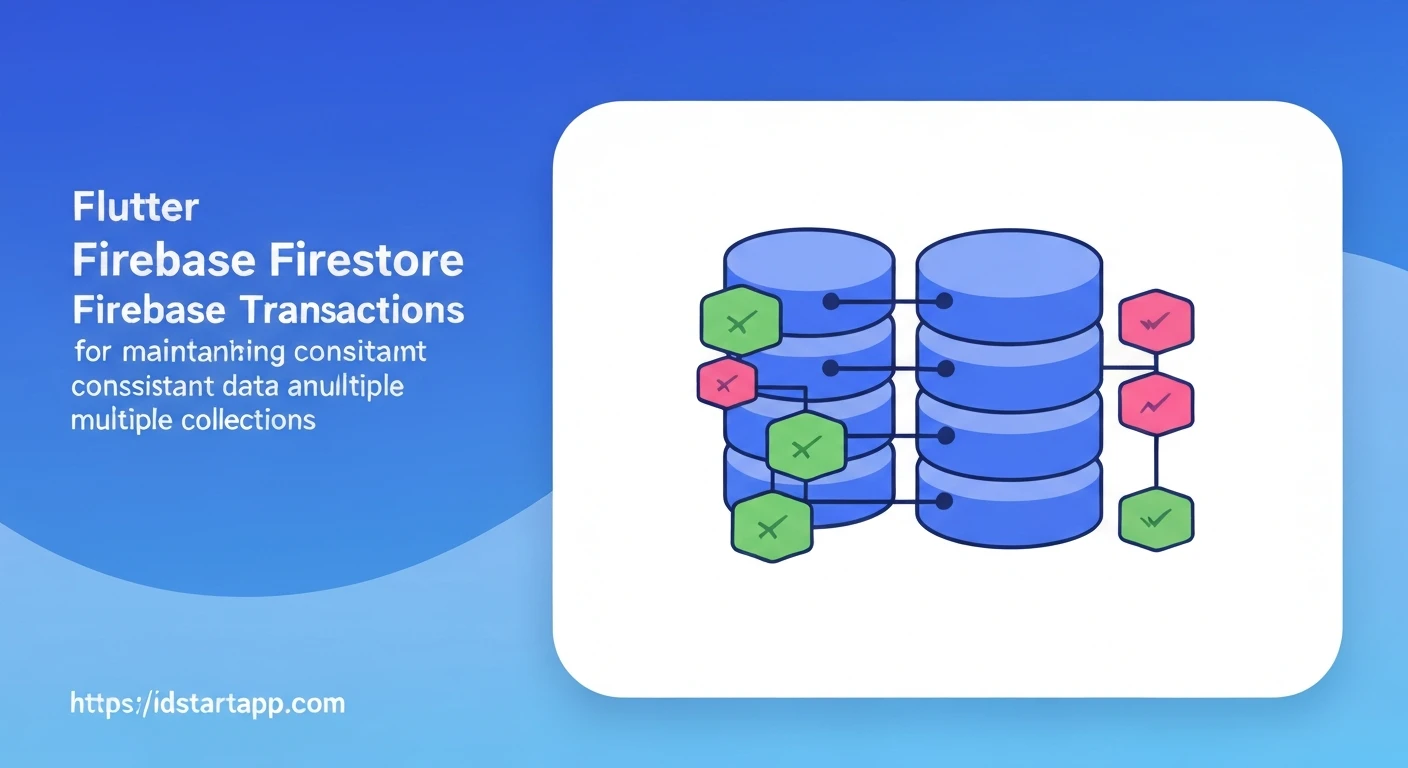

Flutter & Firebase Firestore: Ensuring Data Consistency with Multi-Collection Transactions
Building robust applications often involves managing complex data relationships across multiple database collections. In the context of Flutter applications powered by Firebase Firestore, maintaining data consistency, especially when operations span across different collections or require multiple read/write actions, can be a significant challenge. This article explores how to leverage Firestore Transactions to guarantee atomic operations and ensure data integrity in multi-collection scenarios.
Why Transactions Are Crucial for Data Consistency
Imagine a scenario where your application needs to update multiple documents in different collections as part of a single logical operation. For instance, transferring funds between two user accounts involves deducting from one user's balance and adding to another's. Without proper mechanisms, several problems can arise:
- Race Conditions: If multiple users or processes try to modify the same data concurrently, the order of operations can lead to incorrect states.
- Incomplete Operations: If an operation fails midway (e.g., deducting funds but failing to add them due to a network error or app crash), your data can become inconsistent.
Firestore Transactions solve these problems by providing atomicity. An atomic operation means that either all of its steps succeed, or none of them do. If any part of the transaction fails, Firestore automatically rolls back all changes made within that transaction. Furthermore, transactions handle concurrency conflicts by retrying the operation if the underlying data changes during the transaction's execution, ensuring that you always work with the latest data.
Firestore Transactions Basics
Firestore transactions are executed using the runTransaction method, which takes a transaction handler function as an argument. Inside this function, you interact with the database using a special Transaction object. This object provides methods like get(), set(), update(), and delete(), which are similar to their `DocumentReference` counterparts but operate within the transactional context.
Key characteristics:
- Read-Modify-Write: Documents read within a transaction are locked (logically, not literally) to ensure that they don't change until the transaction commits. If a document is modified by another operation after it's read by a transaction but before the transaction attempts to commit, the transaction will automatically retry.
- Automatic Retries: Firestore will retry a transaction if it encounters a contention conflict (i.e., another client modifies a document that the transaction has read). This ensures that your transaction always operates on the freshest data.
- Maximum Duration: Transactions have a default maximum duration of 270 seconds.
- Limited Reads/Writes: A single transaction is limited to 500 documents.
Practical Scenario: Fund Transfer Between Users
Let's consider a practical scenario: transferring funds from one user to another. This operation involves:
- Reading the sender's balance.
- Checking if the sender has sufficient funds.
- Deducting funds from the sender's balance.
- Adding funds to the receiver's balance.
- Recording the transaction in a separate
transactionscollection.
Collections involved:
users/{userId}: Stores user information, including abalancefield.transactions/{transactionId}: Logs details of each fund transfer.
Without a transaction, if the app crashes after deducting from the sender but before adding to the receiver, funds are lost, leading to an inconsistent state.
Implementing a Multi-Collection Transaction in Flutter
First, ensure you have initialized Firebase in your Flutter project and have an instance of FirebaseFirestore.
import 'package:cloud_firestore/cloud_firestore.dart';

final FirebaseFirestore _firestore = FirebaseFirestore.instance;
Now, let's implement the transferFunds function using a Firestore transaction:
Future<String> transferFunds({
  required String senderId,
  required String receiverId,
  required double amount,
}) async {
  if (amount <= 0) {
    return 'Transfer amount must be positive.';
  }

  // Define document references
  final senderRef = _firestore.collection('users').doc(senderId);
  final receiverRef = _firestore.collection('users').doc(receiverId);
  final transactionLogRef = _firestore.collection('transactions').doc(); // Auto-ID for new transaction log

  try {
    await _firestore.runTransaction((transaction) async {
      // 1. Read sender and receiver documents within the transaction
      final senderSnapshot = await transaction.get(senderRef);
      final receiverSnapshot = await transaction.get(receiverRef);

      if (!senderSnapshot.exists) {
        throw Exception('Sender not found.');
      }
      if (!receiverSnapshot.exists) {
        throw Exception('Receiver not found.');
      }

      final senderBalance = (senderSnapshot.data()?['balance'] ?? 0.0) as double;
      final receiverBalance = (receiverSnapshot.data()?['balance'] ?? 0.0) as double;

      // 2. Check for sufficient funds
      if (senderBalance < amount) {
        throw Exception('Insufficient funds.');
      }

      // 3. Update sender's balance
      final newSenderBalance = senderBalance - amount;
      transaction.update(senderRef, {'balance': newSenderBalance});

      // 4. Update receiver's balance
      final newReceiverBalance = receiverBalance + amount;
      transaction.update(receiverRef, {'balance': newReceiverBalance});

      // 5. Record the transaction in a separate collection
      transaction.set(transactionLogRef, {
        'senderId': senderId,
        'receiverId': receiverId,
        'amount': amount,
        'timestamp': FieldValue.serverTimestamp(),
        'status': 'completed',
      });
    });

    return 'Funds transferred successfully!';
  } on FirebaseException catch (e) {
    print('FirebaseException during fund transfer: ${e.message}');
    return 'Transfer failed: ${e.message}';
  } catch (e) {
    print('Error during fund transfer: $e');
    return 'Transfer failed: An unexpected error occurred.';
  }
}
In this example:
- All reads (
transaction.get()) and writes (transaction.update(),transaction.set()) are performed using theTransactionobject. - If
senderSnapshotorreceiverSnapshotdo not exist, or if the sender has insufficient funds, an exception is thrown. This will cause the transaction to abort, and no changes will be committed. - If any part of the `runTransaction` block fails (e.g., a network issue, or another client modifies the sender/receiver documents simultaneously), Firestore will automatically retry the entire transaction a few times. If it still fails, the `catch` block will be executed.
- The `transactionLogRef` uses an auto-generated ID to add a new document to the `transactions` collection. This is also part of the atomic operation.
Key Considerations and Best Practices
- Read Inside, Write Inside: Always perform all reads and writes that are part of the atomic operation within the
runTransactioncallback using theTransactionobject. Do not read documents outside the transaction and then use those values inside, as they might be stale. - Keep Transactions Short: Minimize the amount of work performed inside a transaction. The longer a transaction runs and the more documents it touches, the higher the chance of conflicts and retries, which can degrade performance.
- Idempotency: Design your transactions to be idempotent. This means that if a transaction is retried multiple times, the final result should be the same. Firestore handles retries automatically, so your transaction function might execute more than once.
- Error Handling: Catch specific
FirebaseExceptionerrors to provide meaningful feedback to the user. - Batch Writes vs. Transactions: Understand the difference. Batch writes allow you to perform multiple write operations as a single atomic unit, but they do not provide protection against concurrent modifications from other users. If another user updates a document that your batch is trying to modify, the batch will still commit with its changes, potentially overwriting or leading to an inconsistent state. Transactions, on the other hand, guarantee that you're working with the latest data and will retry if contention occurs. Use batch writes for unrelated writes or writes that don't need strong consistency guarantees against concurrent user modifications.
Conclusion
Firestore transactions are a powerful tool for maintaining data consistency and integrity in complex Flutter applications, especially when dealing with multi-collection operations. By ensuring that all related reads and writes are treated as a single, atomic unit, you can prevent race conditions, incomplete operations, and build more robust and reliable features like fund transfers, inventory management, or complex order processing. Always remember to design your transactions carefully, keeping them short and ensuring all relevant logic resides within the transaction callback.