
Building a Product Review Card Widget with Rating & Comment in Flutter
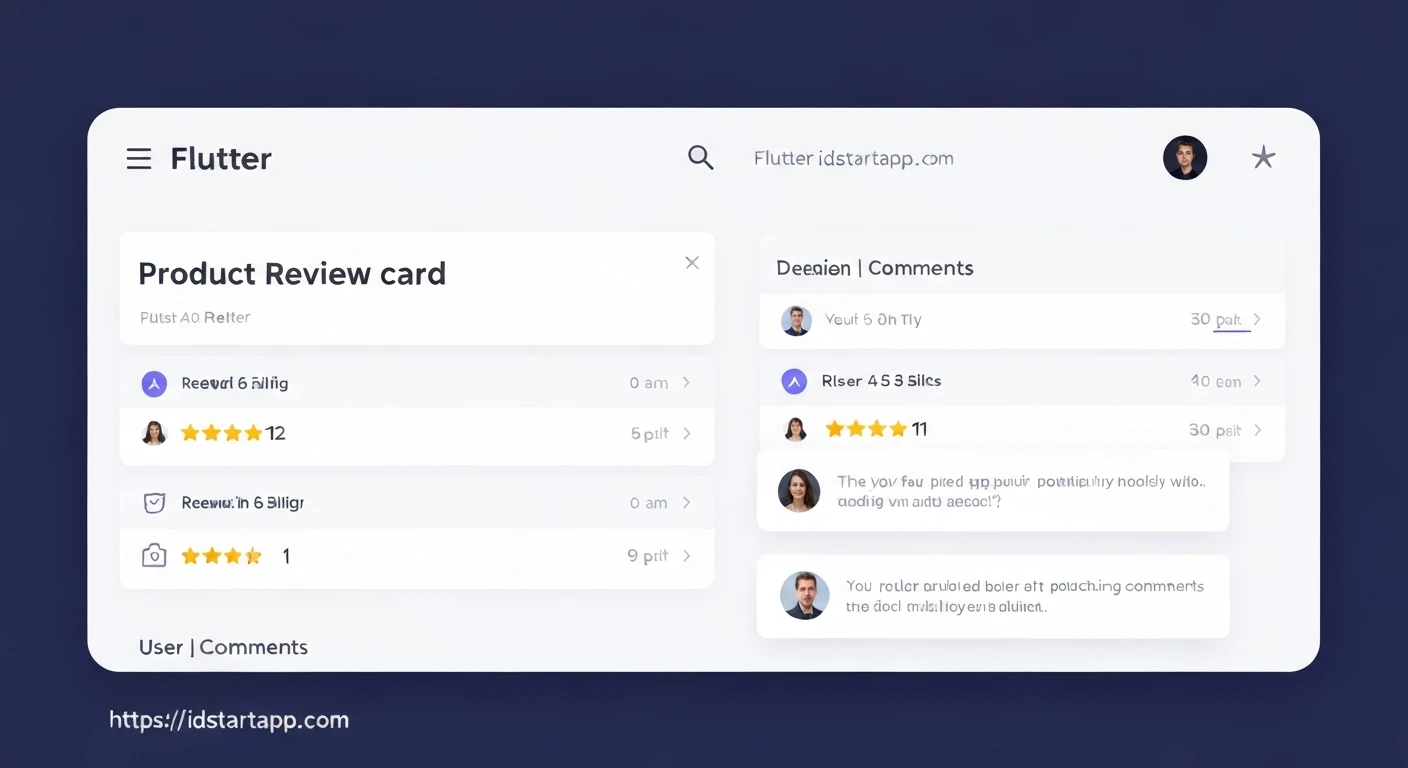
Product review cards are a cornerstone of modern e-commerce and service-based applications. They provide potential customers with valuable insights, build trust, and enhance the overall user experience by showcasing feedback, ratings, and comments. This article will guide you through the process of creating a professional and reusable Product Review Card widget in Flutter, complete with a star rating system and comment display.
We'll cover defining a data model for reviews, creating a dedicated star rating widget, and finally assembling the main review card widget using these components.
1. Defining the Review Data Model
First, let's create a simple data model to represent a single product review. This model will hold essential information such as the reviewer's name, their given rating, the comment text, and the date of the review. An optional avatar URL can also be included for personalization.
class Review {
  final String reviewerName;
  final double rating; // e.g., 4.5
  final String comment;
  final DateTime reviewDate;
  final String? reviewerAvatarUrl; // Optional avatar image URL

  Review({
    required this.reviewerName,
    required this.rating,
    required this.comment,
    required this.reviewDate,
    this.reviewerAvatarUrl,
  });
}
2. Creating a Reusable Star Rating Widget
To display star ratings consistently across our application, it's best to create a dedicated stateless widget. This widget will take a numeric rating (e.g., 4.5) and render a corresponding visual representation using filled, half-filled, and border stars.
import 'package:flutter/material.dart';

class StarRating extends StatelessWidget {
  final double rating;
  final double size;
  final Color color;

  const StarRating({
    Key? key,
    required this.rating,
    this.size = 20.0,
    this.color = Colors.amber,
  }) : super(key: key);

  @override
  Widget build(BuildContext context) {
    return Row(
      mainAxisSize: MainAxisSize.min,
      children: List.generate(5, (index) {
        return Icon(
          index < rating.floor()
              ? Icons.star // Filled star
              : index < rating
                  ? Icons.star_half // Half-filled star
                  : Icons.star_border, // Empty star
          color: color,
          size: size,
        );
      }),
    );
  }
}
3. Building the Product Review Card Widget
Now, we'll construct the main ProductReviewCard widget. This widget will take a Review object as input and display all its details in a visually appealing card layout. We'll utilize our StarRating widget and common Flutter layout widgets like Row, Column, Card, and Padding.
import 'package:flutter/material.dart';
import 'package:intl/intl.dart'; // For date formatting, add intl dependency to pubspec.yaml
import 'review_model.dart'; // Assuming review_model.dart is in the same directory
import 'star_rating.dart'; // Assuming star_rating.dart is in the same directory

class ProductReviewCard extends StatelessWidget {
  final Review review;

  const ProductReviewCard({
    Key? key,
    required this.review,
  }) : super(key: key);

  @override
  Widget build(BuildContext context) {
    return Card(
      margin: const EdgeInsets.symmetric(vertical: 8.0, horizontal: 16.0),
      elevation: 2.0,
      shape: RoundedRectangleBorder(borderRadius: BorderRadius.circular(10.0)),
      child: Padding(
        padding: const EdgeInsets.all(16.0),
        child: Column(
          crossAxisAlignment: CrossAxisAlignment.start,
          children: [
            Row(
              children: [
                // Reviewer Avatar
                CircleAvatar(
                  radius: 20,
                  backgroundImage: review.reviewerAvatarUrl != null
                      ? NetworkImage(review.reviewerAvatarUrl!)
                      : null,
                  child: review.reviewerAvatarUrl == null
                      ? const Icon(Icons.person, color: Colors.white)
                      : null,
                  backgroundColor: review.reviewerAvatarUrl == null
                      ? Colors.blueGrey
                      : null,
                ),
                const SizedBox(width: 10),
                Expanded(
                  child: Column(
                    crossAxisAlignment: CrossAxisAlignment.start,
                    children: [
                      // Reviewer Name
                      Text(
                        review.reviewerName,
                        style: Theme.of(context).textTheme.titleMedium?.copyWith(fontWeight: FontWeight.bold),
                      ),
                      // Star Rating
                      StarRating(rating: review.rating),
                    ],
                  ),
                ),
                // Review Date
                Text(
                  DateFormat('MMM dd, yyyy').format(review.reviewDate),
                  style: Theme.of(context).textTheme.bodySmall?.copyWith(color: Colors.grey[600]),
                ),
              ],
            ),
            const SizedBox(height: 10),
            // Review Comment
            Text(
              review.comment,
              style: Theme.of(context).textTheme.bodyMedium,
              maxLines: 4, // Limit lines to prevent overly long comments
              overflow: TextOverflow.ellipsis, // Add ellipsis if comment is too long
            ),
            // You could optionally add a "Read More" button here if the comment is truncated.
          ],
        ),
      ),
    );
  }
}
Note: To use DateFormat, you'll need to add the intl package to your pubspec.yaml file:
dependencies:
  flutter:
    sdk: flutter
  intl: ^0.18.0 # Use the latest version available
4. Integrating the Review Card into Your App
Finally, let's demonstrate how to use our ProductReviewCard widget within a Flutter application. We'll create a simple list of dummy reviews and display them using a ListView.builder.
import 'package:flutter/material.dart';
import 'product_review_card.dart'; // Adjust path as needed
import 'review_model.dart'; // Adjust path as needed

void main() {
  runApp(const MyApp());
}

class MyApp extends StatelessWidget {
  const MyApp({Key? key}) : super(key: key);

  @override
  Widget build(BuildContext context) {
    return MaterialApp(
      title: 'Product Review App',
      theme: ThemeData(
        primarySwatch: Colors.blue,
        visualDensity: VisualDensity.adaptivePlatformDensity,
      ),
      home: const ReviewListPage(),
    );
  }
}

class ReviewListPage extends StatelessWidget {
  const ReviewListPage({Key? key}) : super(key: key);

  final List dummyReviews = const [
    Review(
      reviewerName: 'Alice Wonderland',
      rating: 4.5,
      comment: 'This product exceeded my expectations! The quality is superb and it performs flawlessly. Highly recommend it to everyone looking for reliability and great performance.',
      reviewDate: DateTime(2023, 10, 26),
      reviewerAvatarUrl: 'https://images.unsplash.com/photo-1534528741775-53994a69daeb?q=80&w=2670&auto=format&fit=crop&ixlib=rb-4.0.3&ixid=M3wxMjA3fDB8MHxwaG90by1wYWdlfHx8fGVufDB8fHx8fA%3D%3D',
    ),
    Review(
      reviewerName: 'Bob The Builder',
      rating: 3.0,
      comment: 'It\'s an okay product. Does the job, but nothing extraordinary. I wish the battery life was a bit longer. Good value for money though, for what it offers.',
      reviewDate: DateTime(2023, 10, 20),
    ),
    Review(
      reviewerName: 'Charlie Chaplin',
      rating: 5.0,
      comment: 'Absolutely brilliant! The design is sleek, and the features are incredibly useful. I use it every day and it has truly improved my workflow and productivity.',
      reviewDate: DateTime(2023, 10, 15),
      reviewerAvatarUrl: 'https://images.unsplash.com/photo-1544005313-94ddf0286df2?q=80&w=2788&auto=format&fit=crop&ixlib=rb-4.0.3&ixid=M3wxMjA3fDB8MHxwaG90by1wYWdlfHx8fGVufDB8fHx8fA%3D%3D',
    ),
    Review(
      reviewerName: 'Diana Prince',
      rating: 2.5,
      comment: 'Had some issues with shipping and the product arrived with a minor defect. Customer service was helpful in resolving it, but still a bit disappointed with the initial experience.',
      reviewDate: DateTime(2023, 09, 28),
    ),
    Review(
      reviewerName: 'Eve Harrington',
      rating: 4.0,
      comment: 'Solid performance for the price. Not the best in its category, but it gets the job done reliably. The setup was straightforward and easy to understand.',
      reviewDate: DateTime(2023, 09, 10),
      reviewerAvatarUrl: 'https://images.unsplash.com/photo-1500048991717-385ee66b2d21?q=80&w=2670&auto=format&fit=crop&ixlib=rb-4.0.3&ixid=M3wxMjA3fDB8MHxwaG90by1wYWdlfHx8fGVufDB8fHx8fA%3D%3D',
    ),
  ];

  @override
  Widget build(BuildContext context) {
    return Scaffold(
      appBar: AppBar(
        title: const Text('Product Reviews'),
      ),
      body: ListView.builder(
        itemCount: dummyReviews.length,
        itemBuilder: (context, index) {
          return ProductReviewCard(review: dummyReviews[index]);
        },
      ),
    );
  }
}
Conclusion
By following these steps, you've successfully created a robust and reusable Product Review Card widget in Flutter. This modular approach allows for easy integration into various parts of your application and promotes maintainability. You've learned to define a clear data model, build a dedicated star rating component, and assemble a complex UI widget.
You can further enhance this widget by adding features such as a dynamic "Read More" button for long comments, user interaction capabilities (e.g., liking a review), or integrating it with a backend API to fetch and submit real review data.