
Building a Product Grid Widget with Filter, Sort, and Infinite Scroll in Flutter
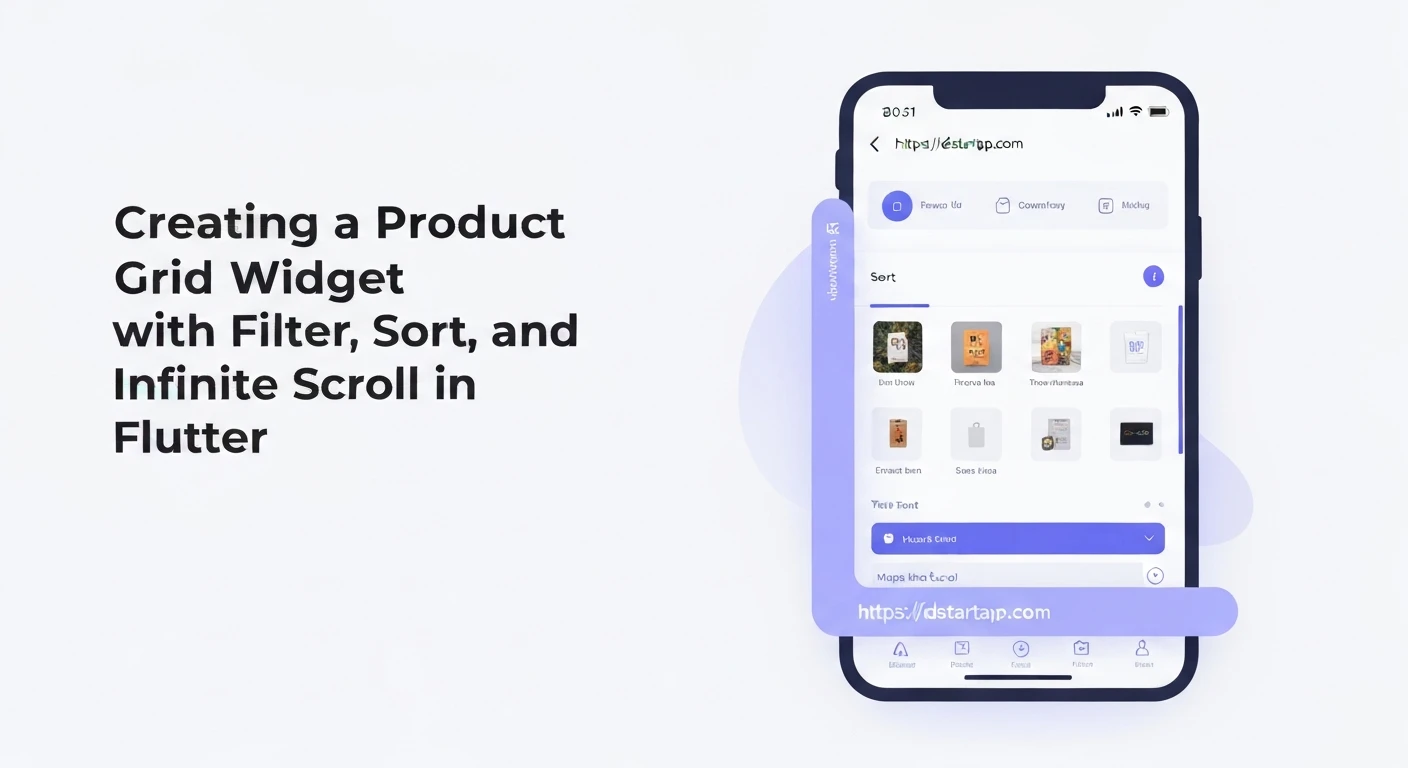
Creating a robust e-commerce or catalog application in Flutter often requires displaying a list of products in a grid format, complete with features like filtering, sorting, and infinite scrolling. This article provides a professional guide to implementing such a versatile product grid widget.
1. Product Model and API Service
First, define a data model for your product and a service to simulate or fetch data from an API. For simplicity, we'll use a mock API service.
Product Model
class Product {
  final String id;
  final String name;
  final double price;
  final String category;
  final String imageUrl;

  Product({
    required this.id,
    required this.name,
    required this.price,
    required this.category,
    required this.imageUrl,
  });

  factory Product.fromJson(Map<String, dynamic> json) {
    return Product(
      id: json['id'],
      name: json['name'],
      price: json['price'].toDouble(),
      category: json['category'],
      imageUrl: json['imageUrl'],
    );
  }
}
Mock API Service
This service simulates fetching paginated product data with optional filters and sorting.
enum SortOrder {
  none,
  priceAscending,
  priceDescending,
}

class ProductApiService {
  final List<Product> _allProducts = List.generate(
    100,
    (index) => Product(
      id: 'prod_${index + 1}',
      name: 'Product ${index + 1}',
      price: 10.0 + (index * 0.5),
      category: index % 3 == 0
          ? 'Electronics'
          : index % 3 == 1
              ? 'Books'
              : 'Clothing',
      imageUrl: 'https://via.placeholder.com/150/0000FF/FFFFFF?text=Product+${index + 1}',
    ),
  );

  Future<List<Product>> fetchProducts({
    int page = 1,
    int pageSize = 10,
    String? categoryFilter,
    SortOrder sortOrder = SortOrder.none,
  }) async {
    await Future.delayed(const Duration(milliseconds: 700)); // Simulate network delay

    List<Product> filteredProducts = List.from(_allProducts);

    // Apply category filter
    if (categoryFilter != null && categoryFilter.isNotEmpty) {
      filteredProducts = filteredProducts
          .where((product) => product.category == categoryFilter)
          .toList();
    }

    // Apply sorting
    if (sortOrder == SortOrder.priceAscending) {
      filteredProducts.sort((a, b) => a.price.compareTo(b.price));
    } else if (sortOrder == SortOrder.priceDescending) {
      filteredProducts.sort((a, b) => b.price.compareTo(a.price));
    }

    // Apply pagination
    final startIndex = (page - 1) * pageSize;
    if (startIndex >= filteredProducts.length) {
      return []; // No more data
    }

    final endIndex = (startIndex + pageSize).clamp(0, filteredProducts.length);
    return filteredProducts.sublist(startIndex, endIndex);
  }
}
2. Product Grid Widget Implementation
This will be a StatefulWidget to manage the state of products, loading indicators, filters, and sorting options.
import 'package:flutter/material.dart';
// Import your Product and ProductApiService files

class ProductGridWidget extends StatefulWidget {
  const ProductGridWidget({Key? key}) : super(key: key);

  @override
  State<ProductGridWidget> createState() => _ProductGridWidgetState();
}

class _ProductGridWidgetState extends State<ProductGridWidget> {
  final ProductApiService _apiService = ProductApiService();
  final ScrollController _scrollController = ScrollController();

  List<Product> _products = [];
  bool _isLoading = false;
  bool _isLoadingMore = false;
  bool _hasMore = true;
  int _currentPage = 1;
  final int _pageSize = 10;
  String? _selectedCategory;
  SortOrder _selectedSortOrder = SortOrder.none;
  String? _errorMessage;

  final List<String> _categories = ['Electronics', 'Books', 'Clothing'];
  final Map<SortOrder, String> _sortOptions = {
    SortOrder.none: 'None',
    SortOrder.priceAscending: 'Price: Low to High',
    SortOrder.priceDescending: 'Price: High to Low',
  };

  @override
  void initState() {
    super.initState();
    _fetchProducts();
    _scrollController.addListener(_scrollListener);
  }

  @override
  void dispose() {
    _scrollController.dispose();
    super.dispose();
  }

  // --- Data Fetching Logic ---
  Future<void> _fetchProducts({bool isInitialLoad = true}) async {
    if (_isLoading || _isLoadingMore) return;

    setState(() {
      if (isInitialLoad) {
        _isLoading = true;
        _errorMessage = null;
      } else {
        _isLoadingMore = true;
      }
    });

    try {
      final List<Product> fetchedProducts = await _apiService.fetchProducts(
        page: _currentPage,
        pageSize: _pageSize,
        categoryFilter: _selectedCategory,
        sortOrder: _selectedSortOrder,
      );

      setState(() {
        if (isInitialLoad) {
          _products = fetchedProducts;
        } else {
          _products.addAll(fetchedProducts);
        }
        _hasMore = fetchedProducts.length == _pageSize;
        _currentPage++;
      });
    } catch (e) {
      setState(() {
        _errorMessage = 'Failed to load products: ${e.toString()}';
      });
    } finally {
      setState(() {
        _isLoading = false;
        _isLoadingMore = false;
      });
    }
  }

  // --- Infinite Scroll Listener ---
  void _scrollListener() {
    if (_scrollController.position.pixels == _scrollController.position.maxScrollExtent &&
        !_isLoadingMore &&
        _hasMore) {
      _fetchProducts(isInitialLoad: false);
    }
  }

  // --- Filter and Sort Actions ---
  void _applyFiltersAndSort() {
    setState(() {
      _products = []; // Clear current products
      _currentPage = 1; // Reset page for new query
      _hasMore = true; // Assume there's more data
    });
    _fetchProducts(); // Fetch with new filters/sort
  }

  @override
  Widget build(BuildContext context) {
    return Scaffold(
      appBar: AppBar(
        title: const Text('Product Catalog'),
      ),
      body: Column(
        children: [
          _buildFilterAndSortControls(),
          Expanded(
            child: _isLoading && _products.isEmpty
                ? const Center(child: CircularProgressIndicator())
                : _errorMessage != null
                    ? Center(
                        child: Text(
                          _errorMessage!,
                          style: const TextStyle(color: Colors.red),
                        ),
                      )
                    : _products.isEmpty
                        ? const Center(child: Text('No products found.'))
                        : RefreshIndicator(
                            onRefresh: () async {
                              setState(() {
                                _products = [];
                                _currentPage = 1;
                                _hasMore = true;
                              });
                              await _fetchProducts();
                            },
                            child: GridView.builder(
                              controller: _scrollController,
                              padding: const EdgeInsets.all(8.0),
                              gridDelegate: const SliverGridDelegateWithFixedCrossAxisCount(
                                crossAxisCount: 2,
                                crossAxisSpacing: 8.0,
                                mainAxisSpacing: 8.0,
                                childAspectRatio: 0.75, // Adjust as needed
                              ),
                              itemCount: _products.length + (_isLoadingMore ? 1 : 0),
                              itemBuilder: (context, index) {
                                if (index == _products.length) {
                                  return const Center(child: CircularProgressIndicator());
                                }
                                final product = _products[index];
                                return ProductGridItem(product: product);
                              },
                            ),
                          ),
          ),
        ],
      ),
    );
  }

  Widget _buildFilterAndSortControls() {
    return Padding(
      padding: const EdgeInsets.all(8.0),
      child: Row(
        mainAxisAlignment: MainAxisAlignment.spaceBetween,
        children: [
          // Category Filter
          Expanded(
            child: DropdownButton<String?>(
              isExpanded: true,
              value: _selectedCategory,
              hint: const Text('Filter by Category'),
              onChanged: (String? newValue) {
                setState(() {
                  _selectedCategory = newValue;
                });
                _applyFiltersAndSort();
              },
              items: [
                const DropdownMenuItem<String?>(
                  value: null,
                  child: Text('All Categories'),
                ),
                ..._categories
                    .map<DropdownMenuItem<String>>((String value) {
                  return DropdownMenuItem<String>(
                    value: value,
                    child: Text(value),
                  );
                }).toList(),
              ],
            ),
          ),
          const SizedBox(width: 16),
          // Sort Order
          Expanded(
            child: DropdownButton<SortOrder>(
              isExpanded: true,
              value: _selectedSortOrder,
              onChanged: (SortOrder? newValue) {
                if (newValue != null) {
                  setState(() {
                    _selectedSortOrder = newValue;
                  });
                  _applyFiltersAndSort();
                }
              },
              items: _sortOptions.entries
                  .map<DropdownMenuItem<SortOrder>>((MapEntry<SortOrder, String> entry) {
                return DropdownMenuItem<SortOrder>(
                  value: entry.key,
                  child: Text(entry.value),
                );
              }).toList(),
            ),
          ),
        ],
      ),
    );
  }
}

// --- Product Grid Item Widget ---
class ProductGridItem extends StatelessWidget {
  final Product product;

  const ProductGridItem({Key? key, required this.product}) : super(key: key);

  @override
  Widget build(BuildContext context) {
    return Card(
      elevation: 2,
      shape: RoundedRectangleBorder(borderRadius: BorderRadius.circular(8)),
      child: Column(
        crossAxisAlignment: CrossAxisAlignment.start,
        children: [
          Expanded(
            child: ClipRRect(
              borderRadius: const BorderRadius.vertical(top: Radius.circular(8)),
              child: Image.network(
                product.imageUrl,
                fit: BoxFit.cover,
                width: double.infinity,
                errorBuilder: (context, error, stackTrace) => const Center(child: Icon(Icons.broken_image)),
              ),
            ),
          ),
          Padding(
            padding: const EdgeInsets.all(8.0),
            child: Column(
              crossAxisAlignment: CrossAxisAlignment.start,
              children: [
                Text(
                  product.name,
                  maxLines: 1,
                  overflow: TextOverflow.ellipsis,
                  style: const TextStyle(fontWeight: FontWeight.bold, fontSize: 16),
                ),
                const SizedBox(height: 4),
                Text(
                  '\$${product.price.toStringAsFixed(2)}',
                  style: const TextStyle(color: Colors.green, fontSize: 14),
                ),
                const SizedBox(height: 4),
                Text(
                  product.category,
                  style: TextStyle(color: Colors.grey[600], fontSize: 12),
                ),
              ],
            ),
          ),
        ],
      ),
    );
  }
}
3. Key Components Explained
State Management
_products: The list of products currently displayed._isLoading: Indicates if the initial product fetch is in progress._isLoadingMore: Indicates if more products are being loaded for infinite scroll._hasMore: A flag to check if there are more pages to load._currentPage: Tracks the current page number for pagination._selectedCategory: Stores the currently selected category filter._selectedSortOrder: Stores the currently selected sort order._errorMessage: For displaying errors to the user.
Data Fetching (_fetchProducts)
This method handles fetching products. It distinguishes between initial loads (clearing _products) and loading more (appending to _products) for infinite scroll. It updates loading flags and handles potential errors.
Infinite Scroll (_scrollListener)
A ScrollController is attached to the GridView.builder. The _scrollListener checks if the user has scrolled to the end of the list and if there are more items to load. If both conditions are met, it triggers _fetchProducts to load the next page.
Filtering and Sorting (_applyFiltersAndSort)
When filter or sort options change, _applyFiltersAndSort is called. This method resets the product list and pagination state (_products, _currentPage, _hasMore) and then re-fetches products with the new criteria.
UI Structure
AppBar: Standard app bar.- Filter and Sort Controls:
DropdownButtonwidgets are used for selecting category and sort order. These are placed above the grid in aRow. GridView.builder: Efficiently builds a scrollable, 2D array of widgets.controller: Linked to_scrollControllerfor infinite scroll.itemCount: Includes an extra slot for the loading indicator at the bottom if_isLoadingMoreis true.itemBuilder: Renders eachProductGridItemor aCircularProgressIndicatorif it's the last item and loading more.
- Loading/Error States: Conditional rendering is used to show a full-screen loading indicator, an error message, or a "No products found" message based on the widget's state.
RefreshIndicator: Enables pull-to-refresh functionality, allowing users to manually refresh the product list.ProductGridItem: A separateStatelessWidgetto display individual product details in a card format.
Conclusion
This article has demonstrated how to build a dynamic product grid in Flutter, incorporating essential features like filtering, sorting, and infinite scrolling. By separating concerns into a data model, API service, and a stateful UI widget, the solution remains modular and maintainable. For more complex applications, consider integrating state management solutions like Provider, BLoC, or Riverpod to manage the widget's state more robustly.