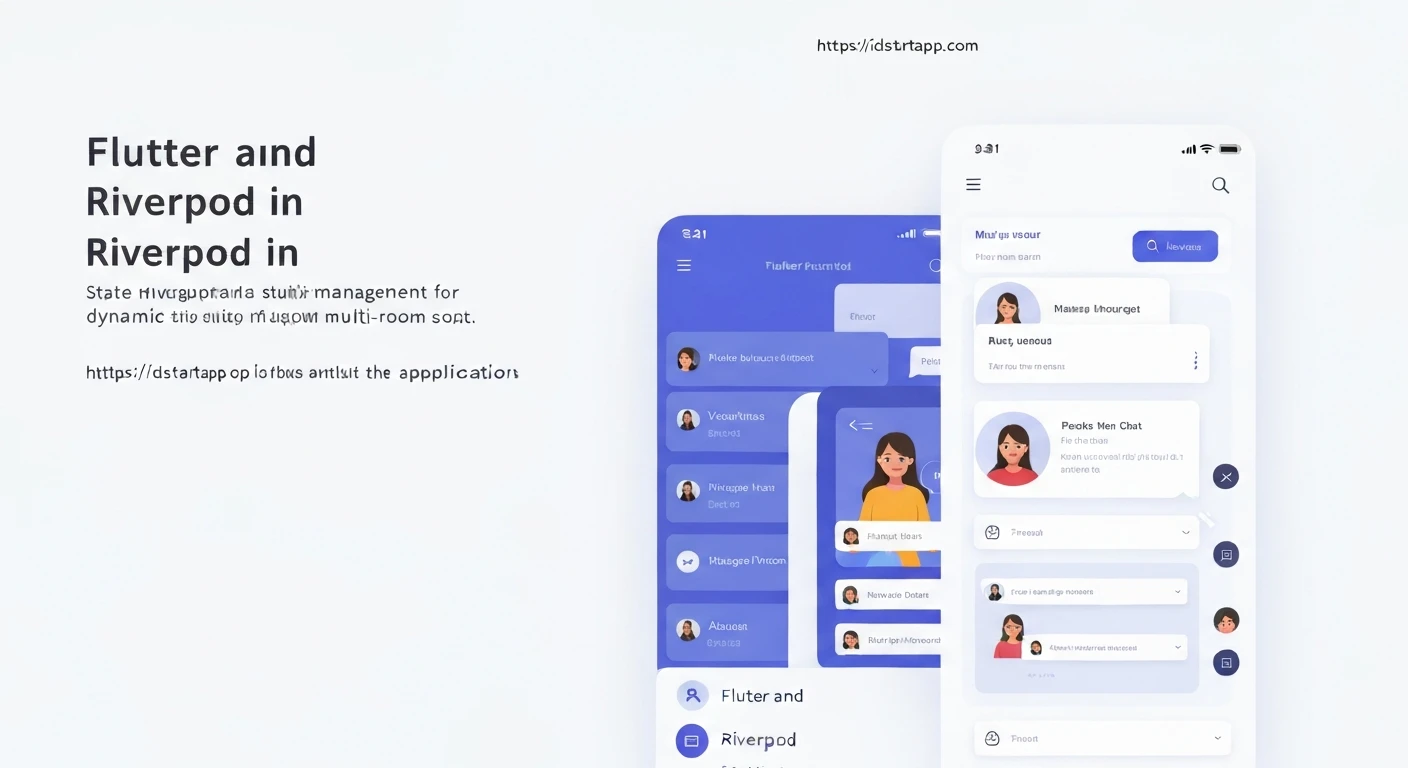

Flutter & Riverpod: State Management for Multi-Room Chat Applications
Building a real-time chat application, especially one with multiple rooms, presents significant challenges in state management. Each room needs its own message history, participant list, and real-time updates, all while maintaining a smooth and responsive user interface. Flutter, with its declarative UI, combined with Riverpod, a robust and testable state management solution, provides an elegant architecture to tackle these complexities.
The Challenge: Multi-Room Chat State
A multi-room chat application requires careful handling of dynamic and isolated state. Consider these aspects:
- Room-Specific Data: Each chat room has its own set of messages, participants, and potentially unique settings.
- Real-time Updates: Messages must appear instantly for all participants in a room.
- Dynamic Room Interaction: Users can join, leave, or switch between rooms, requiring immediate UI updates to reflect the current room's state.
- Scalability: The architecture should gracefully handle a growing number of rooms and users without becoming unwieldy.
- Data Isolation: State related to one room should not inadvertently affect another.
Why Flutter & Riverpod?
Flutter offers a reactive and declarative framework perfect for building beautiful and performant UIs. Its widget tree makes it natural to structure UI components around different pieces of state.
Riverpod, an evolution of the Provider package, shines in scenarios like multi-room chat for several reasons:
- Compile-time Safety: Reduces runtime errors with compile-time checks for provider usage.
- Dependency Injection: Simplifies managing dependencies, making code more modular and testable.
- Testability: Easy to mock and test individual providers in isolation.
- Scalability with
.family: Crucially, Riverpod's.familymodifier allows creating parameterized providers, enabling distinct state instances for each chat room (e.g.,chatStreamProvider(roomId)). - Robust Asynchronous Handling: Built-in support for
StreamProviderandFutureProvidermakes handling real-time data streams and asynchronous operations straightforward.
Architecting the Solution with Riverpod
Our architecture will leverage Riverpod's capabilities to manage global user state, lists of available rooms, and most importantly, distinct state for each individual chat room.
1. Data Models
Define clear data models for users, rooms, and messages.
// models/user.dart
class User {
  final String id;
  final String name;

  User({required this.id, required this.name});
}

// models/room.dart
class Room {
  final String id;
  final String name;
  final List<String> participantIds;

  Room({required this.id, required this.name, required this.participantIds});
}

// models/message.dart
class Message {
  final String id;
  final String roomId;
  final String senderId;
  final String content;
  final DateTime timestamp;

  Message({
    required this.id,
    required this.roomId,
    required this.senderId,
    required this.content,
    required this.timestamp,
  });
}
2. Chat Service
An abstract service layer to interact with your backend (e.g., Firestore, Supabase, WebSockets). This keeps your UI and state logic clean and independent of the data source.
// services/chat_service.dart
abstract class ChatService {
  Stream<User> getCurrentUser();
  Stream<List<Room>> getAllRooms();
  Stream<List<Message>> getRoomMessages(String roomId);
  Stream<List<User>> getRoomParticipants(String roomId);
  Future<void> sendMessage(String roomId, String senderId, String content);
  Future<void> createRoom(String name, String creatorId);
  Future<void> joinRoom(String roomId, String userId);
  Future<void> leaveRoom(String roomId, String userId);
}

// Example: A mock implementation (replace with your actual backend integration)
class MockChatService implements ChatService {
  // ... (implementations for all methods)
  // For simplicity, we'll only show a few Stream examples for Riverpod integration
  @override
  Stream<List<Message>> getRoomMessages(String roomId) {
    // Simulate real-time messages for a room
    return Stream.periodic(const Duration(seconds: 2), (count) {
      if (roomId == 'room1') {
        return [
          Message(
            id: 'm${count + 1}',
            roomId: 'room1',
            senderId: 'user1',
            content: 'Hello from user1 ${count + 1}',
            timestamp: DateTime.now(),
          ),
          Message(
            id: 'm${count + 2}',
            roomId: 'room1',
            senderId: 'user2',
            content: 'Hi from user2 ${count + 2}',
            timestamp: DateTime.now().add(const Duration(seconds: 1)),
          ),
        ];
      }
      return [];
    }).take(5); // Take 5 updates for demonstration
  }

  @override
  Stream<List<Room>> getAllRooms() {
    return Stream.value([
      Room(id: 'room1', name: 'General Chat', participantIds: ['user1', 'user2']),
      Room(id: 'room2', name: 'Development', participantIds: ['user1']),
    ]);
  }

  // ... other mock methods
  @override
  Stream<User> getCurrentUser() {
    return Stream.value(User(id: 'user1', name: 'Alice'));
  }

  @override
  Future<void> sendMessage(String roomId, String senderId, String content) async {
    print('Sending message to $roomId: $content by $senderId');
    // Simulate API call
    await Future.delayed(const Duration(milliseconds: 300));
  }

  @override
  Stream<List<User>> getRoomParticipants(String roomId) {
    if (roomId == 'room1') {
      return Stream.value([User(id: 'user1', name: 'Alice'), User(id: 'user2', name: 'Bob')]);
    }
    return Stream.value([]);
  }

  @override
  Future<void> createRoom(String name, String creatorId) async {
    print('Creating room: $name by $creatorId');
  }

  @override
  Future<void> joinRoom(String roomId, String userId) async {
    print('User $userId joining room $roomId');
  }

  @override
  Future<void> leaveRoom(String roomId, String userId) async {
    print('User $userId leaving room $roomId');
  }
}
3. Riverpod Providers
Here's where Riverpod shines. We'll define providers for global state and, crucially, use .family for room-specific state.
// providers/chat_providers.dart
import 'package:flutter_riverpod/flutter_riverpod.dart';
import '../models/user.dart';
import '../models/room.dart';
import '../models/message.dart';
import '../services/chat_service.dart'; // Assuming MockChatService is in this file for brevity

// 1. Provide the ChatService instance
final chatServiceProvider = Provider<ChatService>((ref) => MockChatService());

// 2. Global current user (e.g., from auth)
final currentUserProvider = StreamProvider<User>((ref) {
  final chatService = ref.watch(chatServiceProvider);
  return chatService.getCurrentUser();
});

// 3. List of all available rooms
final allRoomsProvider = StreamProvider<List<Room>>((ref) {
  final chatService = ref.watch(chatServiceProvider);
  return chatService.getAllRooms();
});

// 4. Room-specific messages (using .family for parameterization)
final roomMessagesProvider = StreamProvider.family<List<Message>, String>((ref, roomId) {
  final chatService = ref.watch(chatServiceProvider);
  return chatService.getRoomMessages(roomId);
});

// 5. Room-specific participants
final roomParticipantsProvider = StreamProvider.family<List<User>, String>((ref, roomId) {
  final chatService = ref.watch(chatServiceProvider);
  return chatService.getRoomParticipants(roomId);
});

// 6. Notifier to handle sending messages and other room actions
class RoomActionsNotifier extends AutoDisposeNotifier<void> {
  @override
  void build() {
    // No initial state, this notifier just exposes methods
  }

  Future<void> sendMessage(String roomId, String senderId, String content) async {
    final chatService = ref.read(chatServiceProvider);
    await chatService.sendMessage(roomId, senderId, content);
  }

  Future<void> createRoom(String name, String creatorId) async {
    final chatService = ref.read(chatServiceProvider);
    await chatService.createRoom(name, creatorId);
  }

  Future<void> joinRoom(String roomId, String userId) async {
    final chatService = ref.read(chatServiceProvider);
    await chatService.joinRoom(roomId, userId);
  }

  Future<void> leaveRoom(String roomId, String userId) async {
    final chatService = ref.read(chatServiceProvider);
    await chatService.leaveRoom(roomId, userId);
  }
}

final roomActionsNotifierProvider = NotifierProvider.autoDispose<RoomActionsNotifier, void>(RoomActionsNotifier.new);
4. UI Integration
Now, let's see how to consume these providers in Flutter widgets.
Main Application Wrapper:
// main.dart
import 'package:flutter/material.dart';
import 'package:flutter_riverpod/flutter_riverpod.dart';
import 'screens/room_list_screen.dart';

void main() {
  runApp(
    const ProviderScope( // Required for Riverpod
      child: MyApp(),
    ),
  );
}

class MyApp extends StatelessWidget {
  const MyApp({super.key});

  @override
  Widget build(BuildContext context) {
    return MaterialApp(
      title: 'Multi-Room Chat',
      theme: ThemeData(
        primarySwatch: Colors.blue,
      ),
      home: const RoomListScreen(),
    );
  }
}
Room List Screen: Displays available rooms and allows navigating to them.
// screens/room_list_screen.dart
import 'package:flutter/material.dart';
import 'package:flutter_riverpod/flutter_riverpod.dart';
import '../providers/chat_providers.dart';
import 'chat_screen.dart';

class RoomListScreen extends ConsumerWidget {
  const RoomListScreen({super.key});

  @override
  Widget build(BuildContext context, WidgetRef ref) {
    final asyncRooms = ref.watch(allRoomsProvider);
    final currentUserAsync = ref.watch(currentUserProvider);

    return Scaffold(
      appBar: AppBar(
        title: const Text('Chat Rooms'),
        actions: [
          currentUserAsync.when(
            data: (user) => Center(child: Text('Logged in as: ${user.name}')),
            loading: () => const Center(child: CircularProgressIndicator()),
            error: (err, stack) => Center(child: Text('Error: $err')),
          ),
        ],
      ),
      body: asyncRooms.when(
        data: (rooms) => ListView.builder(
          itemCount: rooms.length,
          itemBuilder: (context, index) {
            final room = rooms[index];
            return Card(
              margin: const EdgeInsets.all(8.0),
              child: ListTile(
                title: Text(room.name),
                subtitle: Text('ID: ${room.id}'),
                onTap: () {
                  Navigator.of(context).push(
                    MaterialPageRoute(
                      builder: (context) => ChatScreen(roomId: room.id, roomName: room.name),
                    ),
                  );
                },
              ),
            );
          },
        ),
        loading: () => const Center(child: CircularProgressIndicator()),
        error: (err, stack) => Center(child: Text('Error: $err')),
      ),
      floatingActionButton: FloatingActionButton(
        onPressed: () async {
          final currentUser = currentUserAsync.value;
          if (currentUser != null) {
            await ref.read(roomActionsNotifierProvider.notifier).createRoom('New Room ${DateTime.now().second}', currentUser.id);
          }
        },
        child: const Icon(Icons.add),
      ),
    );
  }
}
Chat Screen: Displays messages for a specific room and allows sending new ones.
// screens/chat_screen.dart
import 'package:flutter/material.dart';
import 'package:flutter_riverpod/flutter_riverpod.dart';
import '../providers/chat_providers.dart';

class ChatScreen extends ConsumerWidget {
  final String roomId;
  final String roomName;

  const ChatScreen({super.key, required this.roomId, required this.roomName});

  @override
  Widget build(BuildContext context, WidgetRef ref) {
    final asyncMessages = ref.watch(roomMessagesProvider(roomId));
    final currentUserAsync = ref.watch(currentUserProvider);
    final messageController = TextEditingController();

    return Scaffold(
      appBar: AppBar(
        title: Text(roomName),
      ),
      body: Column(
        children: [
          Expanded(
            child: asyncMessages.when(
              data: (messages) => ListView.builder(
                reverse: true, // Show latest messages at the bottom
                itemCount: messages.length,
                itemBuilder: (context, index) {
                  final message = messages[messages.length - 1 - index]; // Display in correct order
                  final currentUser = currentUserAsync.value;
                  final isMe = currentUser?.id == message.senderId;

                  return Align(
                    alignment: isMe ? Alignment.centerRight : Alignment.centerLeft,
                    child: Container(
                      padding: const EdgeInsets.all(10),
                      margin: const EdgeInsets.symmetric(vertical: 5, horizontal: 10),
                      decoration: BoxDecoration(
                        color: isMe ? Colors.blueAccent[100] : Colors.grey[300],
                        borderRadius: BorderRadius.circular(15),
                      ),
                      child: Column(
                        crossAxisAlignment: CrossAxisAlignment.start,
                        children: [
                          Text(message.senderId, style: const TextStyle(fontWeight: FontWeight.bold)),
                          Text(message.content),
                          Text(
                            message.timestamp.toLocal().toString().substring(11, 16),
                            style: const TextStyle(fontSize: 10, color: Colors.black54),
                          ),
                        ],
                      ),
                    ),
                  );
                },
              ),
              loading: () => const Center(child: CircularProgressIndicator()),
              error: (err, stack) => Center(child: Text('Error loading messages: $err')),
            ),
          ),
          Padding(
            padding: const EdgeInsets.all(8.0),
            child: Row(
              children: [
                Expanded(
                  child: TextField(
                    controller: messageController,
                    decoration: const InputDecoration(
                      hintText: 'Type a message...',
                      border: OutlineInputBorder(),
                    ),
                  ),
                ),
                IconButton(
                  icon: const Icon(Icons.send),
                  onPressed: () {
                    final currentUser = currentUserAsync.value;
                    if (messageController.text.isNotEmpty && currentUser != null) {
                      ref.read(roomActionsNotifierProvider.notifier).sendMessage(
                            roomId,
                            currentUser.id,
                            messageController.text,
                          );
                      messageController.clear();
                    }
                  },
                ),
              ],
            ),
          ),
        ],
      ),
    );
  }
}
Benefits and Best Practices
- Clear Separation of Concerns: Data fetching, state logic, and UI rendering are distinctly separated into services, providers, and widgets.
- Scalability: Adding more rooms or new features becomes manageable. Each room's state is encapsulated by its parameterized providers, preventing conflicts.
- Testability: Riverpod providers can be easily overridden for isolated unit testing, making the application more robust.
- Performance: Riverpod's intelligent rebuild system ensures that only the widgets listening to a changed piece of state are rebuilt, optimizing performance.
- Error Handling:
AsyncValue(.when(),.data,.loading,.error) provides a clean way to handle loading, success, and error states directly in the UI.
Conclusion
Flutter and Riverpod provide a powerful combination for building complex, real-time applications like multi-room chat. By leveraging Riverpod's .family modifier for dynamic, room-specific state and its robust asynchronous capabilities, developers can create highly performant, scalable, and maintainable chat experiences. This architecture ensures that managing distinct states for numerous chat rooms remains organized and efficient, allowing developers to focus on delivering a rich user experience.