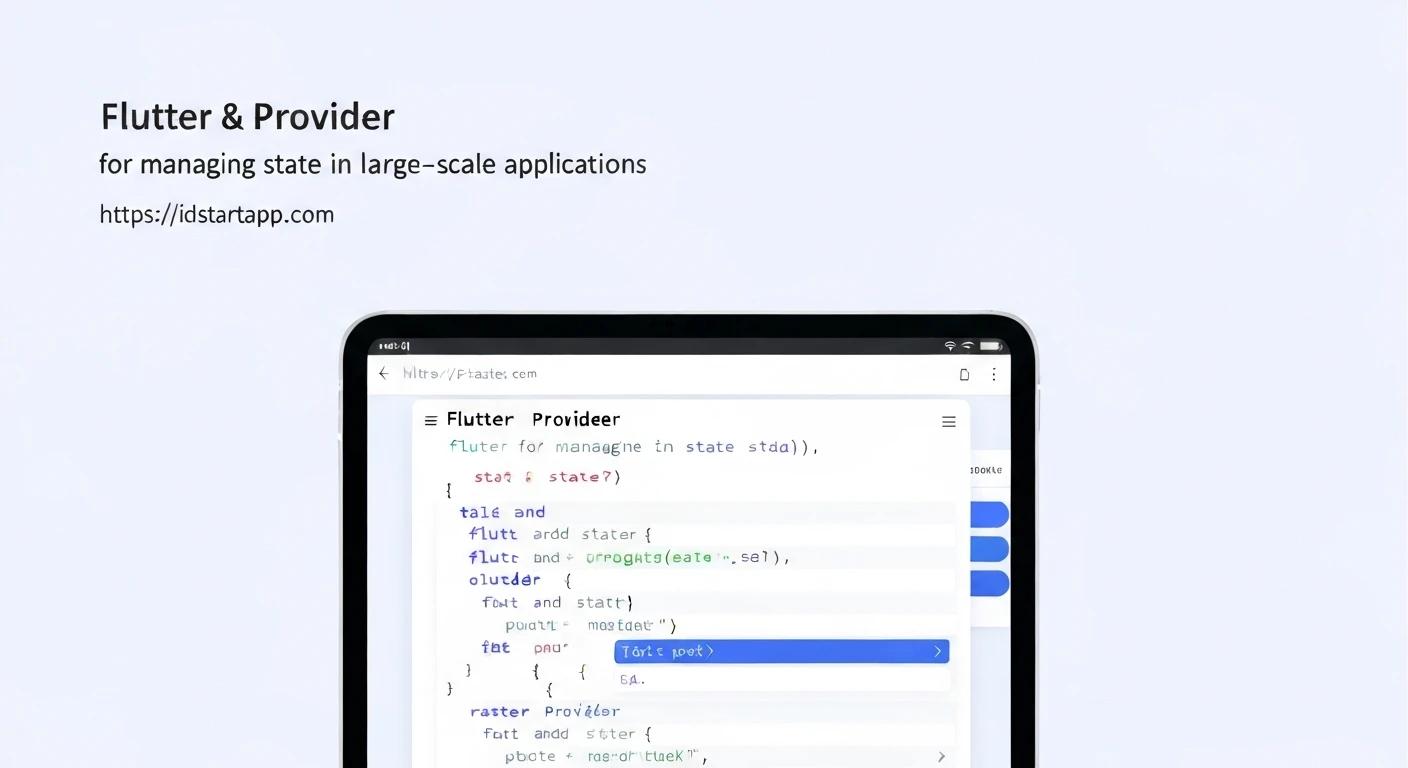

Flutter & Provider: Managing State for Large-Scale Apps
Building large-scale applications presents a myriad of challenges, and state management often sits at the top of that list. As a Flutter application grows, managing the flow of data, updates, and interactions across numerous widgets can quickly become complex and lead to difficult-to-maintain codebases. This is where robust state management solutions become indispensable. Among the many options available in the Flutter ecosystem, Provider stands out as a highly recommended and widely adopted package for its simplicity, flexibility, and performance, making it an excellent choice for large-scale projects.
The Imperative of Robust State Management in Large Apps
In smaller applications, passing data down the widget tree using `StatefulWidget` or simple callbacks might suffice. However, this approach quickly breaks down in large applications due to:
- Prop Drilling: Passing data through many layers of widgets that don't directly use it, leading to verbose and fragile code.
- Tight Coupling: Widgets become highly dependent on their parents or specific data sources, making refactoring difficult.
- Performance Issues: Unnecessary widget rebuilds can degrade performance if state changes trigger widespread UI updates.
- Maintainability & Testability: A chaotic state flow makes it hard to trace bugs, understand application logic, and write effective unit tests.
- Team Collaboration: Multiple developers working on different parts of the app need a consistent and predictable way to manage state.
A well-defined state management strategy addresses these issues, fostering a cleaner architecture, improving developer experience, and ensuring the application remains scalable and performant.
Introducing Provider: A Simpler Approach to Complex State
Provider is a wrapper around `InheritedWidget`, Flutter's core mechanism for passing data down the widget tree. It simplifies the `InheritedWidget` API, making it easier and safer to use, while adding features for efficient state updates and dependency injection. It's not a magical framework but a set of tools that leverage Flutter's own capabilities in an elegant way.
Key Benefits of Provider for Large Apps:
- Simplicity: Its API is straightforward, reducing the learning curve for new team members.
- Performance: By rebuilding only the widgets that listen to a specific change, Provider minimizes unnecessary UI updates.
- Testability: Business logic and stateful classes can be easily extracted and tested independently.
- Scalability: Encourages separation of concerns, making it easier to manage growing complexity.
- Readability: Explicitly defines dependencies, improving code readability and maintainability.
Core Concepts and Usage in a Large-Scale Context
Provider offers several types of providers, each serving a specific purpose:
1. ChangeNotifierProvider
This is perhaps the most commonly used provider. It listens to a `ChangeNotifier` (a simple class that extends `flutter:foundation`'s `ChangeNotifier`) and rebuilds dependent widgets when `notifyListeners()` is called. This pattern is ideal for managing dynamic, mutable state.
// lib/models/user_profile.dart
import 'package:flutter/foundation.dart';

class UserProfile extends ChangeNotifier {
  String _name;
  String _email;

  UserProfile({String name = 'Guest', String email = '[email protected]'})
      : _name = name,
        _email = email;

  String get name => _name;
  String get email => _email;

  void updateName(String newName) {
    _name = newName;
    notifyListeners(); // Notify all listening widgets
  }

  void updateEmail(String newEmail) {
    _email = newEmail;
    notifyListeners();
  }
}
2. MultiProvider
For large applications, you'll often have multiple pieces of state or services that need to be provided. `MultiProvider` allows you to combine several providers, keeping your widget tree clean.
// lib/main.dart
import 'package:flutter/material.dart';
import 'package:provider/provider.dart';
import 'package:my_app/models/user_profile.dart';
import 'package:my_app/services/api_service.dart'; // Assume this is another ChangeNotifier or just a class

void main() {
  runApp(
    MultiProvider(
      providers: [
        ChangeNotifierProvider(create: (_) => UserProfile()),
        Provider(create: (_) => ApiService()), // For services that don't change
        // Add more providers as your app grows
      ],
      child: MyApp(),
    ),
  );
}
3. Consuming State: `Consumer`, `context.watch`, `context.read`
Widgets consume provided state in a few ways:
- `Consumer` Widget: Rebuilds only its `builder` part when the listened-to value changes. This is highly efficient.
- `context.watch()`: A concise way to listen to changes within a `build` method. The widget will rebuild when `T` changes.
- `context.read()`: Used when you need to access a provider's value once, without listening for subsequent changes (e.g., calling a method on a service). This is crucial for performance and preventing unwanted rebuilds.
// lib/widgets/profile_display.dart
import 'package:flutter/material.dart';
import 'package:provider/provider.dart';
import 'package:my_app/models/user_profile.dart';

class ProfileDisplay extends StatelessWidget {
  @override
  Widget build(BuildContext context) {
    // Using context.watch to listen to UserProfile changes
    final userProfile = context.watch();

    return Column(
      children: [
        Text('Name: ${userProfile.name}'),
        Text('Email: ${userProfile.email}'),
        ElevatedButton(
          onPressed: () {
            // Using context.read to access UserProfile and call a method
            // The widget itself won't rebuild just from this button press
            context.read().updateName('Jane Doe');
          },
          child: Text('Update Name'),
        ),
      ],
    );
  }
}
Structuring Large Apps with Flutter & Provider
For large applications, Provider seamlessly integrates with common architectural patterns to ensure scalability and maintainability:
1. Separation of Concerns
Provider naturally encourages separating your UI from your business logic. `ChangeNotifier` classes hold the application state and logic, while widgets remain purely responsible for rendering the UI. This clear division makes it easier to test, debug, and manage changes.
2. Dependency Injection
Provider acts as a powerful dependency injection container. You can provide services, repositories, or other dependencies at higher levels of the widget tree, making them accessible to any descendant widget without explicit passing. This is vital for managing complex inter-module dependencies.
// lib/services/user_repository.dart
class UserRepository {
  Future fetchUserName(String userId) async {
    // Simulate network call
    await Future.delayed(Duration(seconds: 1));
    return 'User $userId Name';
  }
}

// lib/viewmodels/user_view_model.dart (using UserRepository as a dependency)
import 'package:flutter/foundation.dart';
import 'package:my_app/services/user_repository.dart';

class UserViewModel extends ChangeNotifier {
  final UserRepository _userRepository;
  String _currentUserName = 'Loading...';

  UserViewModel(this._userRepository); // Inject UserRepository

  String get currentUserName => _currentUserName;

  Future loadUserName(String userId) async {
    _currentUserName = await _userRepository.fetchUserName(userId);
    notifyListeners();
  }
}

// In MultiProvider setup
MultiProvider(
  providers: [
    Provider(create: (_) => UserRepository()), // Provide repository first
    ChangeNotifierProvider(
      create: (context) => UserViewModel(context.read()), // Inject it here
    ),
  ],
  child: MyApp(),
);
3. Feature-Based Organization
Organize your Providers based on features or modules. For instance, an "Auth" feature might have `AuthProvider`, `UserProvider`, etc. This keeps related state management together, making it easier for teams to work on distinct features without stepping on each other's toes.
4. Combining with Other Patterns
While Provider is a state management solution, it can also be used to implement patterns like MVVM (Model-View-ViewModel) or a simplified BLoC (Business Logic Component) pattern. `ChangeNotifier` classes often serve as ViewModels or BLoCs, encapsulating business logic and exposing observable state.
Best Practices for Large-Scale Provider Applications
- Keep `ChangeNotifier` Lean: Avoid putting UI logic directly into your `ChangeNotifier`s. They should manage data and business logic.
- Use `MultiProvider` Strategically: Group related providers. Consider nested `MultiProvider`s for feature-specific state that shouldn't be global.
- `read` vs. `watch`: Be mindful of when to use `context.read` (no rebuilds) and `context.watch` (rebuilds on changes). Misusing `watch` can lead to unnecessary UI updates.
- Lazy Loading: By default, providers are lazily initialized. Leverage this to only create resources when they are actually needed.
- Error Handling: Implement robust error handling within your `ChangeNotifier`s or services and expose error states for the UI to react to.
- Testing: Write unit tests for your `ChangeNotifier`s, `Provider`s, and `Service`s. Since they are plain Dart classes, testing is straightforward.
Conclusion
Flutter's Provider package offers an elegant, efficient, and scalable solution for managing state in large-scale applications. By simplifying `InheritedWidget` and promoting clear separation of concerns, Provider empowers developers to build complex applications that are easy to maintain, test, and extend. Its flexibility allows it to adapt to various architectural needs, making it a cornerstone for professional Flutter development, ensuring that your application remains robust and performant as it grows.