
Flutter & Firebase Firestore: Implementing Realtime Listeners
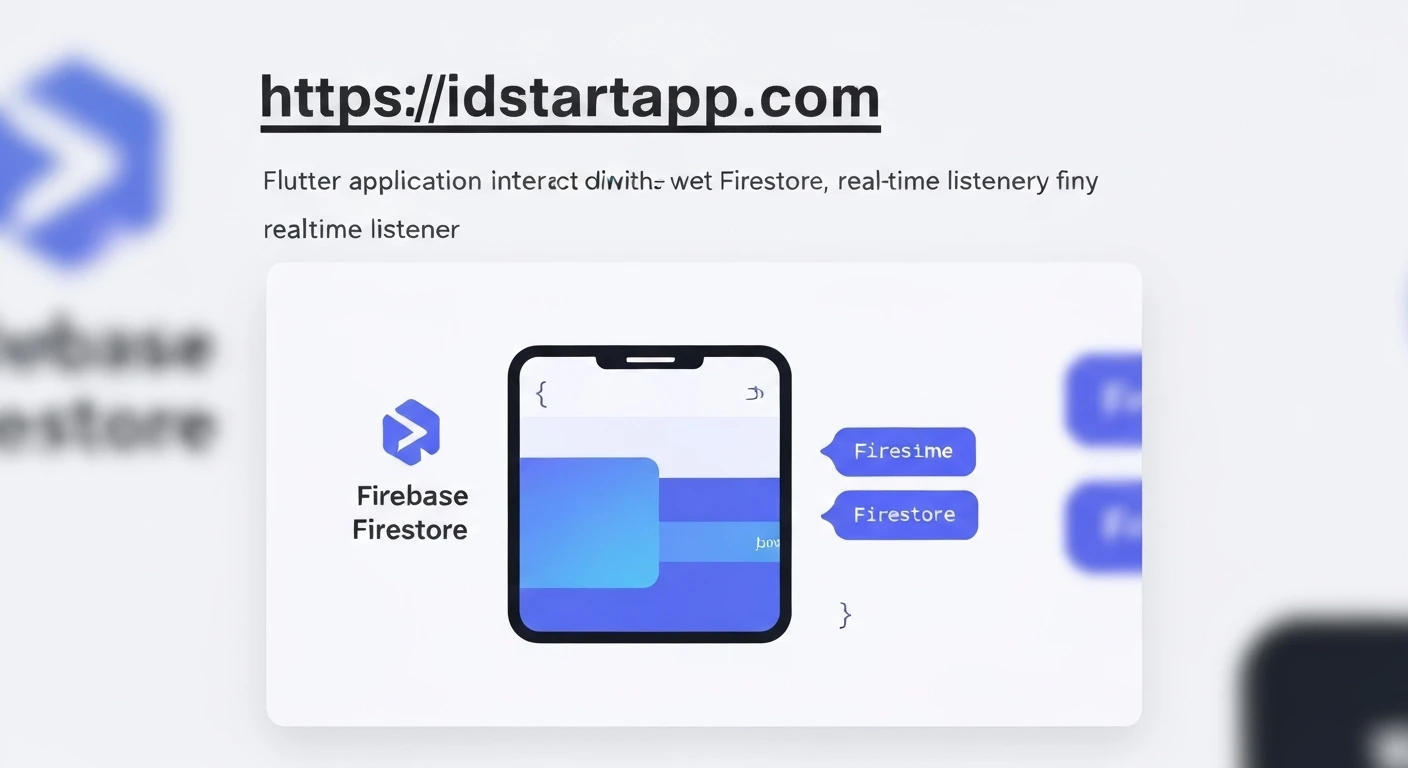
In modern application development, providing users with up-to-the-minute data without requiring manual refreshes is crucial for a smooth and engaging experience. Flutter, Google's UI toolkit for building natively compiled applications, combined with Firebase Firestore, a flexible, scalable NoSQL cloud database, offers a powerful solution for this: realtime data listeners. This article explores how to leverage Firestore's realtime capabilities within a Flutter application, enabling dynamic and responsive user interfaces.
Why Realtime Listeners?
Realtime listeners are the backbone of many interactive applications. They allow your app to subscribe to changes in your Firestore database, receiving instant updates whenever data is created, modified, or deleted. This is invaluable for:
- Chat Applications: Displaying new messages as soon as they are sent.
- Live Dashboards: Updating analytics or stock prices in real time.
- Collaborative Tools: Showing changes made by other users immediately.
- Notification Systems: Triggering UI updates based on new notifications.
Firestore Basics
Firebase Firestore is a document-oriented database. Data is stored in documents, which are organized into collections. Each document contains key-value pairs and can also contain subcollections. For example, you might have a users collection, with each document representing a user, and a messages subcollection within a user's document.
Setting Up Your Flutter Project
Before diving into listeners, ensure your Flutter project is set up with Firebase. This involves creating a Firebase project, registering your Flutter app, and adding the necessary configuration files (e.g., google-services.json for Android, GoogleService-Info.plist for iOS).
Next, add the cloud_firestore package to your pubspec.yaml file:
dependencies:
  flutter:
    sdk: flutter
  firebase_core: ^2.x.x # Or the latest version
  cloud_firestore: ^4.x.x # Or the latest version
After adding, run flutter pub get.
Initialize Firebase in your main.dart:
import 'package:firebase_core/firebase_core.dart';
import 'package:flutter/material.dart';

void main() async {
  WidgetsFlutterBinding.ensureInitialized();
  await Firebase.initializeApp();
  runApp(const MyApp());
}
Implementing a Realtime Listener
Firestore provides snapshots() methods for both DocumentReference and CollectionReference which return a Stream. A Stream emits a new QuerySnapshot (for collections) or DocumentSnapshot (for documents) every time the data changes.
1. Listening to a Single Document:
To listen for changes to a single document, you reference the document and call .snapshots().
import 'package:cloud_firestore/cloud_firestore.dart';
import 'package:flutter/material.dart';

class SingleDocumentListener extends StatelessWidget {
  final String documentId = 'my_document_id'; // Replace with your document ID

  const SingleDocumentListener({super.key});

  @override
  Widget build(BuildContext context) {
    return StreamBuilder<DocumentSnapshot>(
      stream: FirebaseFirestore.instance.collection('items').doc(documentId).snapshots(),
      builder: (BuildContext context, AsyncSnapshot<DocumentSnapshot> snapshot) {
        if (snapshot.hasError) {
          return Text('Error: ${snapshot.error}');
        }

        if (snapshot.connectionState == ConnectionState.waiting) {
          return const CircularProgressIndicator();
        }

        if (!snapshot.hasData || !snapshot.data!.exists) {
          return const Text('Document does not exist');
        }

        Map<String, dynamic> data = snapshot.data!.data() as Map<String, dynamic>;
        return ListTile(
          title: Text(data['name'] ?? 'No Name'),
          subtitle: Text(data['description'] ?? 'No Description'),
        );
      },
    );
  }
}
2. Listening to a Collection:
To listen for changes to all documents within a collection, you reference the collection and call .snapshots(). You can also add queries (e.g., where, orderBy, limit) before calling snapshots().
import 'package:cloud_firestore/cloud_firestore.dart';
import 'package:flutter/material.dart';

class CollectionListener extends StatelessWidget {
  const CollectionListener({super.key});

  @override
  Widget build(BuildContext context) {
    return StreamBuilder<QuerySnapshot>(
      stream: FirebaseFirestore.instance.collection('products').orderBy('price', descending: true).snapshots(),
      builder: (BuildContext context, AsyncSnapshot<QuerySnapshot> snapshot) {
        if (snapshot.hasError) {
          return Text('Error: ${snapshot.error}');
        }

        if (snapshot.connectionState == ConnectionState.waiting) {
          return const CircularProgressIndicator();
        }

        if (!snapshot.hasData || snapshot.data!.docs.isEmpty) {
          return const Text('No products found');
        }

        return ListView(
          children: snapshot.data!.docs.map((DocumentSnapshot document) {
            Map<String, dynamic> data = document.data()! as Map<String, dynamic>;
            return ListTile(
              title: Text(data['name'] ?? 'No Name'),
              subtitle: Text('\$${data['price']?.toStringAsFixed(2) ?? '0.00'}'),
            );
          }).toList(),
        );
      },
    );
  }
}
3. Handling Document Changes (Added, Modified, Removed):
When listening to a collection, the QuerySnapshot contains a list of DocumentChange objects, which describe what happened to each document since the last snapshot.
import 'package:cloud_firestore/cloud_firestore.dart';
import 'package:flutter/material.dart';

class DetailedCollectionListener extends StatefulWidget {
  const DetailedCollectionListener({super.key});

  @override
  State<DetailedCollectionListener> createState() => _DetailedCollectionListenerState();
}

class _DetailedCollectionListenerState extends State<DetailedCollectionListener> {
  @override
  Widget build(BuildContext context) {
    return StreamBuilder<QuerySnapshot>(
      stream: FirebaseFirestore.instance.collection('logs').orderBy('timestamp').snapshots(),
      builder: (BuildContext context, AsyncSnapshot<QuerySnapshot> snapshot) {
        if (snapshot.hasError) {
          return Text('Error: ${snapshot.error}');
        }

        if (snapshot.connectionState == ConnectionState.waiting) {
          return const CircularProgressIndicator();
        }

        // Display all changes for debugging or specific UI updates
        final changes = snapshot.data!.docChanges.map((change) {
          final data = change.doc.data() as Map<String, dynamic>;
          String type = '';
          switch (change.type) {
            case DocumentChangeType.added:
              type = 'ADDED';
              break;
            case DocumentChangeType.modified:
              type = 'MODIFIED';
              break;
            case DocumentChangeType.removed:
              type = 'REMOVED';
              break;
          }
          return Text('[$type] ID: ${change.doc.id}, Message: ${data['message']}');
        }).toList();

        // Or just display the current state of the collection
        final documents = snapshot.data!.docs.map((DocumentSnapshot document) {
          Map<String, dynamic> data = document.data()! as Map<String, dynamic>;
          return ListTile(
            title: Text(data['message'] ?? 'No message'),
            subtitle: Text('ID: ${document.id}'),
          );
        }).toList();

        return Column(
          children: [
            const Text('Document Changes:'),
            ...changes,
            const Divider(),
            const Text('Current Documents:'),
            Expanded(child: ListView(children: documents)),
          ],
        );
      },
    );
  }
}
4. Unsubscribing from Listeners:
It's crucial to unsubscribe from listeners when they are no longer needed to prevent memory leaks and unnecessary data fetching. StreamBuilder automatically handles subscription and unsubscription when its widget tree is disposed. However, if you manually subscribe using listen() on a Stream, you must keep track of the StreamSubscription and call cancel() on it in your State's dispose() method.
import 'dart:async';
import 'package:cloud_firestore/cloud_firestore.dart';
import 'package:flutter/material.dart';

class ManualSubscriptionExample extends StatefulWidget {
  const ManualSubscriptionExample({super.key});

  @override
  State<ManualSubscriptionExample> createState() => _ManualSubscriptionExampleState();
}

class _ManualSubscriptionExampleState extends State<ManualSubscriptionExample> {
  StreamSubscription? _subscription;
  String _data = 'Listening...';

  @override
  void initState() {
    super.initState();
    _subscription = FirebaseFirestore.instance
        .collection('status')
        .doc('app_status')
        .snapshots()
        .listen((DocumentSnapshot snapshot) {
      if (snapshot.exists) {
        setState(() {
          _data = (snapshot.data() as Map<String, dynamic>)['status_message'] ?? 'No message';
        });
      } else {
        setState(() {
          _data = 'Document does not exist';
        });
      }
    }, onError: (error) {
      setState(() {
        _data = 'Error: $error';
      });
    });
  }

  @override
  void dispose() {
    _subscription?.cancel(); // Important! Cancel the subscription
    super.dispose();
  }

  @override
  Widget build(BuildContext context) {
    return Center(
      child: Text(_data),
    );
  }
}
Best Practices:
- Unsubscribe Listeners: Always cancel manual subscriptions (
StreamSubscription.cancel()) in thedisposemethod of yourStatefulWidgetto prevent memory leaks.StreamBuilderhandles this automatically. - Error and Loading States: Use
AsyncSnapshot.hasErrorandAsyncSnapshot.connectionStateto provide meaningful feedback to users during loading, error, or no-data scenarios. - Firestore Security Rules: Implement robust security rules in your Firebase project to control who can read and write data. Without proper rules, your database is vulnerable.
- Data Modeling: Design your Firestore data structure efficiently. Minimize reads by denormalizing data when necessary, especially for frequently accessed or displayed information. Avoid deeply nested subcollections if not strictly necessary for querying.
- Query Optimization: Use
where(),orderBy(), andlimit()clauses to fetch only the data you need, reducing document reads and improving performance.
Conclusion:
Realtime listeners in Flutter with Firebase Firestore offer an incredibly powerful and straightforward way to build dynamic and responsive applications. By embracing StreamBuilder and understanding the lifecycle of subscriptions, developers can create engaging user experiences that stay instantly updated with the latest information, making Flutter and Firestore an ideal combination for modern app development.