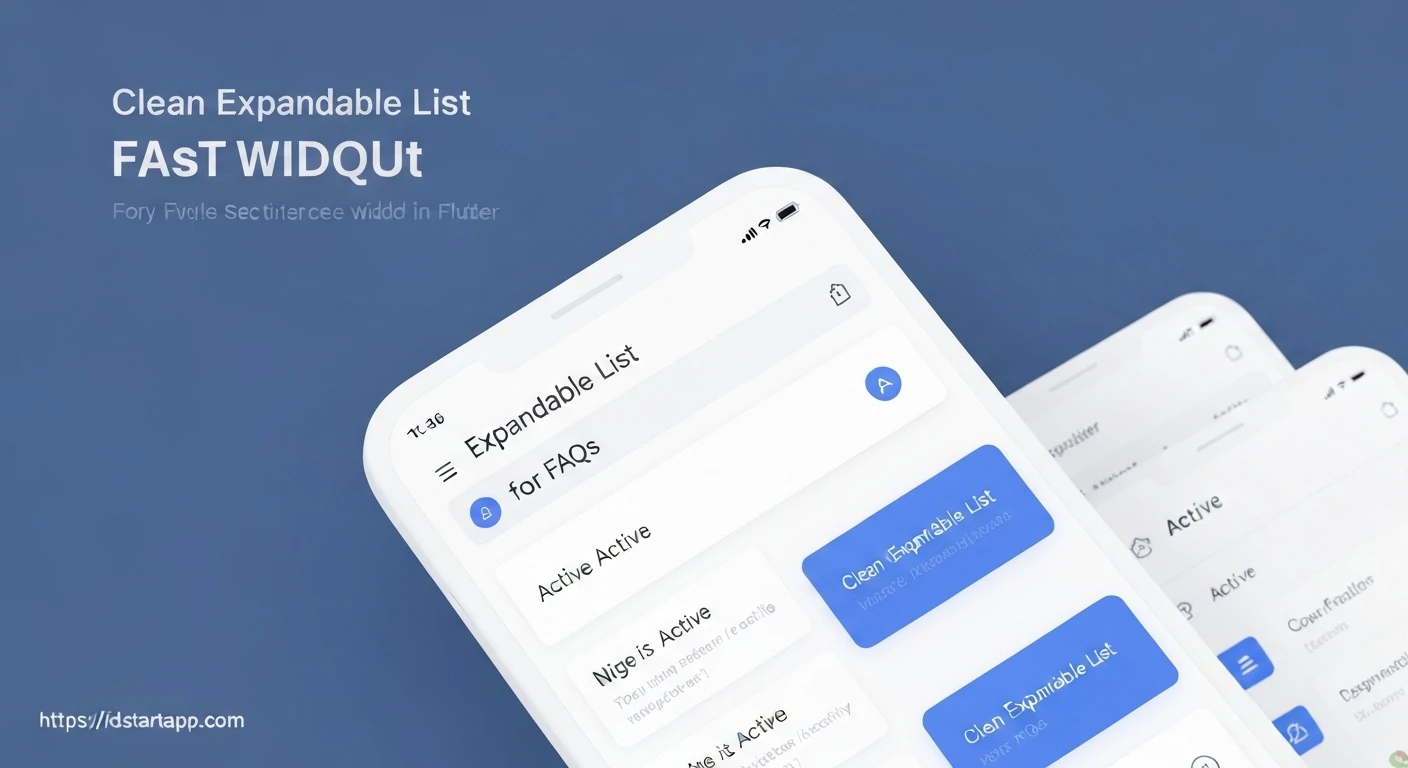

Creating an Expandable List Widget for FAQs in Flutter
Frequently Asked Questions (FAQs) sections are crucial for providing quick answers and reducing customer support inquiries. However, displaying a long list of questions and answers can overwhelm users. An expandable list widget elegantly solves this problem by showing only questions initially, allowing users to expand specific questions to reveal their answers. This article will guide you through building such an expandable FAQ list in Flutter, leveraging its powerful UI toolkit.
Why an Expandable List for FAQs?
An expandable list offers several advantages for an FAQ section:
- Improved User Experience: Keeps the UI clean and uncluttered, preventing information overload.
- Enhanced Navigation: Users can quickly scan questions and focus on topics relevant to them.
- Optimized Space: Efficiently uses screen real estate, especially on mobile devices.
- Dynamic Content Loading: Can be easily adapted to load FAQs from a remote source.
Core Concepts and Widgets
To implement our expandable FAQ list, we'll primarily use the following Flutter widgets:
ExpansionTile: A pre-built widget that provides the expand/collapse functionality. It's ideal for this use case.ListView.builder: Efficiently renders a scrollable, linear list of widgets by building them on demand.StatefulWidget: Required to manage the state of our FAQ list, althoughExpansionTilehandles its own expansion state.
Step-by-Step Implementation
1. Define the FAQ Data Model
First, let's create a simple data model for our FAQ items. Each item will have a question and an answer.
class FAQItem {
  final String question;
  final String answer;

  FAQItem({required this.question, required this.answer});
}
2. Prepare Sample FAQ Data
For demonstration purposes, we'll create a list of `FAQItem` objects.
final List<FAQItem> faqData = [
  FAQItem(
    question: "What is Flutter?",
    answer: "Flutter is an open-source UI software development kit created by Google. It is used for developing cross-platform applications from a single codebase.",
  ),
  FAQItem(
    question: "How do I install Flutter?",
    answer: "You can install Flutter by downloading the SDK from the official Flutter website, extracting it, and adding the Flutter bin directory to your PATH.",
  ),
  FAQItem(
    question: "What widgets are used in Flutter?",
    answer: "Flutter uses a reactive framework with a rich set of pre-built widgets like StatelessWidget, StatefulWidget, Container, Text, Column, Row, etc.",
  ),
  FAQItem(
    question: "Is Flutter good for web development?",
    answer: "Yes, Flutter supports web development, allowing you to build interactive web experiences using the same codebase as your mobile and desktop apps.",
  ),
  FAQItem(
    question: "How to manage state in Flutter?",
    answer: "There are various state management solutions in Flutter, including setState, Provider, BLoC/Cubit, Riverpod, GetX, and more, each suitable for different project scales and complexities.",
  ),
];
3. Create the FAQ Page Widget
Now, let's build the `FAQPage` widget. This will be a `StatelessWidget` (or `StatefulWidget` if you manage the expansion state externally, but `ExpansionTile` handles its own state internally, simplifying things for this example). We'll use a `ListView.builder` to dynamically create `ExpansionTile` widgets for each FAQ item.
import 'package:flutter/material.dart';

// (Place the FAQItem class and faqData list here or import them)

class FAQPage extends StatelessWidget {
  const FAQPage({super.key});

  @override
  Widget build(BuildContext context) {
    return Scaffold(
      appBar: AppBar(
        title: const Text("Frequently Asked Questions"),
        backgroundColor: Colors.blueAccent,
      ),
      body: ListView.builder(
        itemCount: faqData.length,
        itemBuilder: (context, index) {
          final FAQItem item = faqData[index];
          return Card(
            margin: const EdgeInsets.symmetric(horizontal: 16.0, vertical: 8.0),
            elevation: 2.0,
            shape: RoundedRectangleBorder(
              borderRadius: BorderRadius.circular(10.0),
            ),
            child: ExpansionTile(
              key: PageStorageKey(item.question), // Essential for maintaining expansion state across scrolls
              title: Text(
                item.question,
                style: const TextStyle(
                  fontSize: 18.0,
                  fontWeight: FontWeight.w600,
                ),
              ),
              children: <Widget>[
                Padding(
                  padding: const EdgeInsets.symmetric(
                    horizontal: 16.0,
                    vertical: 8.0,
                  ),
                  child: Text(
                    item.answer,
                    style: const TextStyle(
                      fontSize: 16.0,
                      color: Colors.grey[700],
                    ),
                  ),
                ),
              ],
              onExpansionChanged: (bool expanded) {
                // Optional: You can add logic here when an item expands/collapses.
                // For example, logging or analytics.
                debugPrint('FAQ item "${item.question}" expanded: $expanded');
              },
              trailing: const Icon(Icons.keyboard_arrow_down), // Custom trailing icon
              initiallyExpanded: false, // Set to true to make items expanded by default
              tilePadding: const EdgeInsets.all(16.0),
            ),
          );
        },
      ),
    );
  }
}
4. Integrate into Main Application
Finally, set your `FAQPage` as the home screen or navigate to it from your `main.dart` file.
import 'package:flutter/material.dart';
// Import your FAQPage here
import 'package:your_app_name/faq_page.dart'; // Adjust path as needed

void main() {
  runApp(const MyApp());
}

class MyApp extends StatelessWidget {
  const MyApp({super.key});

  @override
  Widget build(BuildContext context) {
    return MaterialApp(
      title: 'Flutter FAQ App',
      theme: ThemeData(
        primarySwatch: Colors.blue,
      ),
      home: const FAQPage(), // Set FAQPage as the home screen
    );
  }
}
Explanation and Customization
ExpansionTile: This widget is the heart of our expandable list.title: Displays the main content when the tile is collapsed (e.g., the FAQ question).children: A list of widgets that are shown when the tile is expanded (e.g., the FAQ answer).onExpansionChanged: A callback that fires when the tile's expansion state changes. Useful for logging or triggering other UI updates.initiallyExpanded: A boolean to control whether the tile is open by default.trailing: Allows you to replace the default expand/collapse icon.key: It's crucial to provide aPageStorageKeyor aValueKeytoExpansionTilewhen used within a scrollable list likeListView.builder. This ensures that the expansion state of individual tiles is preserved when they scroll off and back onto the screen.
ListView.builder: This is highly efficient for long lists as it only builds the widgets that are currently visible on screen.- Styling: We've wrapped each
ExpansionTilein aCardfor a cleaner, elevated look. You can further customize the text styles, padding, and colors to match your app's theme. - Padding: Remember to add appropriate padding to your answer text to prevent it from touching the edges of the card.
Full Code Example (main.dart)
import 'package:flutter/material.dart';

void main() {
  runApp(const MyApp());
}

// 1. Data Model for FAQ Item
class FAQItem {
  final String question;
  final String answer;

  FAQItem({required this.question, required this.answer});
}

// 2. Sample FAQ Data
final List<FAQItem> faqData = [
  FAQItem(
    question: "What is Flutter?",
    answer: "Flutter is an open-source UI software development kit created by Google. It is used for developing cross-platform applications from a single codebase.",
  ),
  FAQItem(
    question: "How do I install Flutter?",
    answer: "You can install Flutter by downloading the SDK from the official Flutter website, extracting it, and adding the Flutter bin directory to your PATH.",
  ),
  FAQItem(
    question: "What widgets are used in Flutter?",
    answer: "Flutter uses a reactive framework with a rich set of pre-built widgets like StatelessWidget, StatefulWidget, Container, Text, Column, Row, etc.",
  ),
  FAQItem(
    question: "Is Flutter good for web development?",
    answer: "Yes, Flutter supports web development, allowing you to build interactive web experiences using the same codebase as your mobile and desktop apps.",
  ),
  FAQItem(
    question: "How to manage state in Flutter?",
    answer: "There are various state management solutions in Flutter, including setState, Provider, BLoC/Cubit, Riverpod, GetX, and more, each suitable for different project scales and complexities.",
  ),
  FAQItem(
    question: "What is Dart?",
    answer: "Dart is an object-oriented, class-based, garbage-collected language with C-style syntax. It can compile to native code or JavaScript, making it versatile for various platforms.",
  ),
  FAQItem(
    question: "Can I use external packages in Flutter?",
    answer: "Absolutely! Flutter has a rich ecosystem of packages available on pub.dev that you can integrate into your projects for extended functionality.",
  ),
];

class MyApp extends StatelessWidget {
  const MyApp({super.key});

  @override
  Widget build(BuildContext context) {
    return MaterialApp(
      title: 'Flutter Expandable FAQ',
      theme: ThemeData(
        primarySwatch: Colors.blue,
        visualDensity: VisualDensity.adaptivePlatformDensity,
      ),
      home: const FAQPage(),
    );
  }
}

// 3. FAQ Page Widget
class FAQPage extends StatelessWidget {
  const FAQPage({super.key});

  @override
  Widget build(BuildContext context) {
    return Scaffold(
      appBar: AppBar(
        title: const Text("Frequently Asked Questions"),
        backgroundColor: Colors.blueAccent,
        elevation: 0,
      ),
      body: ListView.builder(
        itemCount: faqData.length,
        itemBuilder: (context, index) {
          final FAQItem item = faqData[index];
          return Card(
            margin: const EdgeInsets.symmetric(horizontal: 16.0, vertical: 8.0),
            elevation: 3.0,
            shape: RoundedRectangleBorder(
              borderRadius: BorderRadius.circular(12.0),
            ),
            child: ExpansionTile(
              // Crucial for maintaining expansion state when scrolling
              key: PageStorageKey(item.question),
              title: Text(
                item.question,
                style: const TextStyle(
                  fontSize: 18.0,
                  fontWeight: FontWeight.w600,
                  color: Colors.black87,
                ),
              ),
              children: <Widget>[
                Padding(
                  padding: const EdgeInsets.only(
                    left: 16.0,
                    right: 16.0,
                    bottom: 16.0,
                    top: 8.0,
                  ),
                  child: Text(
                    item.answer,
                    style: TextStyle(
                      fontSize: 16.0,
                      color: Colors.grey[800],
                      height: 1.5,
                    ),
                  ),
                ),
              ],
              onExpansionChanged: (bool expanded) {
                debugPrint('FAQ item "${item.question}" expanded: $expanded');
              },
              // Customize the expand/collapse icon
              trailing: Icon(
                Icons.arrow_drop_down_circle_outlined,
                color: Colors.blueAccent[700],
              ),
              initiallyExpanded: false,
              tilePadding: const EdgeInsets.all(16.0),
              expandedCrossAxisAlignment: CrossAxisAlignment.start,
              expandedAlignment: Alignment.topLeft,
            ),
          );
        },
      ),
    );
  }
}
Conclusion
Creating an expandable list for your FAQ section in Flutter is a straightforward process thanks to the versatile ExpansionTile widget. This approach significantly enhances user experience by providing a clean, organized, and easily navigable interface for frequently asked questions. By following these steps, you can implement a professional and user-friendly FAQ section in your Flutter applications, improving information accessibility and reducing cognitive load for your users.