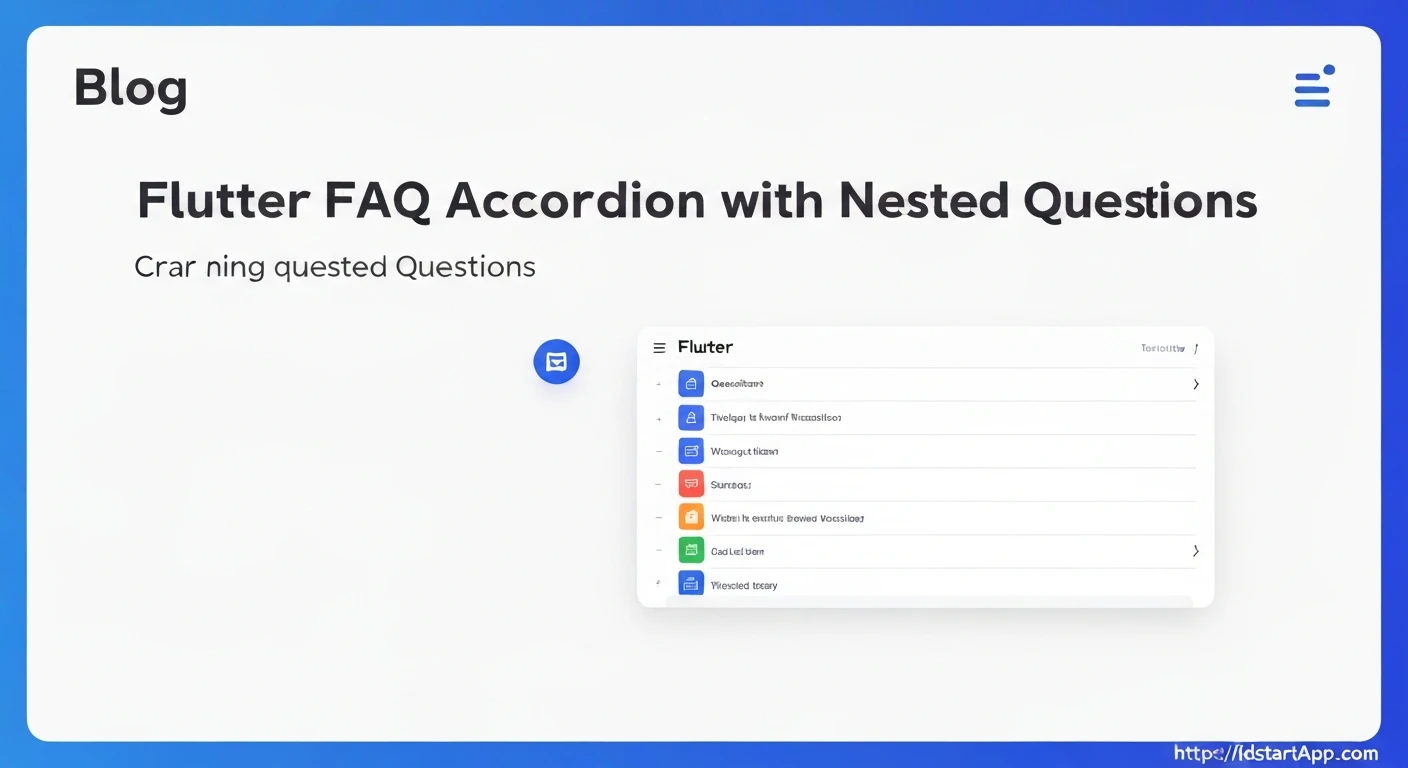

Creating an Accordion FAQ Widget with Nested Questions in Flutter
Frequently Asked Questions (FAQ) sections are crucial for providing users with quick answers and reducing support inquiries. In mobile applications, presenting a long list of FAQs efficiently often involves an accordion-style widget. This approach conserves screen space by showing only question titles, expanding to reveal answers upon user interaction. A more advanced requirement is to support nested questions, where an answer to a top-level question might lead to further sub-questions, forming a hierarchical FAQ structure.
This article will guide you through creating a professional and reusable Accordion FAQ widget in Flutter, complete with support for nested questions, leveraging Flutter's built-in widgets and state management capabilities.
1. Defining the Data ModelFirst, we need a robust data model to represent our FAQ items. Each item should have a question, an answer, and optionally, a list of sub-questions (which are themselves FAQ items). This recursive definition is key to handling arbitrary nesting levels.
class FAQItem {
  final String question;
  final String answer;
  final List? nestedQuestions;

  FAQItem({
    required this.question,
    required this.answer,
    this.nestedQuestions,
  });
}
Flutter's ExpansionTile widget is perfectly suited for building accordion-style components. It provides an out-of-the-box solution for expanding and collapsing content. We will create a recursive widget that renders an ExpansionTile for each FAQItem and, if nested questions exist, renders more FAQItems within its children.
Let's create a main widget, FAQAccordion, that takes a list of FAQItems and renders them. Then, we'll create a helper widget, _FAQTile, to handle individual FAQ items and their potential nested structure.
The FAQAccordion widget will be a StatelessWidget that primarily uses a ListView.builder to iterate over the top-level FAQ items and render _FAQTile for each.
import 'package:flutter/material.dart';

class FAQAccordion extends StatelessWidget {
  final List faqItems;

  const FAQAccordion({Key? key, required this.faqItems}) : super(key: key);

  @override
  Widget build(BuildContext context) {
    return ListView.builder(
      itemCount: faqItems.length,
      itemBuilder: (context, index) {
        return _FAQTile(item: faqItems[index]);
      },
    );
  }
}
This is where the magic happens for nested questions. The _FAQTile will itself be a StatefulWidget (or you can manage expansion state at a higher level, but for simplicity, ExpansionTile handles its own state). It will display the question as its title and the answer as its direct child. If nestedQuestions are present, it will recursively render new _FAQTile widgets inside its children list.
class _FAQTile extends StatefulWidget {
  final FAQItem item;
  final int level; // To manage padding/indentation for nested levels

  const _FAQTile({Key? key, required this.item, this.level = 0}) : super(key: key);

  @override
  State<_FAQTile> createState() => _FAQTileState();
}

class _FAQTileState extends State<_FAQTile> {
  bool _isExpanded = false;

  @override
  Widget build(BuildContext context) {
    return Card(
      margin: EdgeInsets.symmetric(
        horizontal: 8.0 + (widget.level * 16.0), // Indent nested items
        vertical: 4.0,
      ),
      elevation: widget.level == 0 ? 2.0 : 1.0, // Less elevation for nested cards
      child: ExpansionTile(
        key: PageStorageKey(widget.item.question), // Helps preserve state on scroll
        title: Text(
          widget.item.question,
          style: TextStyle(
            fontWeight: FontWeight.bold,
            fontSize: 16.0 - (widget.level * 1.0), // Smaller font for nested
            color: widget.level == 0 ? Colors.deepPurple : Colors.black87,
          ),
        ),
        trailing: Icon(
          _isExpanded ? Icons.keyboard_arrow_up : Icons.keyboard_arrow_down,
          color: Colors.deepPurple,
        ),
        onExpansionChanged: (bool expanded) {
          setState(() {
            _isExpanded = expanded;
          });
        },
        children: [
          Padding(
            padding: const EdgeInsets.symmetric(horizontal: 16.0, vertical: 8.0),
            child: Align(
              alignment: Alignment.centerLeft,
              child: Text(
                widget.item.answer,
                style: TextStyle(fontSize: 14.0 - (widget.level * 0.5)),
                textAlign: TextAlign.justify,
              ),
            ),
          ),
          // Recursively render nested questions
          if (widget.item.nestedQuestions != null && widget.item.nestedQuestions!.isNotEmpty)
            ...widget.item.nestedQuestions!.map((nestedItem) {
              return _FAQTile(item: nestedItem, level: widget.level + 1);
            }).toList(),
        ],
      ),
    );
  }
}
In the _FAQTile widget:
- We use
PageStorageKeyforExpansionTile. This helps Flutter preserve the expansion state of a tile when it scrolls off-screen and then back on. - The
levelparameter is passed down to children to allow for visual indentation and subtle styling changes (like font size or elevation) to clearly distinguish nesting levels. - The spread operator (
...) is used to directly insert the list of nested_FAQTilewidgets into the parentExpansionTile'schildrenlist.
To use this widget, you'll prepare your FAQ data and then pass it to the FAQAccordion.
class MyApp extends StatelessWidget {
  const MyApp({Key? key}) : super(key: key);

  @override
  Widget build(BuildContext context) {
    final List sampleFaqs = [
      FAQItem(
        question: "What is Flutter?",
        answer: "Flutter is an open-source UI software development kit created by Google.",
        nestedQuestions: [
          FAQItem(
            question: "Why use Flutter?",
            answer: "Flutter allows you to build natively compiled applications for mobile, web, and desktop from a single codebase.",
          ),
          FAQItem(
            question: "Is Flutter cross-platform?",
            answer: "Yes, Flutter is renowned for its cross-platform capabilities.",
            nestedQuestions: [
              FAQItem(
                question: "Which platforms does Flutter support?",
                answer: "Flutter supports Android, iOS, Web, Windows, macOS, and Linux.",
              ),
            ],
          ),
        ],
      ),
      FAQItem(
        question: "How do I get started with Flutter?",
        answer: "You can visit the official Flutter website for installation guides and documentation.",
      ),
      FAQItem(
        question: "What is Dart?",
        answer: "Dart is a client-optimized programming language for fast apps on any platform, developed by Google. It is the language Flutter uses.",
      ),
    ];

    return MaterialApp(
      title: 'FAQ Accordion Demo',
      theme: ThemeData(
        primarySwatch: Colors.deepPurple,
      ),
      home: Scaffold(
        appBar: AppBar(
          title: const Text('FAQ with Nested Questions'),
        ),
        body: FAQAccordion(faqItems: sampleFaqs),
      ),
    );
  }
}

void main() {
  runApp(const MyApp());
}
- Styling: You can further customize the appearance of
ExpansionTileby adjusting itsbackgroundColor,collapsedBackgroundColor,iconColor, andcollapsedIconColor. Text styles for the question and answer can be dynamically changed based on thelevel. - Initial Expansion State: If you want certain items to be expanded by default, you can add an
isInitiallyExpandedproperty to yourFAQItemmodel and pass it to theExpansionTile. - Animation:
ExpansionTilecomes with built-in animation. If you need more custom animations, you might consider building a custom accordion from scratch usingAnimatedContainerorSizeTransition. - Accessibility: Ensure proper semantic labels and focus management if you're building a highly interactive or custom accordion, although
ExpansionTilehandles much of this by default. - Search Functionality: For a large number of FAQs, adding a search bar to filter the list of
FAQItems would be a significant enhancement.
Building an Accordion FAQ widget with nested questions in Flutter is straightforward thanks to the versatile ExpansionTile widget. By defining a recursive data model and a corresponding recursive rendering widget, you can elegantly handle arbitrary levels of nested questions, providing a clean and intuitive user experience for navigating complex FAQ structures. This approach ensures reusability, maintainability, and professional presentation of information within your Flutter applications.