
Creating an Accordion FAQ Widget in Flutter
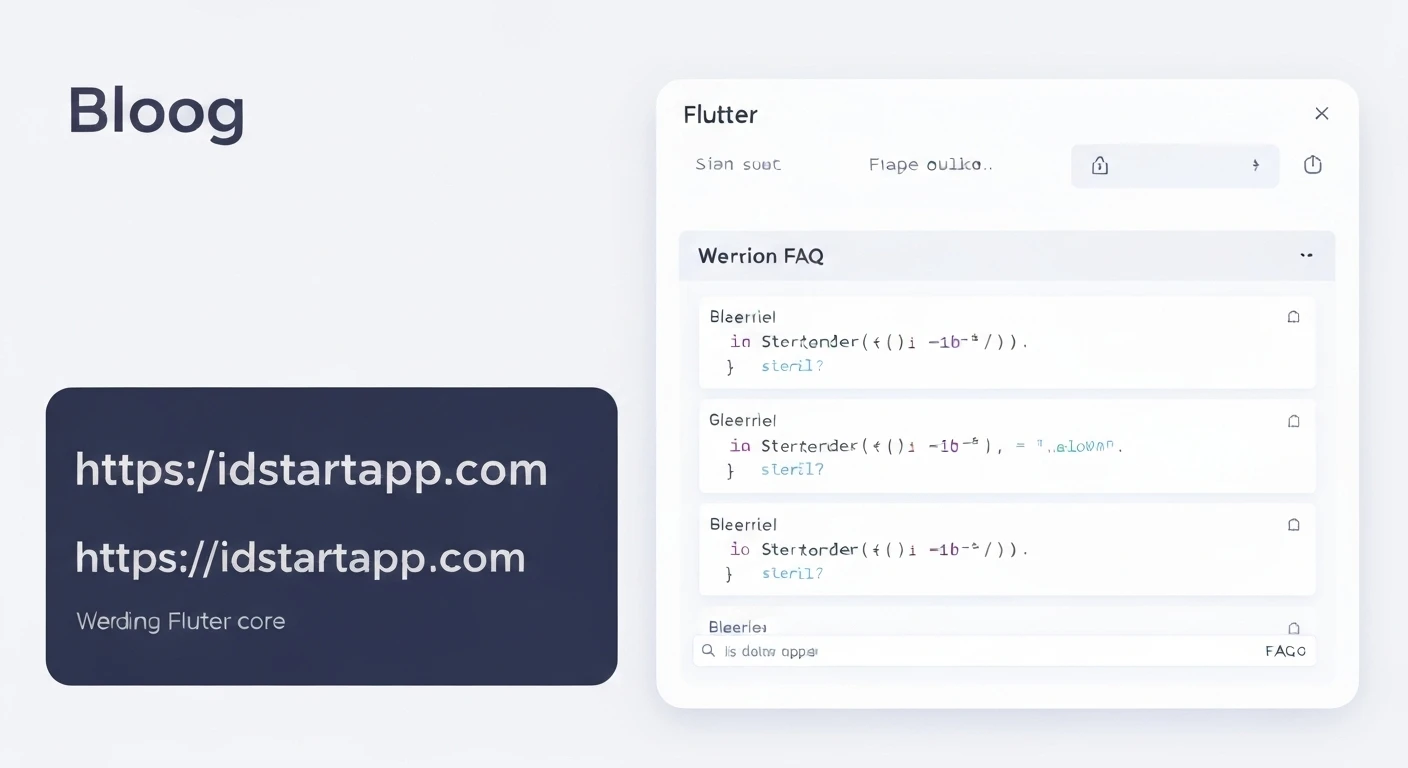
Frequently Asked Questions (FAQ) sections are crucial for providing users with quick answers to common queries, improving user experience and reducing support requests. An accordion style for FAQs is particularly effective, allowing users to see questions at a glance and expand only the answers they need. This article will guide you through building a dynamic Accordion FAQ widget in Flutter using the built-in ExpansionTile widget.
Understanding the Core Component: ExpansionTile
Flutter's ExpansionTile widget is perfectly suited for creating accordion-like behavior. It's a single-line ListTile with a trailing icon that expands or collapses to show or hide a list of children. Key properties include:
title: The main widget displayed when the tile is collapsed (e.g., the FAQ question).children: A list of widgets displayed when the tile is expanded (e.g., the FAQ answer).initiallyExpanded: A boolean to control if the tile should be expanded by default.onExpansionChanged: A callback that fires when the tile's expansion state changes.
Step-by-Step Implementation
1. Define Your FAQ Data Model
First, let's create a simple data model to represent each FAQ item. This makes managing your questions and answers cleaner and more scalable.
class FAQItem {
  final String question;
  final String answer;

  FAQItem({required this.question, required this.answer});
}
2. Prepare Your FAQ Data
Next, create a list of FAQItem objects. This list will be used to populate your accordion.
List faqData = [
  FAQItem(
    question: "What is Flutter?",
    answer: "Flutter is an open-source UI software development kit created by Google.",
  ),
  FAQItem(
    question: "How do I install Flutter?",
    answer: "You can install Flutter by downloading the SDK from the official website and setting up your environment variables.",
  ),
  FAQItem(
    question: "What platforms does Flutter support?",
    answer: "Flutter supports building applications for iOS, Android, Web, Windows, macOS, and Linux from a single codebase.",
  ),
  FAQItem(
    question: "Is Flutter free to use?",
    answer: "Yes, Flutter is completely free and open-source.",
  ),
];
3. Create the Accordion FAQ Widget
Now, let's build the main widget that displays our FAQ list. We'll use a ListView.builder combined with ExpansionTile.
import 'package:flutter/material.dart';

// Assuming FAQItem class is defined as above

class AccordionFAQPage extends StatefulWidget {
  const AccordionFAQPage({Key? key}) : super(key: key);

  @override
  State createState() => _AccordionFAQPageState();
}

class _AccordionFAQPageState extends State {
  // Our FAQ data (can be fetched from an API or a local file)
  final List _faqData = [
    FAQItem(
      question: "What is Flutter?",
      answer: "Flutter is an open-source UI software development kit created by Google.",
    ),
    FAQItem(
      question: "How do I install Flutter?",
      answer: "You can install Flutter by downloading the SDK from the official website and setting up your environment variables.",
    ),
    FAQItem(
      question: "What platforms does Flutter support?",
      answer: "Flutter supports building applications for iOS, Android, Web, Windows, macOS, and Linux from a single codebase.",
    ),
    FAQItem(
      question: "Is Flutter free to use?",
      answer: "Yes, Flutter is completely free and open-source.",
    ),
  ];

  @override
  Widget build(BuildContext context) {
    return Scaffold(
      appBar: AppBar(
        title: const Text("FAQ Accordion"),
      ),
      body: ListView.builder(
        itemCount: _faqData.length,
        itemBuilder: (context, index) {
          final faqItem = _faqData[index];
          return Card( // Wrap ExpansionTile in a Card for better visual separation
            margin: const EdgeInsets.symmetric(horizontal: 16.0, vertical: 8.0),
            child: ExpansionTile(
              title: Text(
                faqItem.question,
                style: const TextStyle(
                  fontSize: 18.0,
                  fontWeight: FontWeight.bold,
                ),
              ),
              children: [
                Padding(
                  padding: const EdgeInsets.symmetric(
                    horizontal: 16.0,
                    vertical: 8.0,
                  ),
                  child: Text(
                    faqItem.answer,
                    style: const TextStyle(fontSize: 16.0),
                  ),
                ),
              ],
              // Optional: Add custom styling
              // trailing: Icon(Icons.arrow_drop_down),
              // backgroundColor: Colors.grey[100],
              // collapsedBackgroundColor: Colors.white,
            ),
          );
        },
      ),
    );
  }
}
4. Running the Application
To see your Accordion FAQ in action, integrate AccordionFAQPage into your main.dart file.
import 'package:flutter/material.dart';
// Import your FAQ page and data model
// import 'path/to/accordion_faq_page.dart';
// import 'path/to/faq_item.dart'; // if FAQItem is in a separate file

void main() {
  runApp(const MyApp());
}

class MyApp extends StatelessWidget {
  const MyApp({Key? key}) : super(key: key);

  @override
  Widget build(BuildContext context) {
    return MaterialApp(
      title: 'Flutter FAQ Accordion Demo',
      theme: ThemeData(
        primarySwatch: Colors.blue,
      ),
      home: const AccordionFAQPage(), // Your FAQ page
      debugShowCheckedModeBanner: false,
    );
  }
}
Customization and Enhancements
The ExpansionTile is highly customizable. You can modify its appearance using properties like:
leading,trailing: Add custom icons or widgets.backgroundColor,collapsedBackgroundColor: Change the background color based on its state.textColor,collapsedTextColor: Adjust text colors.iconColor,collapsedIconColor: Modify icon colors.onExpansionChanged: Implement logic, for example, to ensure only one tile is open at a time (this requires managing the expanded state in your parent widget).
For instance, to manage a single open tile, you would typically maintain a state variable in your _AccordionFAQPageState to track which tile, if any, is currently expanded, and update it in the onExpansionChanged callback.
Conclusion
Creating an Accordion FAQ widget in Flutter is straightforward thanks to the versatile ExpansionTile widget. By combining it with a data model and ListView.builder, you can efficiently display a dynamic and user-friendly FAQ section in your application. This not only enhances the user experience but also makes your app's information more accessible and organized.