
Building an FAQ List Widget with Expandable Panels in Flutter
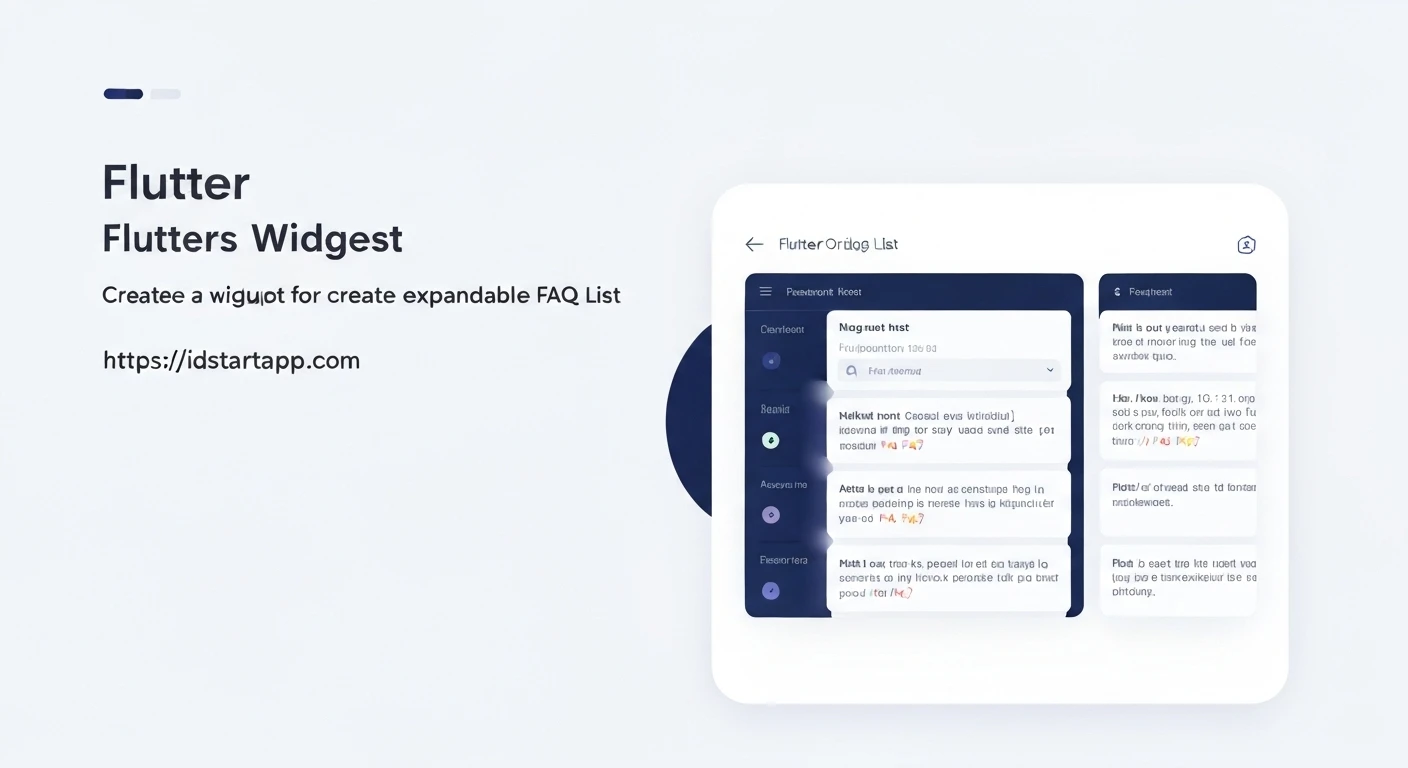
In modern applications, providing users with quick access to information is crucial for a smooth user experience. A Frequently Asked Questions (FAQ) section is an effective way to address common user queries, and an interactive FAQ list with expandable panels significantly enhances its usability. Instead of navigating to separate pages or scrolling through a lengthy list, users can simply tap on a question to reveal its answer, keeping the interface clean and concise.
This article will guide you through creating a professional and functional FAQ list widget in Flutter using expandable panels. We will leverage Flutter's built-in widgets to create an elegant solution that is easy to understand and integrate into any Flutter application.
1. The FAQ Item Data Model
First, let's define a simple data model for our FAQ items. Each item will consist of a question, an answer, and a boolean flag to track its expansion state.
Create a file named `faq_item.dart` (or place this class at the top of your main FAQ widget file):
class FAQItem {
  FAQItem({
    required this.question,
    required this.answer,
    this.isExpanded = false,
  });

  String question;
  String answer;
  bool isExpanded;
}
2. Implementing the Expandable FAQ List Widget
Next, we'll create a `StatefulWidget` that will manage the list of FAQ items and their expanded states. We'll use Flutter's `ExpansionPanelList` widget, which is perfectly suited for this use case. It allows for one or more panels to be expanded at a time, and it handles the animation seamlessly.
Create a file named `expandable_faq_list.dart`:
import 'package:flutter/material.dart';
// Make sure to import your FAQItem class if it's in a separate file
// import 'faq_item.dart';

// --- FAQItem Class Definition (if not in a separate file) ---
class FAQItem {
  FAQItem({
    required this.question,
    required this.answer,
    this.isExpanded = false,
  });

  String question;
  String answer;
  bool isExpanded;
}
// -----------------------------------------------------------

class ExpandableFAQList extends StatefulWidget {
  const ExpandableFAQList({super.key});

  @override
  State createState() => _ExpandableFAQListState();
}

class _ExpandableFAQListState extends State {
  // Sample data for our FAQ list. In a real application, this might come from an API or a database.
  final List<FAQItem> _data = <FAQItem>[
    FAQItem(
      question: 'What is Flutter?',
      answer: 'Flutter is an open-source UI software development kit created by Google. It is used to develop cross-platform applications for Android, iOS, Linux, Mac, Windows, and the web from a single codebase.',
    ),
    FAQItem(
      question: 'Why should I use Flutter for app development?',
      answer: 'Flutter offers fast development cycles, expressive and flexible UI, excellent performance (natively compiled), and a single codebase for multiple platforms, reducing development time and cost.',
    ),
    FAQItem(
      question: 'Is Flutter free to use?',
      answer: 'Yes, Flutter is completely free and open-source. It is backed by Google and has a vibrant community of developers.',
    ),
    FAQItem(
      question: 'What programming language does Flutter use?',
      answer: 'Flutter uses Dart, a client-optimized language for fast apps on any platform. Dart is easy to learn, especially if you have experience with C#, Java, or JavaScript.',
    ),
  ];

  @override
  Widget build(BuildContext context) {
    return SingleChildScrollView(
      child: ExpansionPanelList(
        // The expansionCallback is triggered when a user taps on a panel header.
        // It provides the index of the tapped panel and its current expanded state.
        expansionCallback: (int index, bool isExpanded) {
          setState(() {
            // We toggle the 'isExpanded' state of the tapped item.
            _data[index].isExpanded = !isExpanded;
          });
        },
        // The children property takes a list of ExpansionPanel widgets.
        children: _data.map<ExpansionPanel>((FAQItem item) {
          return ExpansionPanel(
            // headerBuilder defines the content visible when the panel is collapsed.
            headerBuilder: (BuildContext context, bool isExpanded) {
              return ListTile(
                title: Text(
                  item.question,
                  style: const TextStyle(
                    fontWeight: FontWeight.bold,
                    fontSize: 16.0,
                  ),
                ),
              );
            },
            // body defines the content visible when the panel is expanded.
            body: Padding(
              padding: const EdgeInsets.fromLTRB(16.0, 0.0, 16.0, 16.0),
              child: Align(
                alignment: Alignment.topLeft,
                child: Text(
                  item.answer,
                  style: const TextStyle(fontSize: 14.0),
                ),
              ),
            ),
            // isExpanded controls the current expansion state of the panel.
            isExpanded: item.isExpanded,
            canTapOnHeader: true, // Allows tapping anywhere on the header to expand/collapse
          );
        }).toList(),
      ),
    );
  }
}
In this widget:
- We initialize a list of `FAQItem` objects as sample data.
- `ExpansionPanelList` is used to display the list of expandable panels.
- The `expansionCallback` is crucial: it updates the `isExpanded` property of the corresponding `FAQItem` in our `_data` list using `setState`, which rebuilds the widget and reflects the change.
- Each `ExpansionPanel` requires a `headerBuilder` (for the question), a `body` (for the answer), and the `isExpanded` flag linked to our data model.
- `canTapOnHeader: true` improves usability by allowing users to tap anywhere on the header to toggle the panel.
3. Integrating into Your Flutter Application
Finally, let's integrate our `ExpandableFAQList` widget into a basic Flutter application. This will typically be done within a `Scaffold`'s `body` property.
In your `main.dart` file:
import 'package:flutter/material.dart';
import 'package:your_app_name/expandable_faq_list.dart'; // Adjust import path as needed

void main() {
  runApp(const MyApp());
}

class MyApp extends StatelessWidget {
  const MyApp({super.key});

  @override
  Widget build(BuildContext context) {
    return MaterialApp(
      title: 'FAQ App',
      theme: ThemeData(
        primarySwatch: Colors.blue,
        visualDensity: VisualDensity.adaptivePlatformDensity,
      ),
      home: const FAQHomePage(),
    );
  }
}

class FAQHomePage extends StatelessWidget {
  const FAQHomePage({super.key});

  @override
  Widget build(BuildContext context) {
    return Scaffold(
      appBar: AppBar(
        title: const Text('Frequently Asked Questions'),
        centerTitle: true,
      ),
      body: const ExpandableFAQList(), // Our custom FAQ list widget
    );
  }
}
Run your Flutter application, and you will see a list of questions that expand to reveal their answers when tapped.
Conclusion
By following these steps, you have successfully created an FAQ list widget with expandable panels in Flutter. This pattern is highly effective for improving information architecture and user experience in your applications. You can further enhance this widget by:
- Styling: Customizing the look and feel of the panels, headers, and body content to match your app's theme.
- Dynamic Data: Loading FAQ data from a remote API or a local database instead of using hardcoded values.
- Search Functionality: Adding a search bar to filter FAQ items based on user input.
- Single Expansion Mode: Using `ExpansionPanelList.radio` if you prefer only one panel to be open at a time.
This flexible and scalable solution provides a solid foundation for building interactive and user-friendly FAQ sections in your Flutter projects.