
Building a Goal Tracker Widget with Milestone Indicator and Reward in Flutter
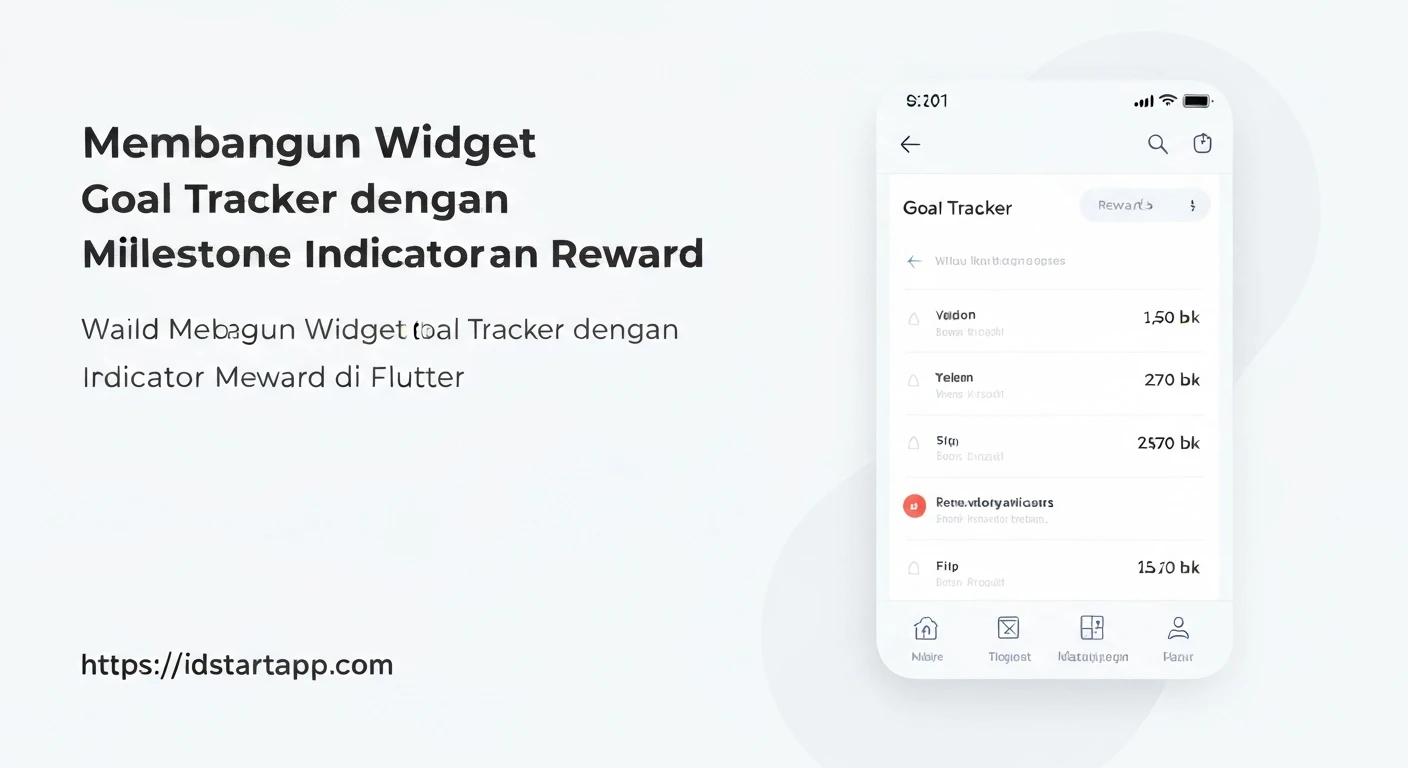
Goal tracking is a powerful tool for self-improvement, productivity, and motivation. Visualizing progress, celebrating intermediate achievements (milestones), and offering incentives (rewards) can significantly enhance user engagement and commitment. In Flutter, we can build a dynamic and interactive Goal Tracker widget that incorporates these elements beautifully. This article will guide you through creating such a widget, complete with a progress bar, milestone indicators, and a system for unlocking rewards.
Core Concepts
Before diving into the code, let's understand the fundamental components:
- Goal: The primary objective the user aims to achieve. It has a current progress value and a target value.
- Milestones: Intermediate targets along the path to the main goal. Reaching a milestone signifies significant progress and can trigger specific events or visual feedback.
- Progress: A quantifiable measure of how much of the goal has been completed. This is often represented visually as a progress bar.
- Rewards: Incentives given to the user upon reaching a milestone or completing the final goal. These can be virtual items, badges, or simply a celebratory message.
Data Models
To manage the state of our goal tracker, we'll define simple Dart classes for our data. This approach separates data logic from UI logic, making our widget more modular and testable.
Milestone Model
class Milestone {
  final double value; // The progress value at which this milestone is reached (e.g., 0.25 for 25%)
  final String description;
  bool isAchieved;

  Milestone({
    required this.value,
    required this.description,
    this.isAchieved = false,
  });
}
Reward Model
class Reward {
  final String description;
  bool isUnlocked;

  Reward({
    required this.description,
    this.isUnlocked = false,
  });
}
Goal Model
class Goal {
  final String title;
  double currentValue;
  final double targetValue;
  final List milestones;
  final List rewards;

  Goal({
    required this.title,
    this.currentValue = 0.0,
    required this.targetValue,
    required this.milestones,
    required this.rewards,
  });

  // Helper to get progress percentage
  double get progressPercentage => currentValue / targetValue;

  // Method to update current value and check for achievements
  void updateProgress(double newValue) {
    currentValue = newValue.clamp(0.0, targetValue); // Ensure value stays within bounds

    // Check milestones
    for (var milestone in milestones) {
      if (progressPercentage >= milestone.value && !milestone.isAchieved) {
        milestone.isAchieved = true;
        print('Milestone achieved: ${milestone.description}');
        // Optionally trigger specific reward logic for this milestone here
      }
    }

    // Check and unlock rewards. This example assumes a reward might be linked to
    // a corresponding milestone by index, or simply unlocked upon its milestone's achievement.
    if (milestones.isNotEmpty) {
        for (int i = 0; i < milestones.length; i++) {
            if (milestones[i].isAchieved && i < rewards.length && !rewards[i].isUnlocked) {
                rewards[i].isUnlocked = true;
                print('Reward unlocked: ${rewards[i].description}');
            }
        }
    }
  }
}
Building the Goal Tracker Widget
Our main widget, GoalTrackerWidget, will be a StatefulWidget to manage its internal state (progress updates, milestone achievements, reward unlocks). It will take a Goal object as input.
import 'package:flutter/material.dart';

// (Assuming Milestone, Reward, and Goal classes are defined above or in a separate file)

class GoalTrackerWidget extends StatefulWidget {
  final Goal goal;

  const GoalTrackerWidget({Key? key, required this.goal}) : super(key: key);

  @override
  State createState() => _GoalTrackerWidgetState();
}

class _GoalTrackerWidgetState extends State {
  @override
  Widget build(BuildContext context) {
    return Card(
      margin: const EdgeInsets.all(16.0),
      child: Padding(
        padding: const EdgeInsets.all(16.0),
        child: Column(
          crossAxisAlignment: CrossAxisAlignment.start,
          children: [
            Text(
              widget.goal.title,
              style: Theme.of(context).textTheme.headlineSmall,
            ),
            const SizedBox(height: 16.0),
            _buildProgressBarWithMilestones(),
            const SizedBox(height: 16.0),
            Text(
              'Progress: ${widget.goal.currentValue.toStringAsFixed(0)} / ${widget.goal.targetValue.toStringAsFixed(0)}',
              style: Theme.of(context).textTheme.titleMedium,
            ),
            const SizedBox(height: 16.0),
            _buildRewardsSection(),
          ],
        ),
      ),
    );
  }

  Widget _buildProgressBarWithMilestones() {
    return LayoutBuilder(
      builder: (context, constraints) {
        final double progressBarWidth = constraints.maxWidth;
        final double currentProgressWidth = progressBarWidth * widget.goal.progressPercentage;

        return Stack(
          children: [
            // Background progress bar
            Container(
              height: 20.0,
              decoration: BoxDecoration(
                color: Colors.grey[300],
                borderRadius: BorderRadius.circular(10.0),
              ),
            ),
            // Filled progress bar
            AnimatedContainer(
              duration: const Duration(milliseconds: 500),
              curve: Curves.easeOut,
              height: 20.0,
              width: currentProgressWidth,
              decoration: BoxDecoration(
                color: Theme.of(context).primaryColor,
                borderRadius: BorderRadius.circular(10.0),
              ),
            ),
            // Milestone indicators
            ...widget.goal.milestones.map((milestone) {
              final double milestonePosition = progressBarWidth * milestone.value;
              return Positioned(
                left: milestonePosition - 6, // Adjust to center the indicator
                top: 0,
                bottom: 0,
                child: Tooltip(
                  message: milestone.description,
                  child: Container(
                    width: 12.0,
                    height: 20.0,
                    decoration: BoxDecoration(
                      color: milestone.isAchieved ? Colors.green : Colors.blueGrey,
                      shape: BoxShape.circle,
                      border: Border.all(color: Colors.white, width: 2.0),
                    ),
                  ),
                ),
              );
            }).toList(),
          ],
        );
      },
    );
  }

  Widget _buildRewardsSection() {
    return Column(
      crossAxisAlignment: CrossAxisAlignment.start,
      children: [
        Text(
          'Rewards:',
          style: Theme.of(context).textTheme.titleMedium,
        ),
        const SizedBox(height: 8.0),
        Wrap(
          spacing: 8.0,
          runSpacing: 8.0,
          children: widget.goal.rewards.map((reward) {
            return Chip(
              label: Text(reward.description),
              backgroundColor: reward.isUnlocked ? Colors.amber[200] : Colors.grey[200],
              avatar: Icon(
                reward.isUnlocked ? Icons.star : Icons.lock,
                color: reward.isUnlocked ? Colors.orange : Colors.grey[600],
              ),
              labelStyle: TextStyle(
                color: reward.isUnlocked ? Colors.black : Colors.grey[700],
              ),
            );
          }).toList(),
        ),
      ],
    );
  }

  // A helper method to trigger state updates externally,
  // used here by the parent widget's FloatingActionButton.
  void refreshUI() {
    setState(() {
      // The goal's internal state is updated by its methods,
      // this setState just rebuilds the UI to reflect changes.
    });
  }
}
Integrating and Using the Widget
To use this widget, you'll need to define a Goal object and pass it to the GoalTrackerWidget. You can then update the goal's progress from anywhere in your application that has access to the Goal object. When the goal's data changes, calling setState in the parent widget (or any state management solution) will trigger the GoalTrackerWidget to rebuild and reflect the updates.
import 'package:flutter/material.dart';
// Import your Goal, Milestone, Reward, and GoalTrackerWidget classes

void main() {
  runApp(const MyApp());
}

class MyApp extends StatefulWidget {
  const MyApp({Key? key}) : super(key: key);

  @override
  State createState() => _MyAppState();
}

class _MyAppState extends State {
  late Goal _myGoal;
  final GlobalKey<_GoalTrackerWidgetState> _goalTrackerKey = GlobalKey<_GoalTrackerWidgetState>();


  @override
  void initState() {
    super.initState();
    _myGoal = Goal(
      title: 'Learn Flutter Advanced Topics',
      targetValue: 100.0,
      milestones: [
        Milestone(value: 0.25, description: 'Completed State Management'),
        Milestone(value: 0.50, description: 'Mastered Custom Widgets'),
        Milestone(value: 0.75, description: 'Understood Networking & APIs'),
        Milestone(value: 1.00, description: 'Built Portfolio Project'),
      ],
      rewards: [
        Reward(description: 'Badge: State Guru'),
        Reward(description: 'Certificate: UI Master'),
        Reward(description: 'Access: Pro Resources'),
        Reward(description: 'Title: Flutter Expert'),
      ],
    );
  }

  void _incrementProgress() {
    // Update the goal's internal state
    _myGoal.updateProgress(_myGoal.currentValue + 10);
    // Trigger a rebuild of the GoalTrackerWidget to reflect the changes
    _goalTrackerKey.currentState?.refreshUI();
  }

  @override
  Widget build(BuildContext context) {
    return MaterialApp(
      title: 'Goal Tracker Demo',
      theme: ThemeData(
        primarySwatch: Colors.blue,
        visualDensity: VisualDensity.adaptivePlatformDensity,
      ),
      home: Scaffold(
        appBar: AppBar(
          title: const Text('Goal Tracker Demo'),
        ),
        body: Center(
          child: GoalTrackerWidget(key: _goalTrackerKey, goal: _myGoal),
        ),
        floatingActionButton: FloatingActionButton(
          onPressed: _incrementProgress,
          child: const Icon(Icons.add),
          tooltip: 'Add Progress',
        ),
      ),
    );
  }
}
Conclusion
Building a Goal Tracker widget in Flutter with milestone indicators and rewards provides a highly engaging way to help users achieve their objectives. By structuring your data models clearly and separating UI concerns, you can create a flexible and maintainable component. This foundation can be expanded with more sophisticated animations, custom milestone shapes, different reward types, and robust state management solutions like Provider or Bloc for larger applications. Encourage your users to reach new heights by visualizing their journey and celebrating every step!