
Flutter Firebase Auth: Implementing Multiple OAuth2 SSO
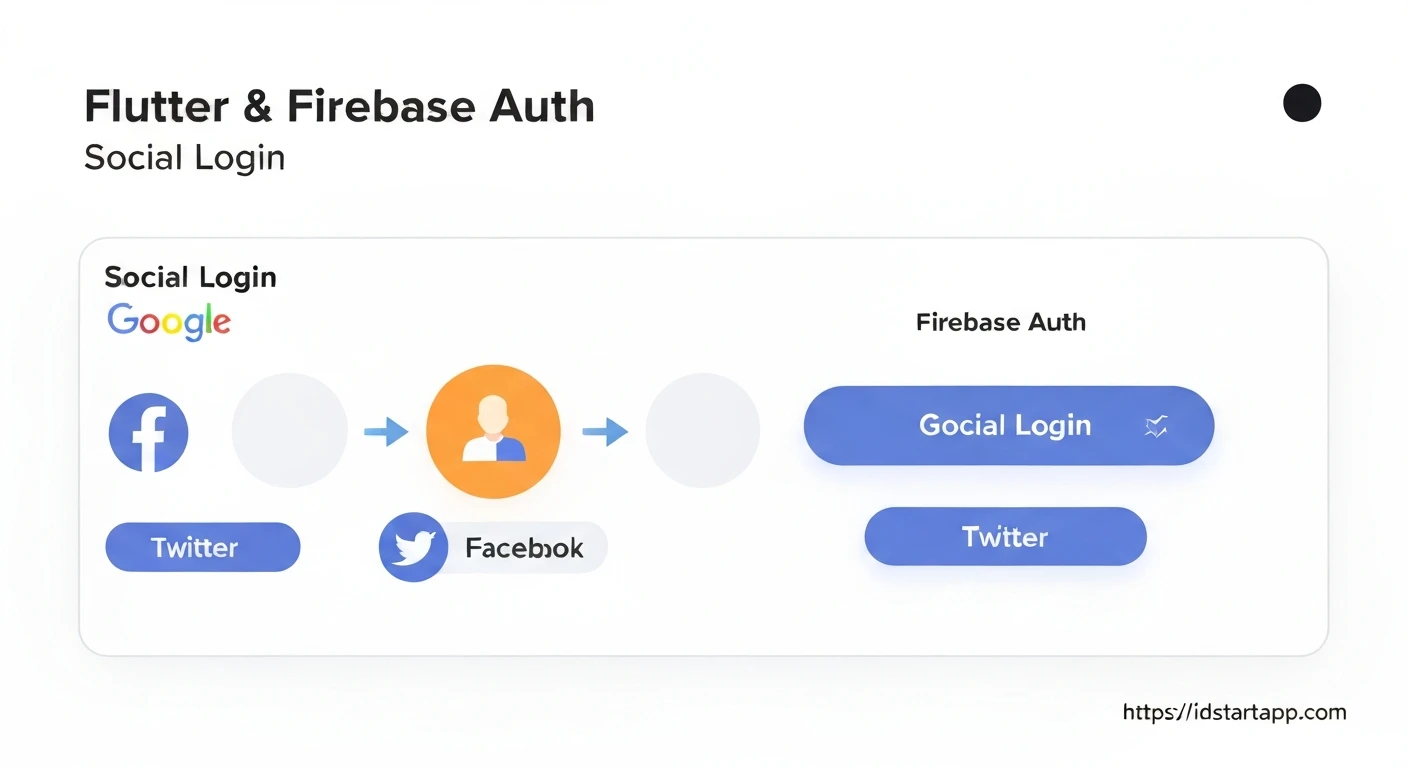
Modern mobile applications must balance security with user convenience. Implementing Single Sign-On (SSO) using multiple OAuth2 providers—such as Google, Apple, and Facebook—is a standard expectation for professional apps. Firebase Authentication simplifies this process by providing a unified backend, allowing your Flutter application to handle diverse identity providers through a consistent API.
In this guide, we will explore how to architect a robust authentication layer in Flutter that supports multiple OAuth2 providers using Firebase Auth.
Configuring Firebase for Multiple Providers
Before writing any Dart code, you must configure the Firebase Console to recognize your chosen identity providers.
- Navigate to the Authentication section in your Firebase project.
- Go to the Sign-in method tab.
- Click Add new provider for each service you wish to support (e.g., Google, Apple, Facebook).
- Follow the specific instructions for each provider, such as adding your project's SHA-1 fingerprint for Android or configuring the Bundle ID for iOS.
Ensure that you enable the specific OAuth2 scopes required by your application. For instance, if you need access to user emails, verify that the provider settings in Firebase permit this access.
Setting Up Your Flutter Project
To begin, add the necessary dependencies to your pubspec.yaml file. You will need the core Firebase Auth package and the specific SDKs for each provider you intend to support.
dependencies:
  firebase_auth: ^4.16.0
  firebase_core: ^2.24.2
  google_sign_in: ^6.1.6
  flutter_facebook_auth: ^6.0.0
Run flutter pub get to install these packages. Ensure your android/app/build.gradle and ios/Runner/Info.plist files are correctly updated with the required metadata, such as the REVERSED_CLIENT_ID for Google Sign-In.
Building a Unified Authentication Service
Rather than scattering authentication logic throughout your UI, create a centralized AuthService class. This approach promotes code reuse and makes it easier to swap or add providers in the future.
import 'package:firebase_auth/firebase_auth.dart';
import 'package:google_sign_in/google_sign_in.dart';

class AuthService {
  final FirebaseAuth _auth = FirebaseAuth.instance;

  Future<UserCredential?> signInWithGoogle() async {
    final GoogleSignInAccount? googleUser = await GoogleSignIn().signIn();
    final GoogleSignInAuthentication? googleAuth = await googleUser?.authentication;

    final AuthCredential credential = GoogleAuthProvider.credential(
      accessToken: googleAuth?.accessToken,
      idToken: googleAuth?.idToken,
    );

    return await _auth.signInWithCredential(credential);
  }
}
This pattern allows you to map provider-specific tokens to a Firebase AuthCredential, which is then passed to signInWithCredential to authenticate the user.
Handling Provider-Specific Logic
Each provider has unique requirements. For example, Apple Sign-In requires handling the nonce to prevent replay attacks, while Facebook requires managing a LoginResult object. When implementing multiple providers, create a strategy pattern or a factory method to handle these differences cleanly.
Best Practices for Scalability
- Error Handling: Always wrap your authentication calls in
try-catchblocks. Firebase throws specific exceptions likefirebase_auth/account-exists-with-different-credentialwhen a user tries to sign in with an email that is already linked to another provider. - User Linking: If a user signs in with Google and later wants to link their Facebook account, use the
user.linkWithCredential()method provided by the FirebaseUserobject. - State Management: Use a provider or Riverpod to expose the current
User?object to your UI, ensuring the app reacts instantly to authentication state changes.
Troubleshooting Common Issues
Even with a solid setup, developers often encounter hurdles. The most frequent issue is a mismatch between the SHA-1 fingerprint in the Firebase Console and the one used to sign your APK. If your app crashes during authentication, double-check your google-services.json file.
Another common mistake is failing to configure the Redirect URI in the developer consoles of the respective providers (e.g., Facebook Developers or Google Cloud Console). Firebase handles most of this, but manual intervention is sometimes required for specific platforms.
Frequently Asked Questions
Can I link multiple providers to one account?
Yes, Firebase supports account linking. You can use linkWithCredential to associate multiple OAuth2 providers with a single Firebase Auth user ID.
Is it secure to handle OAuth2 tokens in Flutter?
Yes, provided you use the official Firebase SDKs. These SDKs handle the secure exchange of tokens between your app, the provider, and Firebase servers.
How do I handle user logout across all providers?
Calling FirebaseAuth.instance.signOut() logs the user out of Firebase. However, you should also call the signOut() method of the specific provider (e.g., GoogleSignIn().signOut()) to ensure the user is fully disconnected from their external account.
Conclusion
Implementing multiple OAuth2 providers with Flutter and Firebase Auth is a powerful way to reduce friction during user onboarding. By centralizing your logic in a dedicated service class and handling provider-specific nuances with care, you can create a secure and professional authentication flow. Start by configuring your providers in the Firebase Console, implement a clean AuthService, and always prioritize robust error handling to keep your users' data safe.